Automatic Weather Station – Black
Track temperature, humidity, pressure, time and alerts in one place to manage your home without multiple devices.
Wireless weather station benefits
Home weather station for everyday use
Indoor comfort
Track temperature and humidity around the home to adjust heating, ventilation or airing.
Outdoor areas
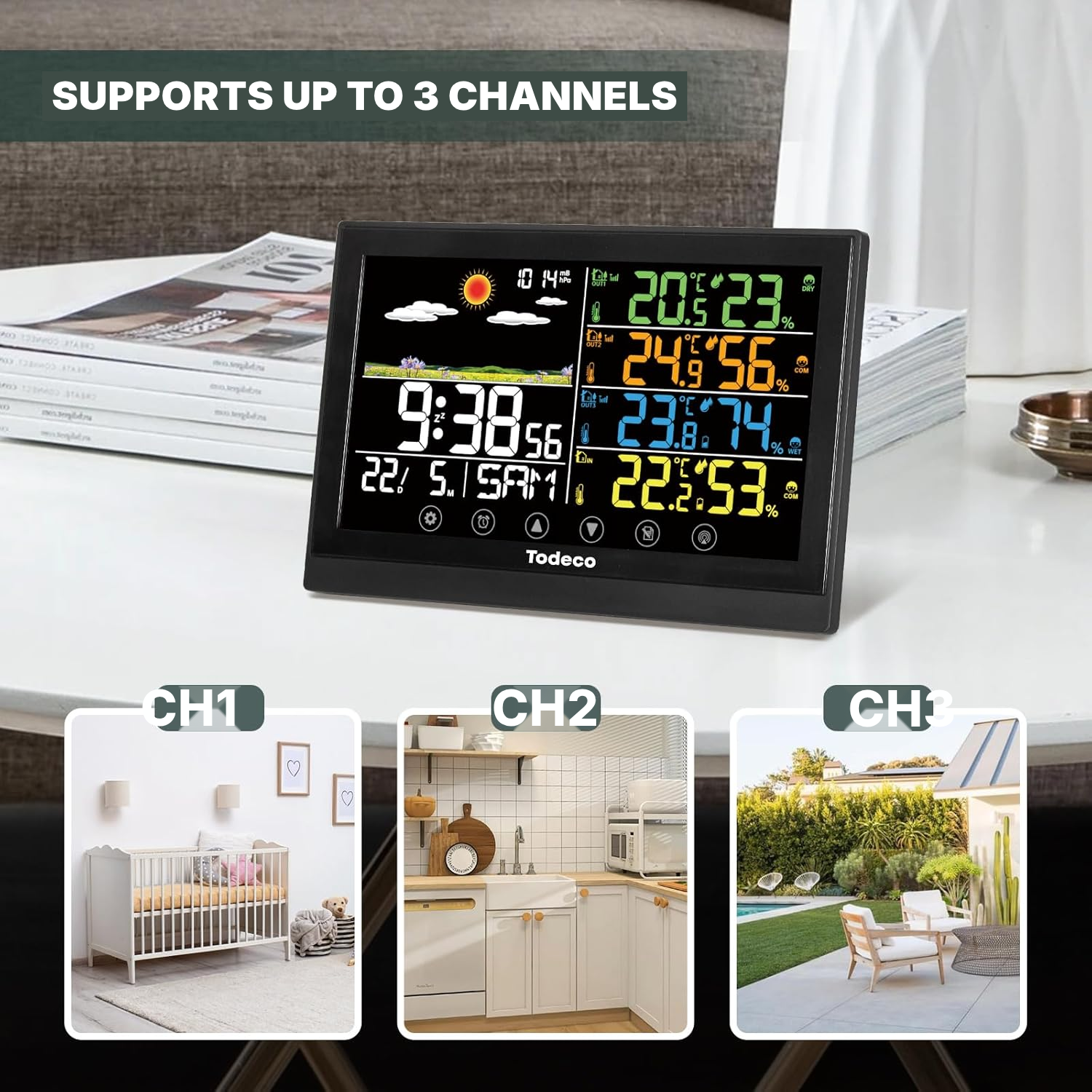
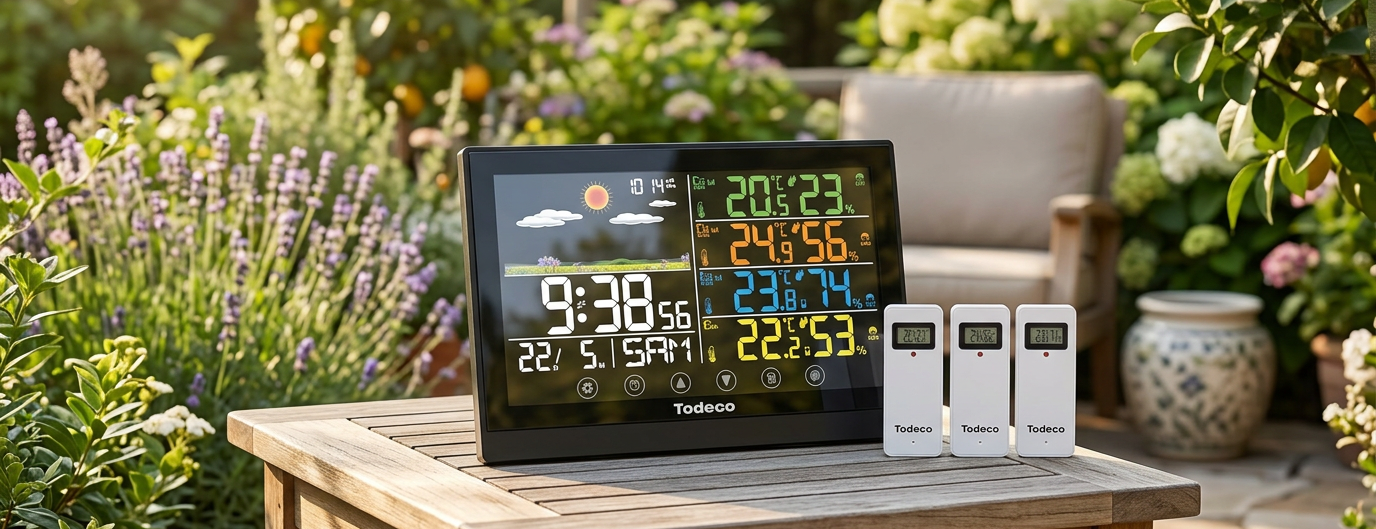
Compare up to 3 locations, such as a garden, balcony, garage or greenhouse, from the main display.
Plan your outings
Pressure and its trend arrow help you spot changing conditions before you leave.
Everyday clock
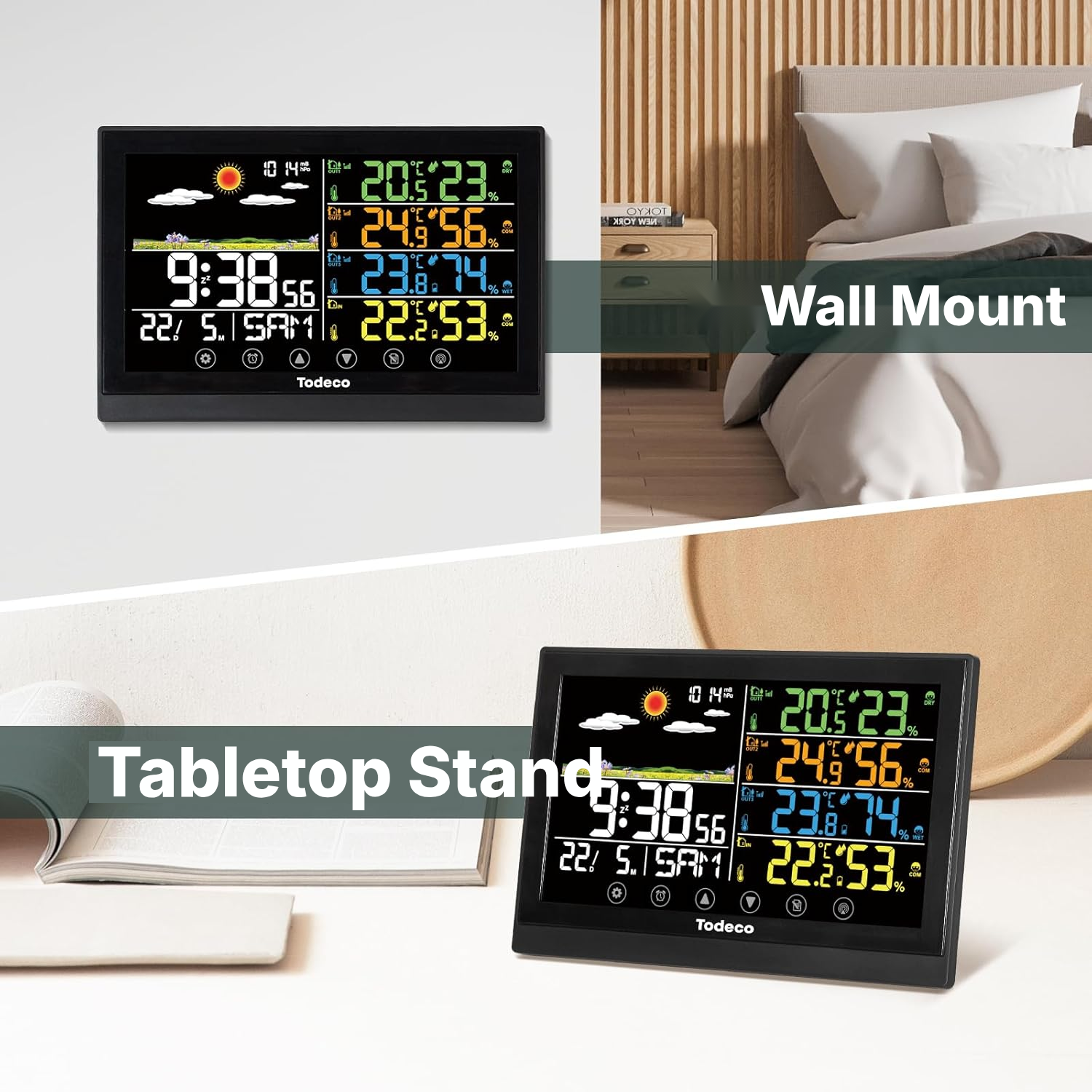
Place it on a desk or mount it on the wall to keep the time, date and 2 alarms visible.
Daily tracking
Max/min readings show recorded changes in temperature and humidity.
Second home
Install it in your main residence, chalet or holiday home to centralise your readings.
Automatic weather station with outdoor sensor
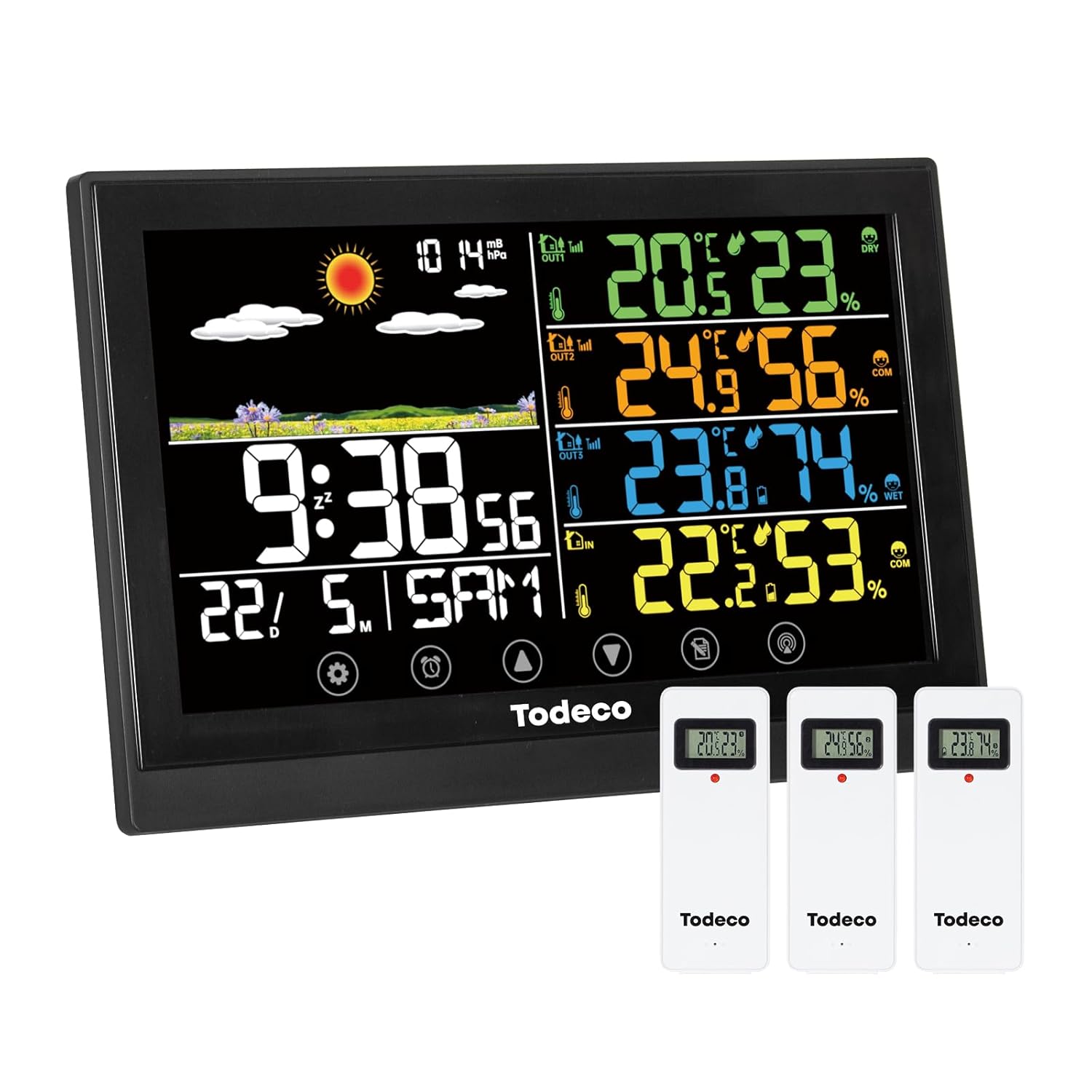
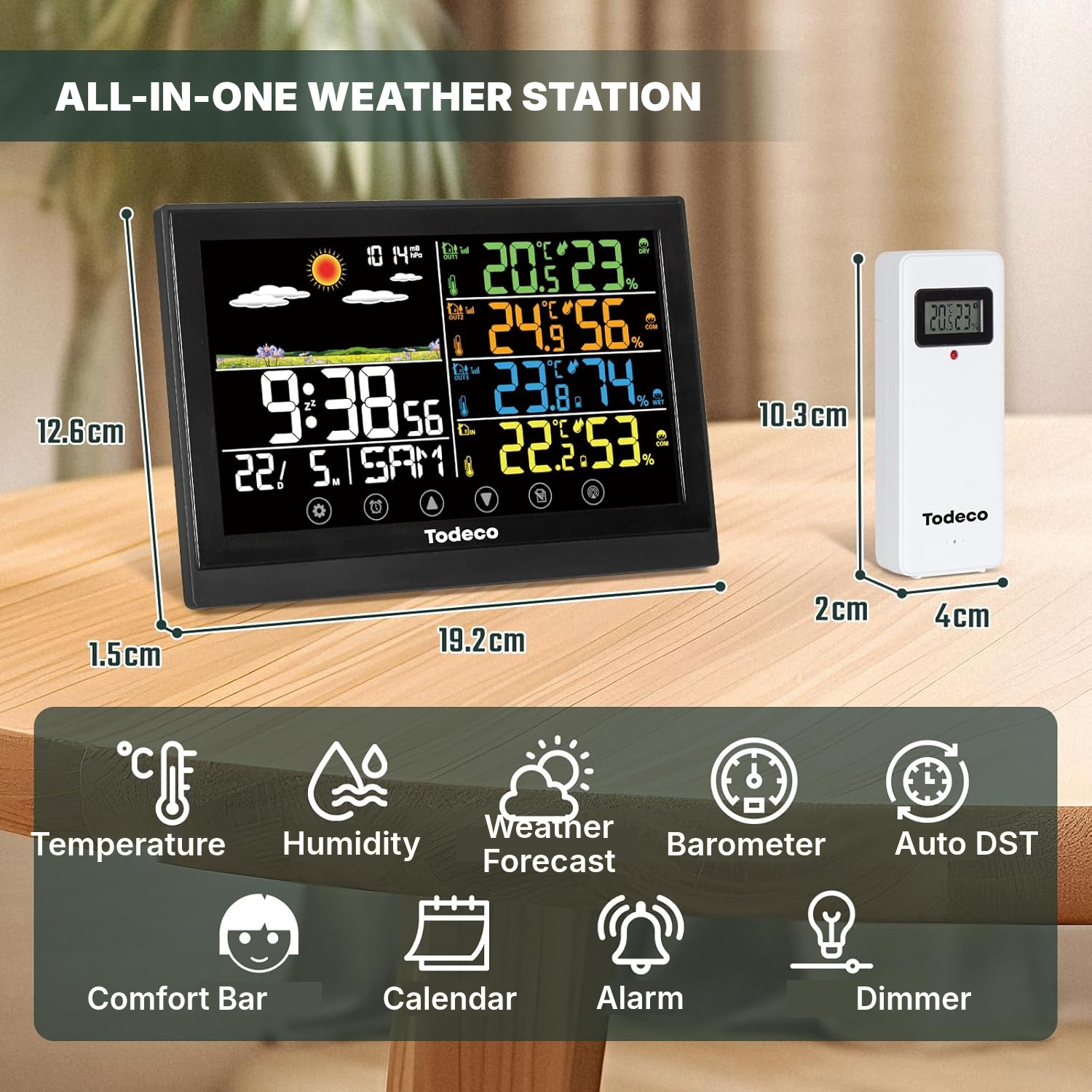
This wireless automatic weather station brings together the essential readings for your home: temperature, humidity, atmospheric pressure, time, date and weather trends on a digital touch screen.
The 3 included outdoor sensors let you monitor up to 3 separate areas, such as a garden, balcony, garage or greenhouse, without switching between devices. It is practical weather equipment for everyday use.
Before checking the weather where i am for your local area or planning a day out, you can already see the conditions measured around your home and the forecast trend for 6 to 12 hours.
The RCC atomic clock synchronises automatically with the WWVB signal, with manual adjustment available if reception varies from one room to another.
Max/min memories, a low-battery indicator and 3 backlight levels make everyday monitoring easier, without a minimalist display hiding the information you need. This home weather station also works as a home meteo station, with indoor and outdoor readings shown together.
Set up your 3-sensor weather station
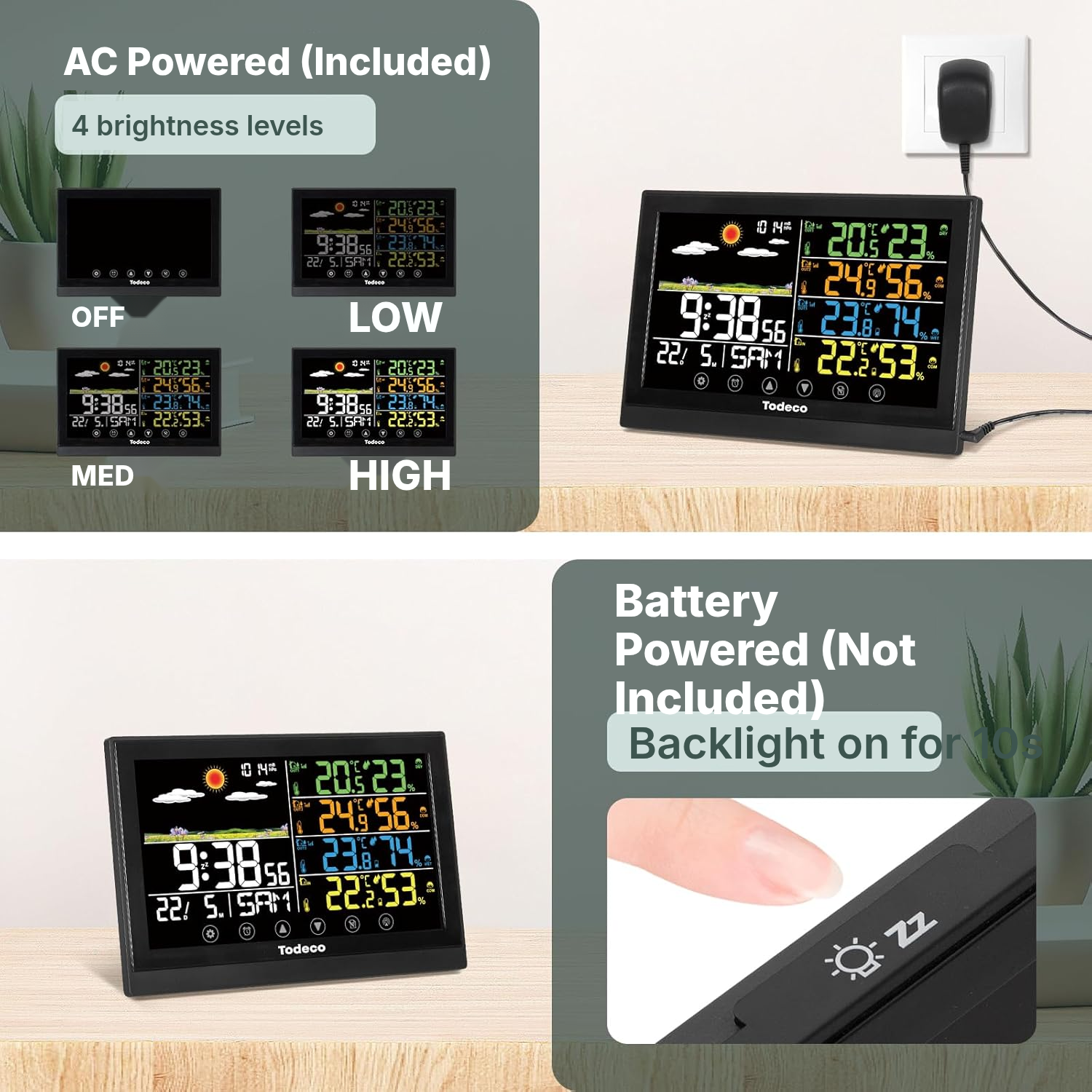
- Insert 2 AAA 1,5 V batteries into the station if you want backup power, then connect the included AC-AC adapter.
- Insert 2 AAA 1,5 V batteries into each of the 3 outdoor sensors.
- Set each sensor to a different channel: CH1, CH2 or CH3.
- Switch on the station to start the automatic sensor search; the signal icon will animate until detection or for 5 minutes.
- If no sensor is found, hold the CHANNEL button for more than 2 seconds to restart the search.
- During initial pairing, place the sensors 1,5-3 m from the station and leave the setup still for 15 minutes.
- Then install the sensors outdoors in the shade, and place the station freestanding or mount it on the wall.
Choosing a home weather station
- Check that 3 sensors are enough for the areas you want to monitor around your home.
- Plan for AAA batteries: 2 for station backup and 2 for each outdoor sensor.
- Place the station away from sources of interference if you rely on RCC synchronisation.
- Install the sensors in the shade to avoid readings distorted by direct sunlight.
- Choose this weather station if you want a complete display rather than a highly minimalist screen.
Maintain your thermometer hygrometer station
- Replace the AAA batteries when the low-battery indicator appears on the station or a sensor.
- Keep the station away from televisions, computers, microwaves and radios to preserve RF and RCC reception.
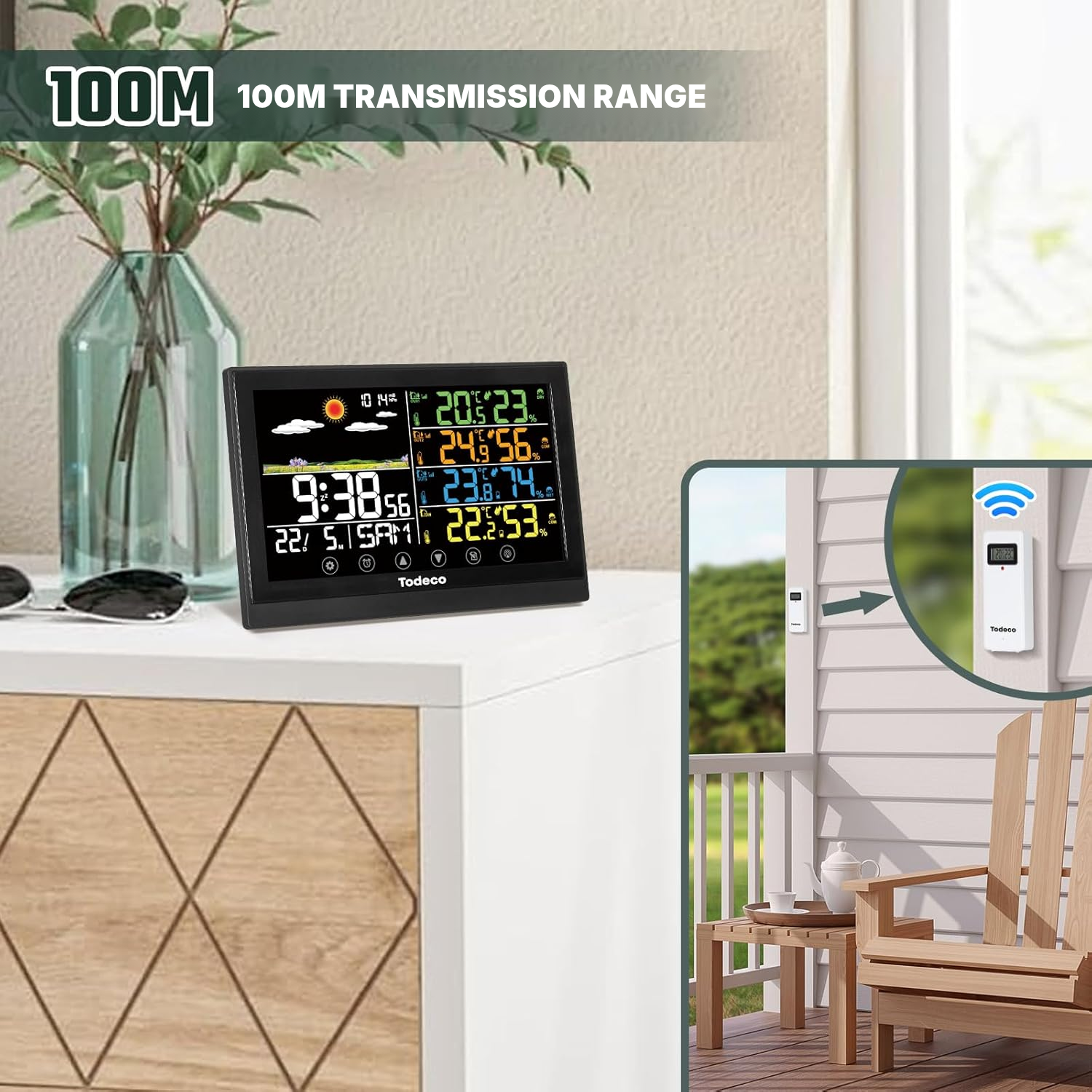
- Keep the sensors within the stated range of up to 100 m in open areas and limit obstacles between the sensors and station.
Weather station barometer specifications
- Brand
- Todeco
- Model
- LW9125
- Dimensions
- 20 × 6.6 × 13.5 cm
- Weight
- 0.5 kg
- Colour
- Black
- Material
- Plastic
- Outdoor sensors
- 3 wireless sensors included
- Transmission range
- Up to 100 m in open areas
- Station power supply
- AC-AC mains adapter included with backup from 2 AAA 1,5 V batteries
- Sensor power supply
- 2 AAA 1,5 V batteries per sensor
- Batteries included
- No
- Display
- Digital touch screen
- Touch buttons
- 7: SET, ALARM, UP/SNOOZE, DOWN/°C-°F/RCC, MAX/MIN, CHANNEL, LIGHT/SNOOZE
- Displayed measurements
- Temperature, humidity, atmospheric pressure, time, date, day, weather trend
- Temperature units
- °C or °F
- Pressure units
- hPa, mB or inHg
- Weather forecast
- 6 to 12 hours
- Weather icons
- 6: sunny, partly cloudy, cloudy, rain, heavy rain, snow
- Alarms
- 2 independent alarms
- Alarm snooze
- 8 minutes
- Backlight
- 3 brightness levels
- Time zones
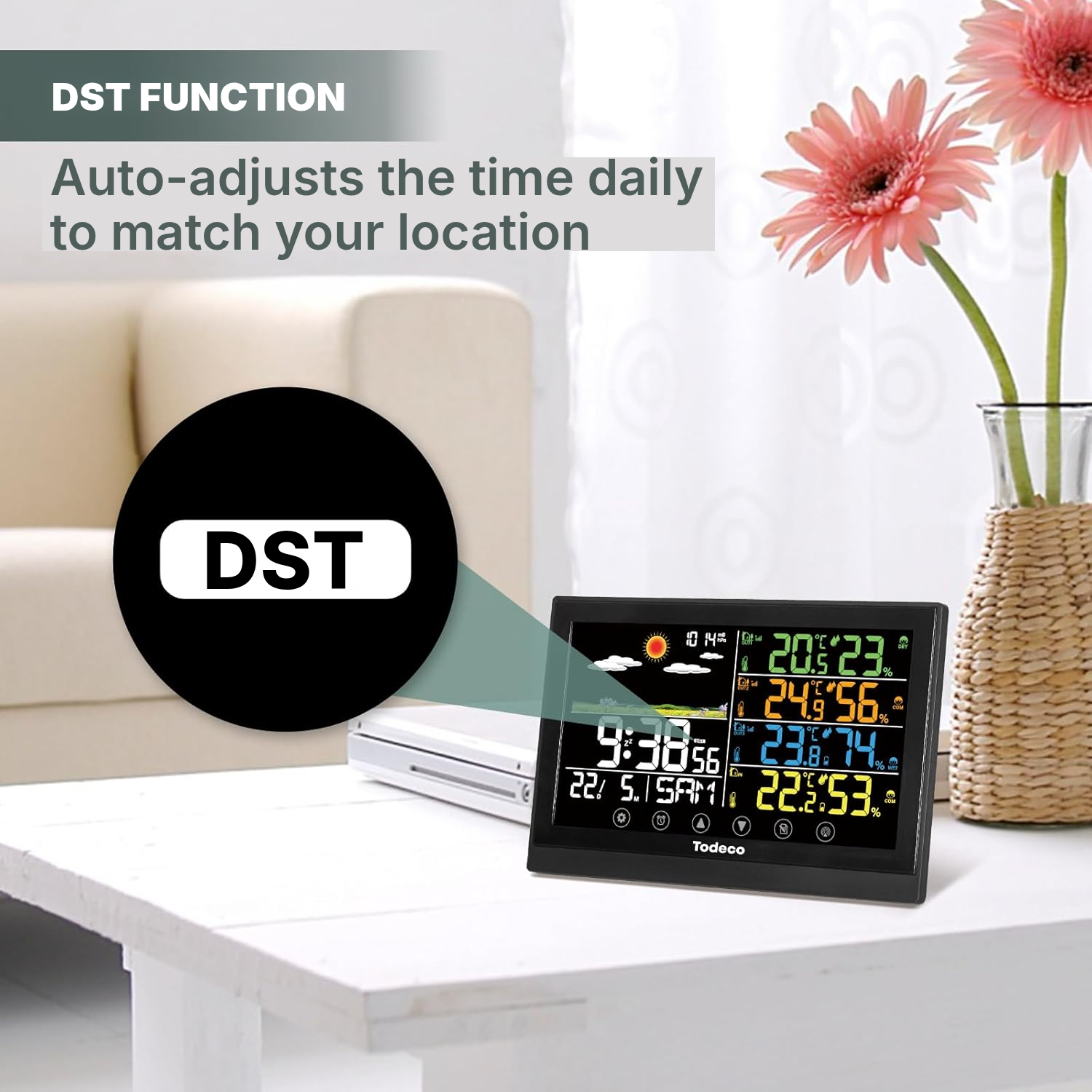
- 7 zones: AST, EST, CST, MST, PST, AKT, HST
- Installation
- Freestanding or wall-mounted
- Sensor technology
- Wireless
- Connectivity frequencies
- 433 MHz, 868 MHz
- Maximum displayed temperature
- 50 °C
- Temperature accuracy
- 1 °C
- Certifications
- FCC, CE, WEEE
- Reference
- 0420-T-1
Weather station forecast questions
Are AAA batteries included with this home weather station?
The station uses the included AC-AC mains adapter and can take 2 AAA 1,5 V batteries as backup. Each outdoor sensor also requires 2 AAA 1,5 V batteries.
What real-world range can I expect from the wireless weather sensors for home?
The stated range is up to 100 m in open areas. Walls, floors and nearby devices may reduce signal stability.
How do I pair all 3 outdoor sensors correctly?
Then let the station search for the sensors automatically when it starts up.
Where should I place outdoor sensors for accurate readings?
The instructions recommend placing the outdoor sensors in the shade, as direct sunlight can distort temperature readings.
Will RCC synchronisation work in every room?
It depends on reception of the WWVB signal.
Can this household weather station replace a local weather forecast?
It shows a 6 to 12-hour trend based on barometric pressure. Use it alongside detailed local forecasts.
Can I display the temperature in Celsius?
Temperature can be displayed in °C or °F, while pressure can be shown in hPa, mB or inHg, depending on the selected setting.
Is the display too busy for everyday use?
It shows a lot of information at once: time, date, pressure, weather, temperature and indoor humidity, plus outdoor temperature and humidity on up to 3 channels. It is designed for a complete view rather than a minimalist display.
How does the snow weather icon work on the display?
The station uses 6 weather icons, including snow, rain and heavy rain, to show the forecast trend based on pressure variations.
Customer reviews
Ready to go?
Shipping included · 30-day returns