White RGB gaming armchair with massage
Play, work, and unwind in an adjustable seat that lights up your whole setup.
Why choose this white gaming chair
Office, gaming, and remote work: ways to use your gaming chair
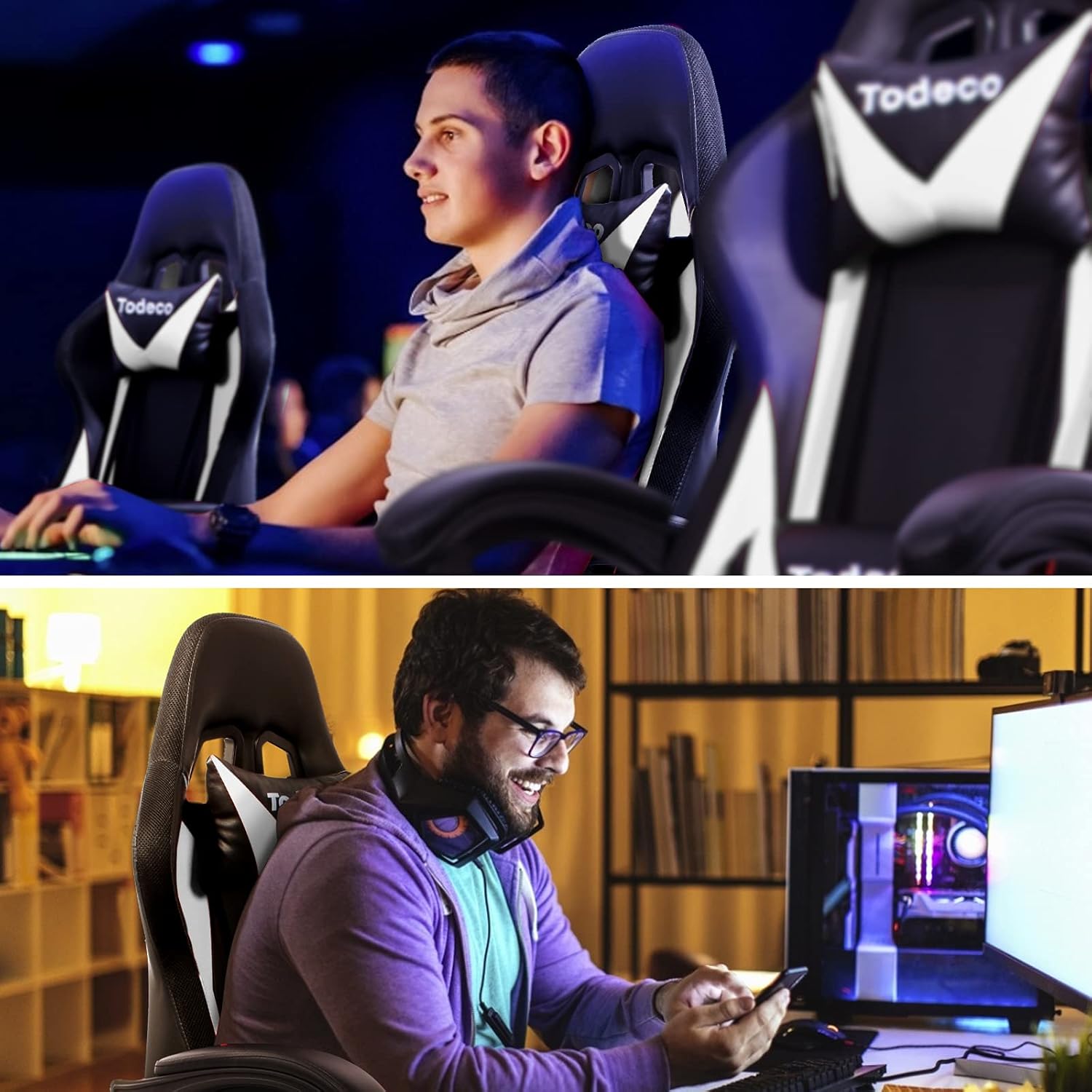
Gaming sessions
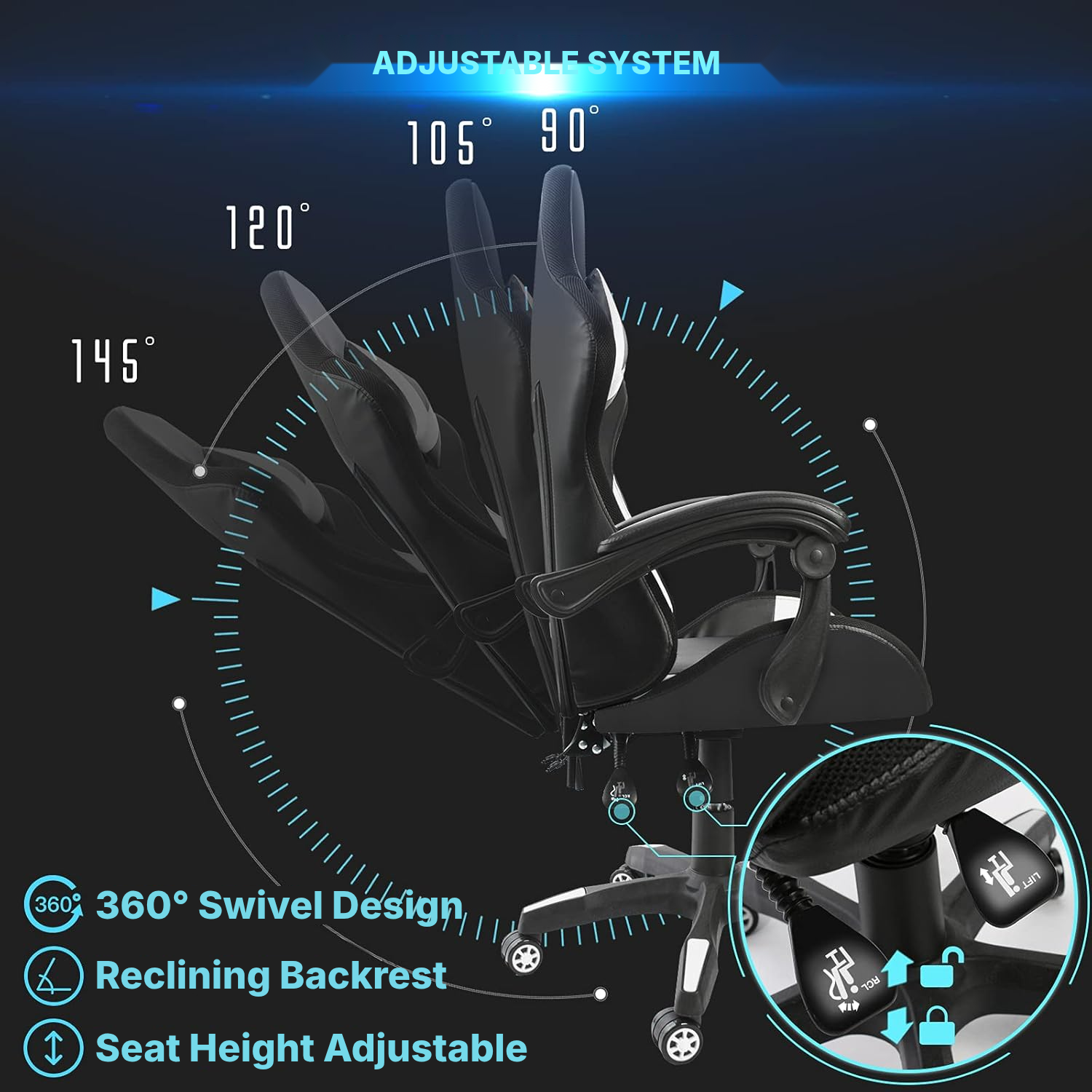
The 90° to 145° reclining backrest lets you switch between focus and breaks between games.
Home gaming office
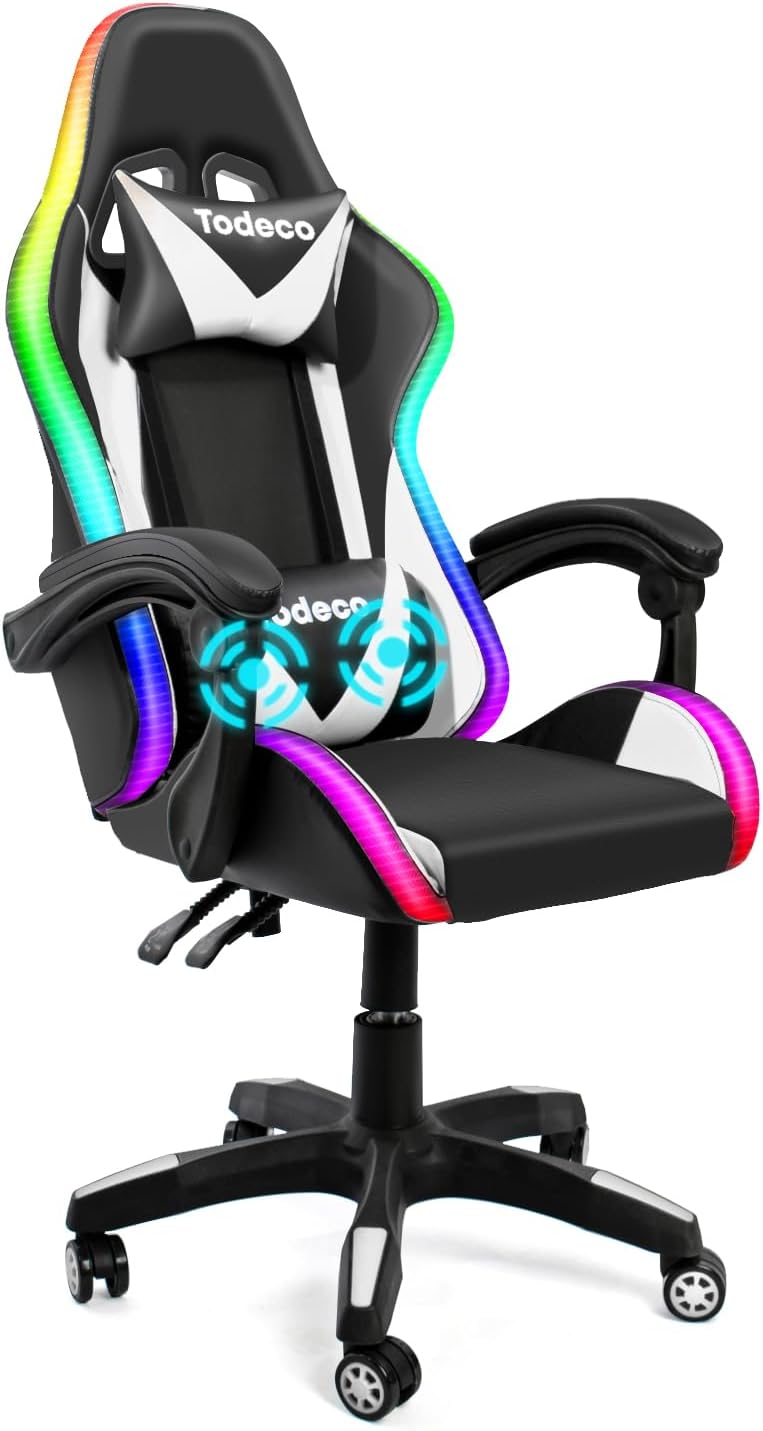
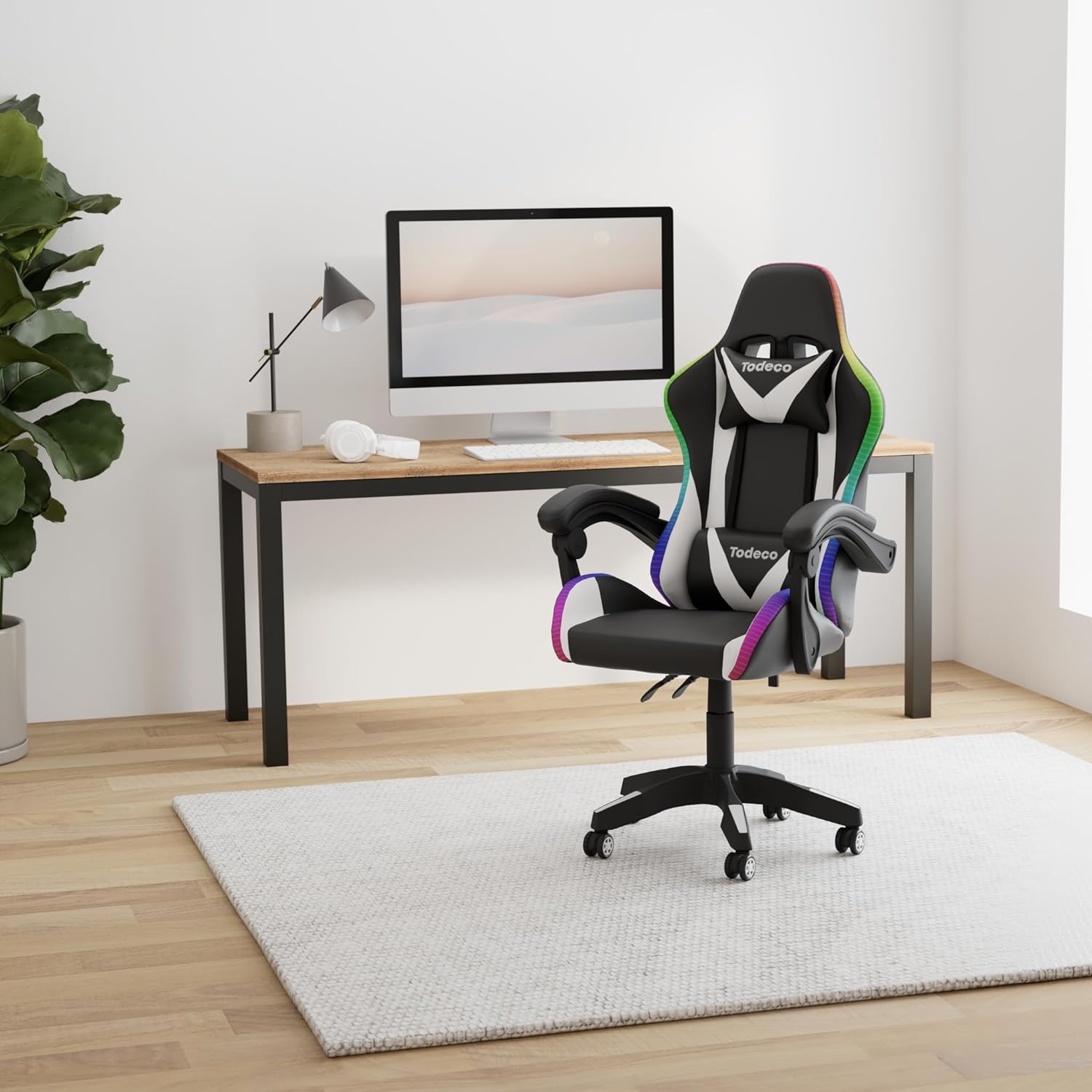
The white look and RGB LEDs add a strong visual presence to a permanent setup.
Remote work
The headrest, lumbar support, and adjustable height help you maintain a more comfortable posture.
Recreation room
The 360° swivel base makes it easy to move between the screen, desk, and storage.
RGB ambience
The RF remote lets you change the lighting effects without leaving your seat.
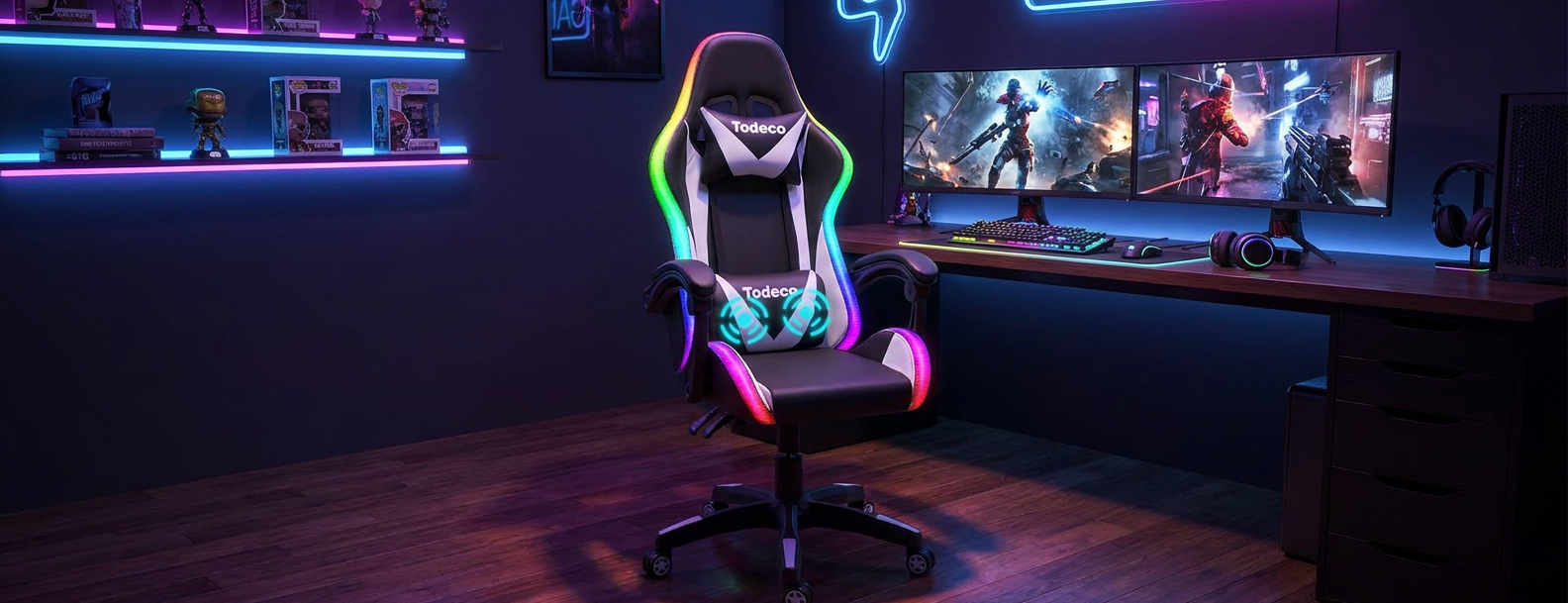
The LED gaming chair in detail
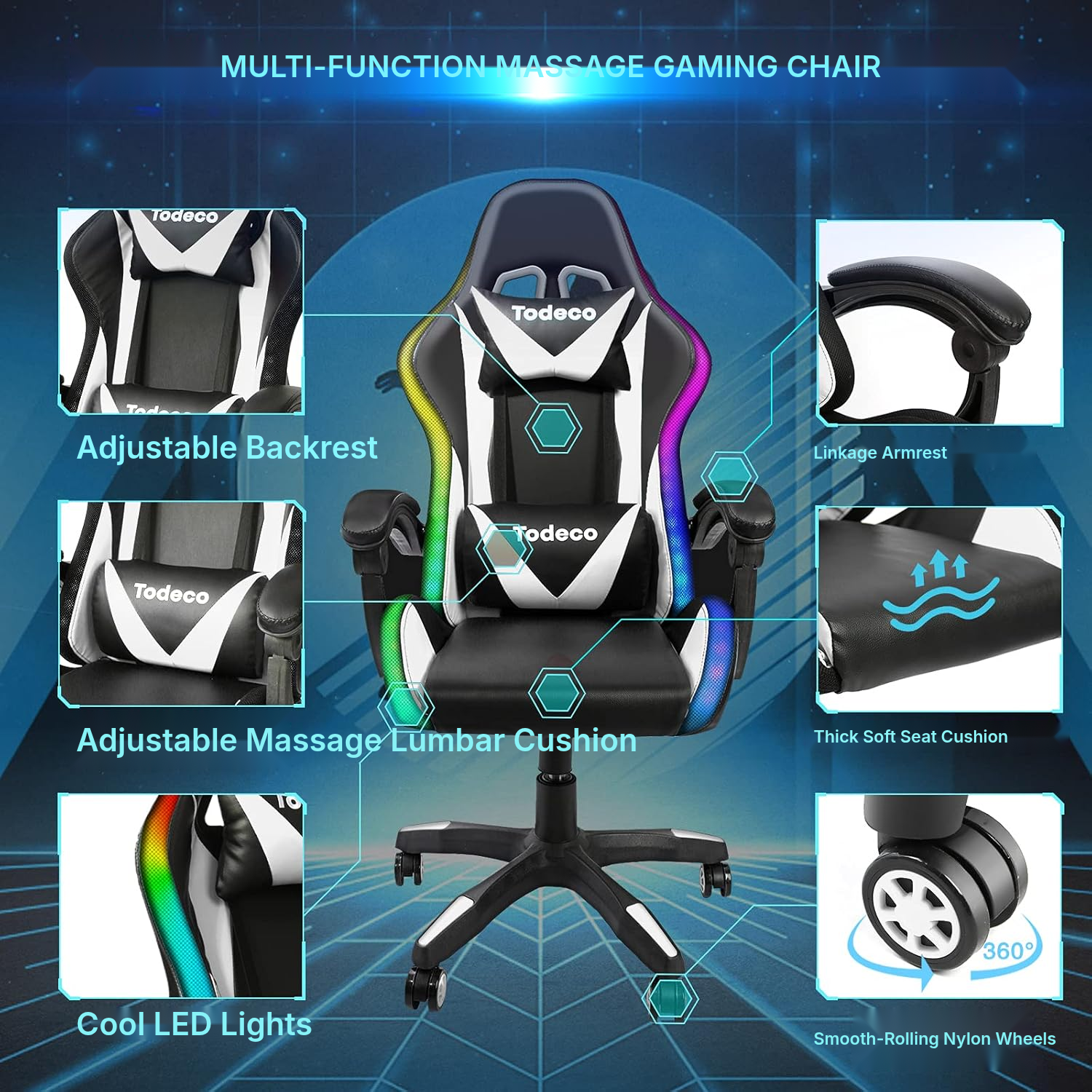
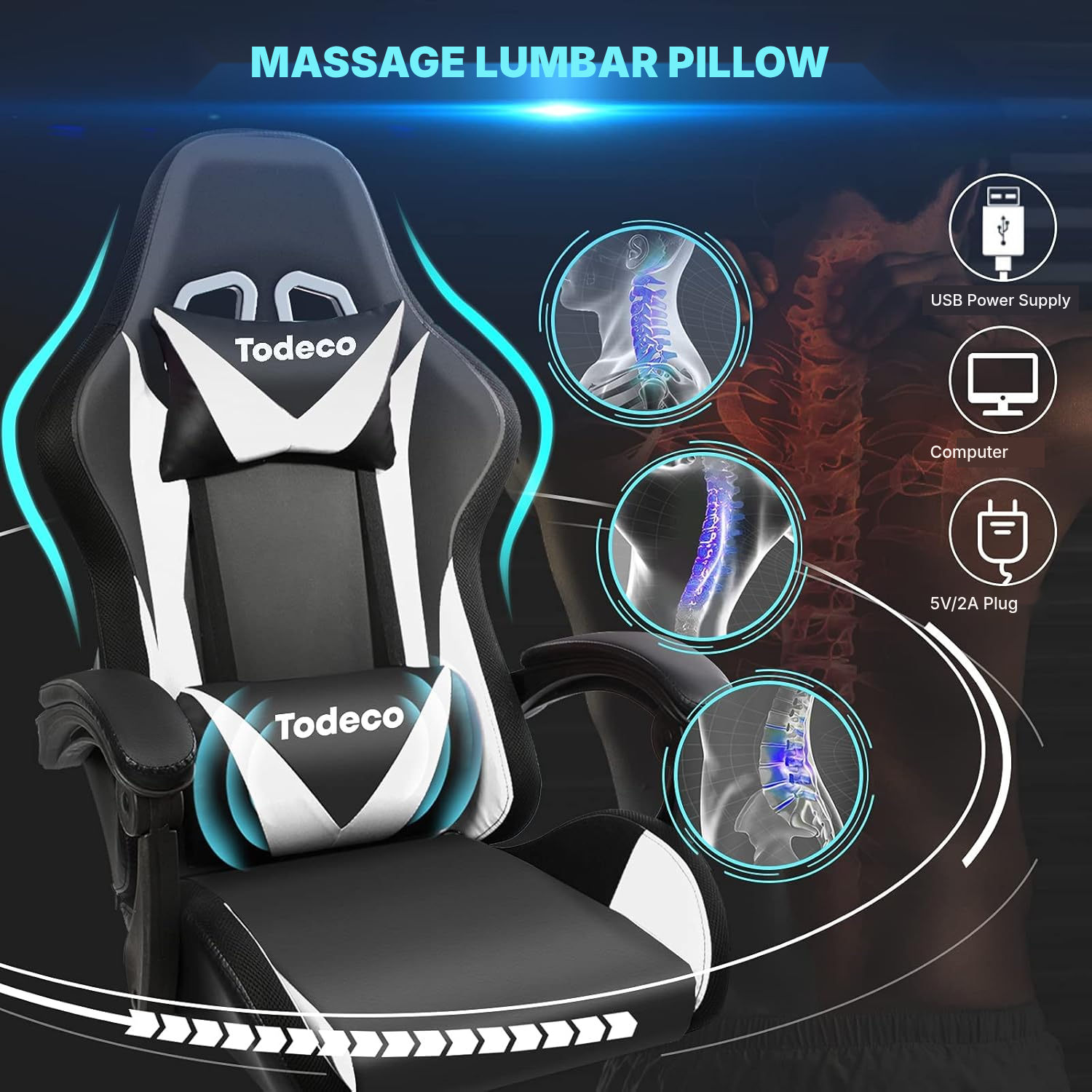
This white gaming armchair pairs a true gaming seat with built-in RGB LED lighting and a USB lumbar massage support for the long sessions in front of the screen.
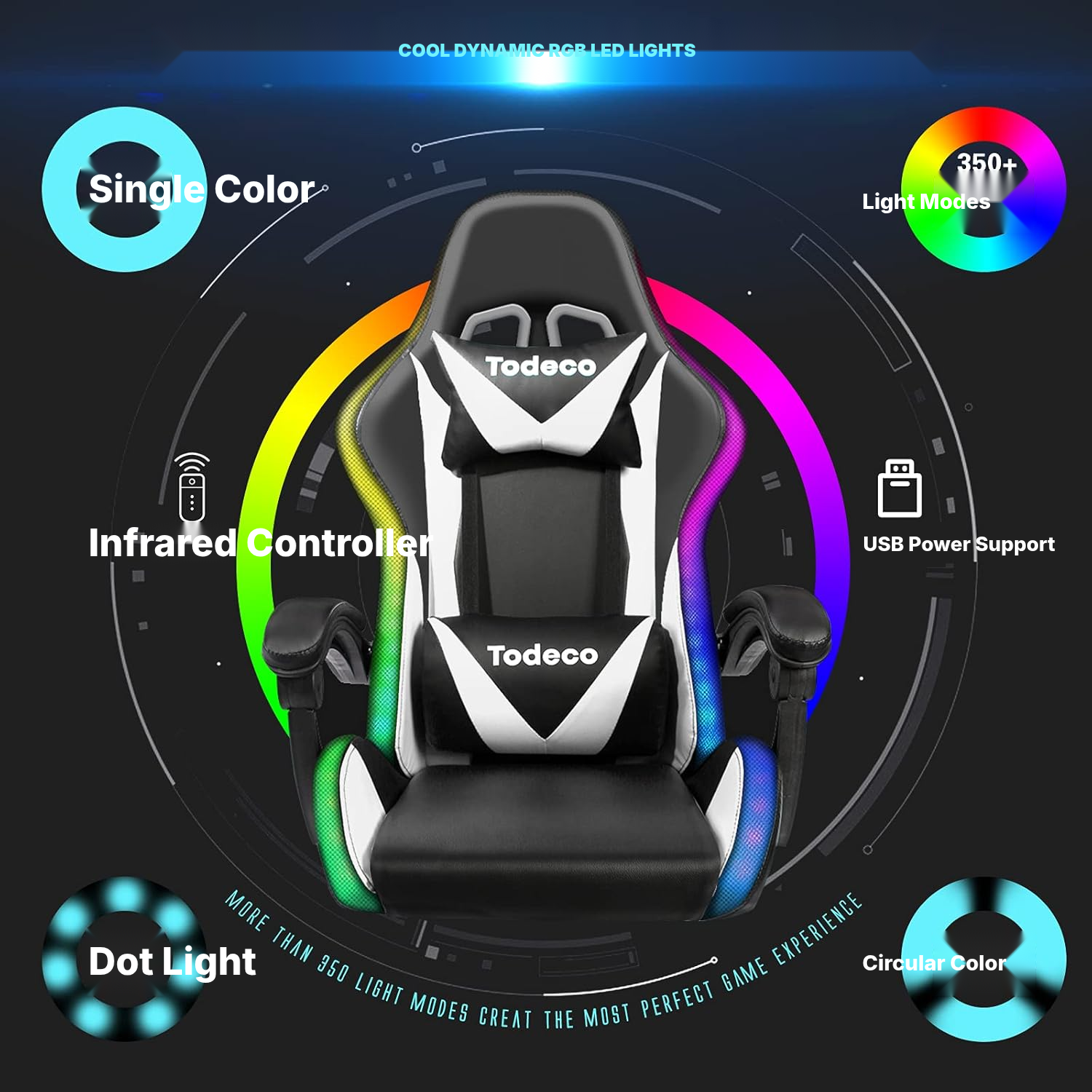
The wireless RF remote handles power, speed, mode, brightness, auto-play, lock, and the 7 fixed colors: red, green, blue, yellow, cyan, purple, and white.
The tall backrest with headrest, high-density foam padding, and 90° to 145° recline help you shift between gaming, working from home, and stepping back to relax — a flexible ergonomic gaming chair setup for daily use.
Among LED-equipped video game chairs, this model stands out with its clean white look, wipe-clean smooth faux-leather finish, and LED power from any computer USB port or 5V/2A supply — a strong pick if you're comparing gaming desk chairs for a home setup, including options often searched as a computer gaming chair.
How to assemble your gaming chair with remote control
- Insert the casters into the chair base.
- Place the gas lift cylinder in the hole in the base.
- Attach the mechanism beneath the seat with 4 screws, 6 x 20.
- Fit the mechanism onto the gas lift cylinder.
- Attach the backrest brackets with 3 screws, 6 x 35.
- Insert the backrest into the mechanism opening.
- Tighten the knob to secure the backrest.
- Attach the armrests with 4 screws, 8 x 30.
- Connect the LED strip interface cable.
What to check before buying a gaming office chair
- Leave space behind the chair to use the 90° to 145° recline.
- Have a computer USB port or a 5V/2A power supply available for the LEDs.
- Preferably use the chair on a hard floor for the casters.
- Take the maximum 150 kg capacity into account.
- Accept a USB connection for the lighting and massage lumbar support.
Gaming office chair specifications
- Type
- Gaming chair
- Color
- White
- Other colors available
- Red, white
- Dimensions
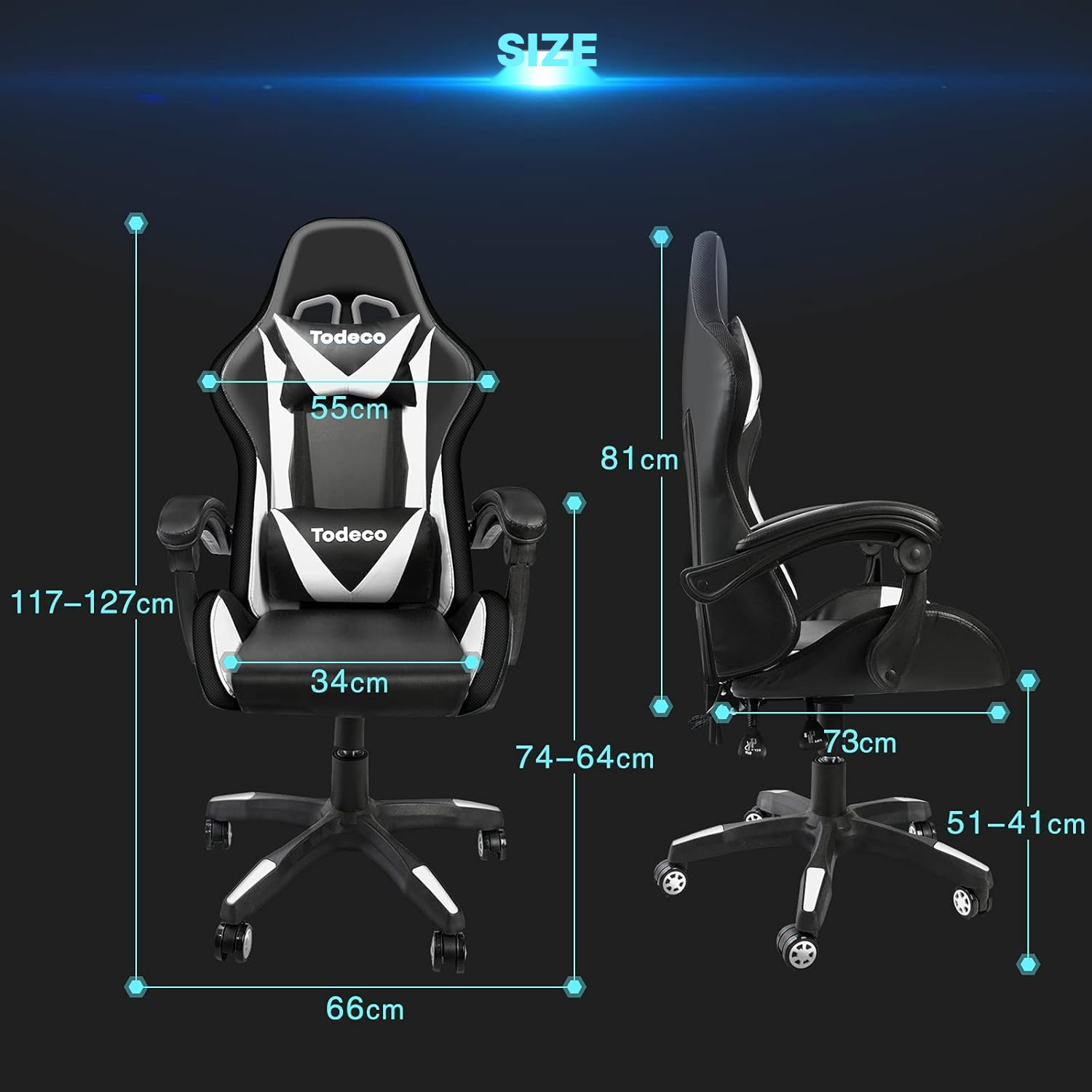
- 127 × 73 × 66.01 cm
- Weight
- 13.5 kg
- Maximum load
- 150 kg
- Use
- Indoor
- Base movement
- 360° swivel
- Backrest recline
- 90° to 145°
- Lighting
- RGB LED with 350+ light modes
- Light control
- Wireless RF remote included
- Fixed colors
- Red, green, blue, yellow, cyan, purple, white
- LED power
- Computer USB or 5V/2A power supply
- Light settings
- Speed, mode, brightness, auto-play, lock
- Massage
- USB lumbar massage support
- Height adjustment
- Pneumatic gas lift
- Assembly
- 9-step assembly required
- Recommended surface
- Hard floor
- Upholstery
- Smooth faux leather
- Padding
- High-density foam
- Frame
- Metal frame
- Reference
- 0275-T-3
Frequently asked questions about the ergonomic gaming chair
Do the LEDs work without being plugged in?
The RGB LED lighting needs to be powered by a computer USB port or a 5V/2A power supply.
What if the RGB lighting doesn't turn on after assembly?
Check that the interfaces are properly connected, especially the LED interface cable at step 9, or try a different power source. This is the most common fix on most LED gaming desk chairs.
Is this gaming chair hard to put together?
Assembly is required in 9 steps: casters, gas lift, mechanism, backrest, knob, armrests, and LED cable connection. Many buyers looking at cheap gaming chairs find the step-by-step guide easy to follow.
Does the massage feature replace a real therapeutic massage?
It's a USB lumbar massage support designed as added comfort during long sitting sessions — not a substitute for therapy.
Will this white gaming chair fit in a small home office?
It's worth measuring before ordering a gaming desk chair of this size.
How far back does the backrest recline?
The backrest reclines from 90° to 145°, so you'll need some clearance behind the chair.
What is the maximum weight this gaming chair holds?
The chair has a stated maximum load of 150 kg.
Are the casters safe for all floor types?
The recommended surface is hard flooring; thick carpet can limit how well the casters roll.
Is the white upholstery easy to keep clean?
The upholstery is smooth faux leather, easier to wipe than fabric, but the white color can show marks and dye transfer over time.
What does the remote control?
The RF remote controls on/off, speed, mode, brightness, auto-play, lock, settings, and 7 monochrome colors. Many buyers cross-shop this model against a Secretlab chair for the RGB lighting and recline range.
Customer reviews
You may also like
Ready to go?
Shipping included · 30-day returns