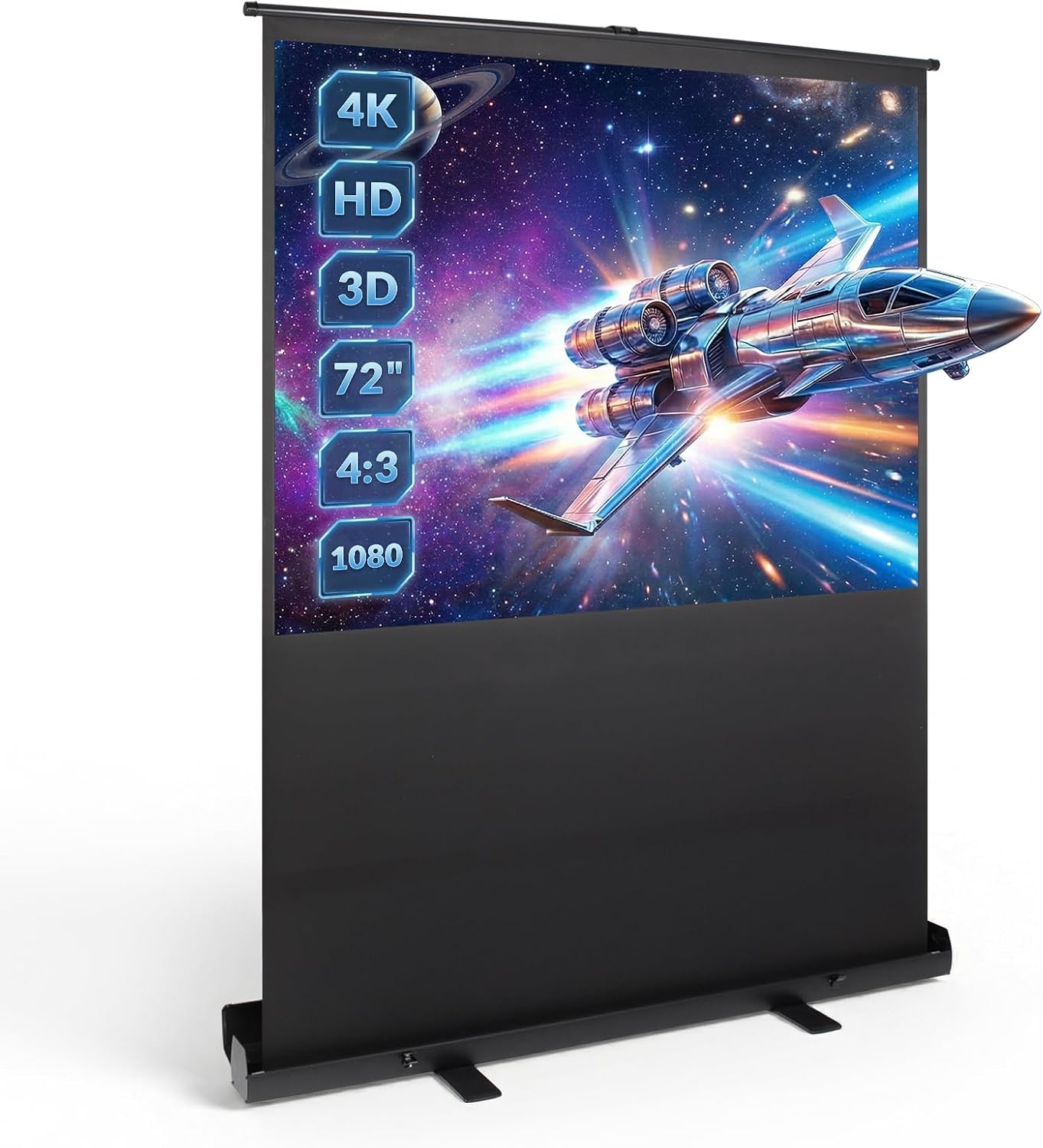
Screen for the Projector 147 × 109 cm — No Drilling
Watch films, play games and present anywhere—without drilling or permanent installation.
Benefits of This Full HD 3D Projector Screen
Home Cinema and Meetings: Uses for This Portable Movie Screen
Home cinema
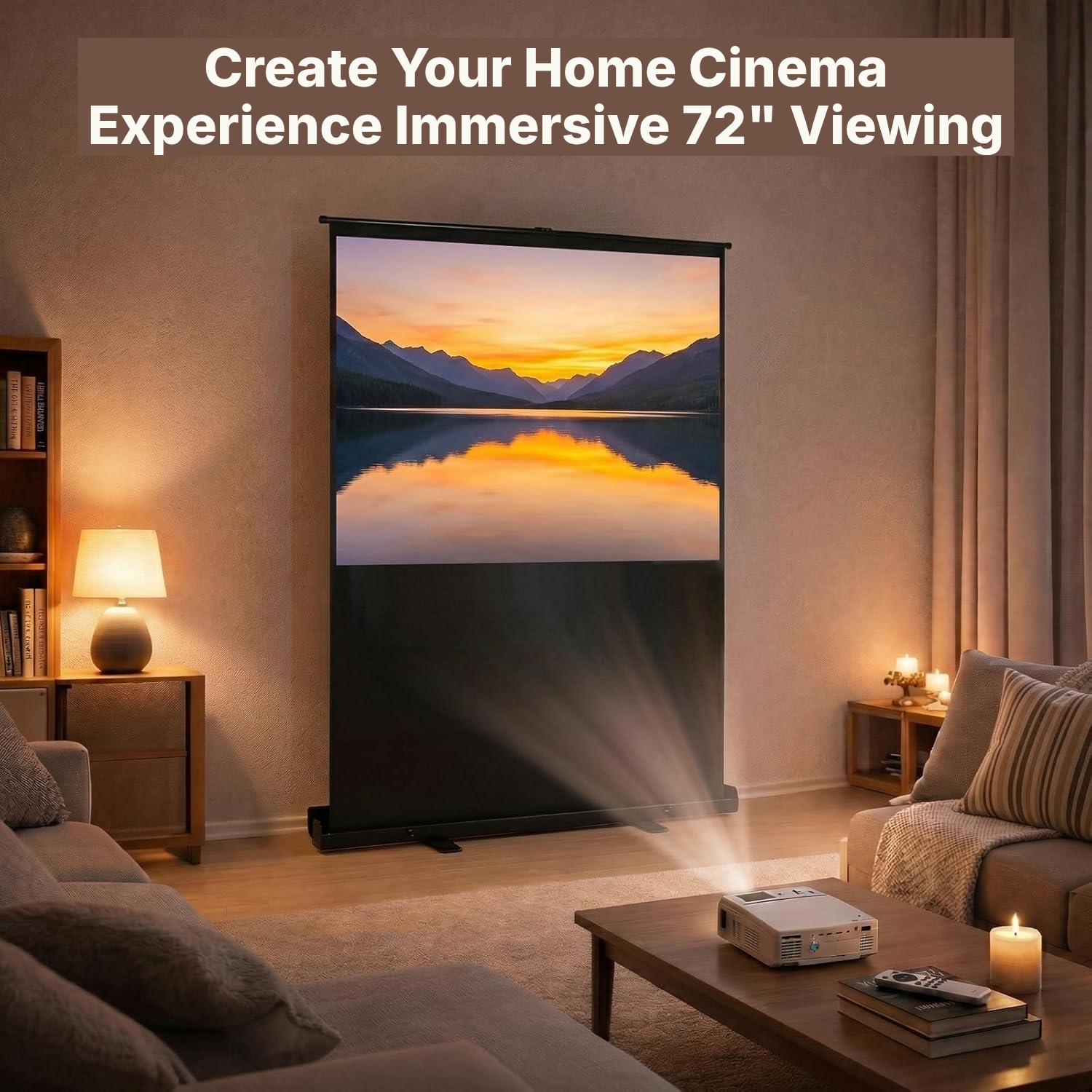
Set up this home movie theater projector screen on the floor and watch films and series without fixed installation.
Video games
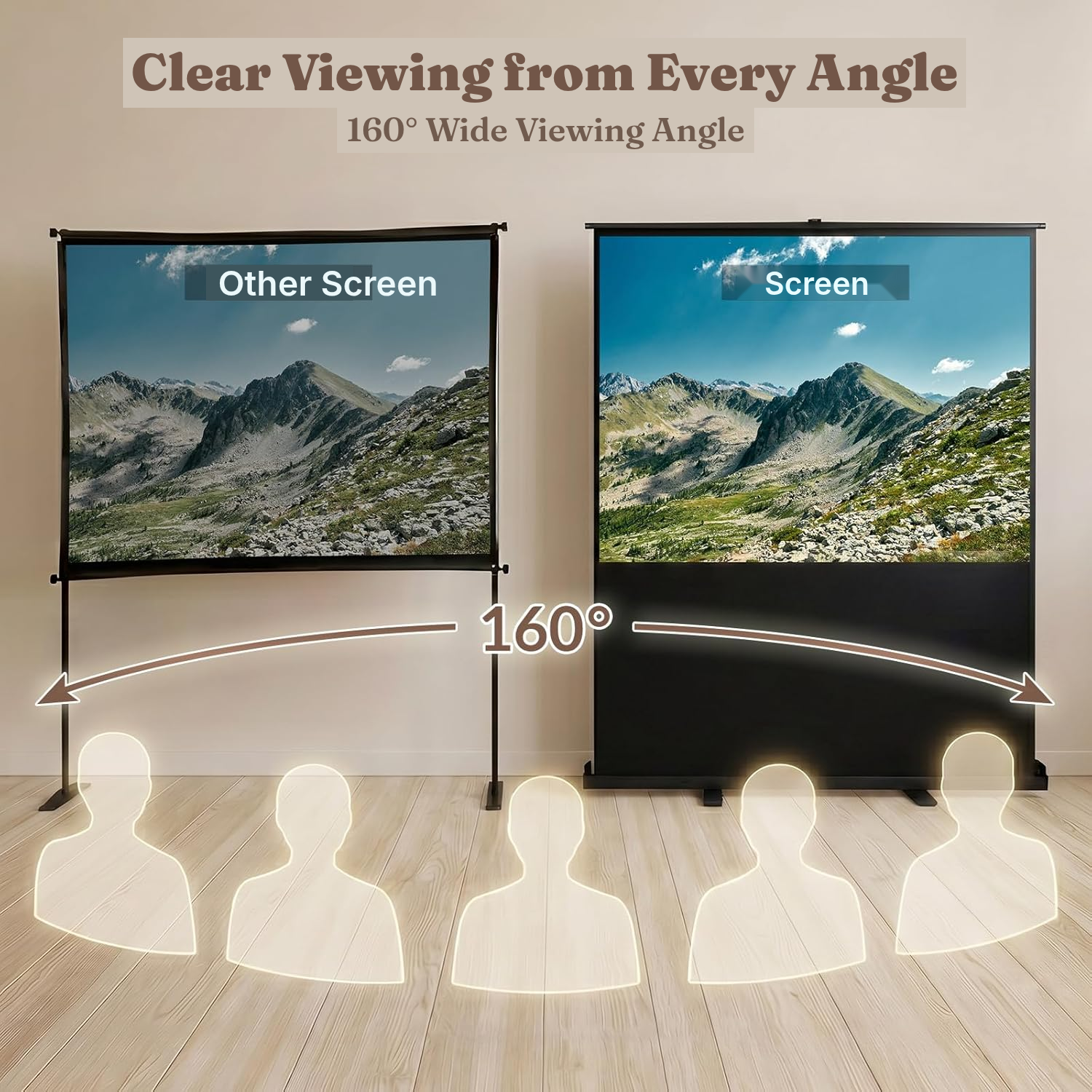
Adjust the projection height to your gaming position and enjoy a 160° viewing angle.
Professional presentations
Set up the screen quickly in a meeting or training room, without drilling or tools.
Events and evenings
Carry the screen by its handle and use it indoors or outdoors in calm weather.
Inside the Foldable Projector Screen with Aluminium Case
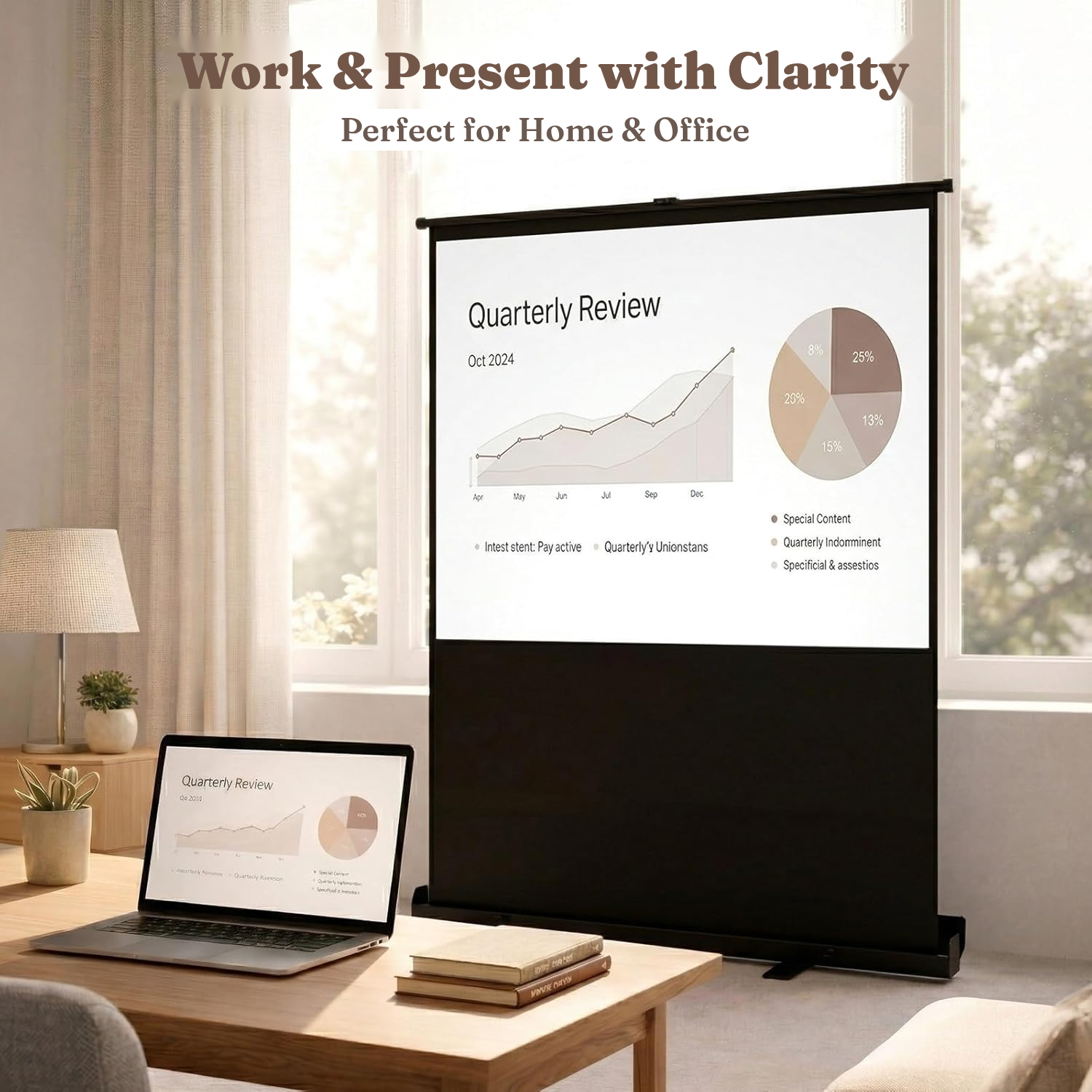
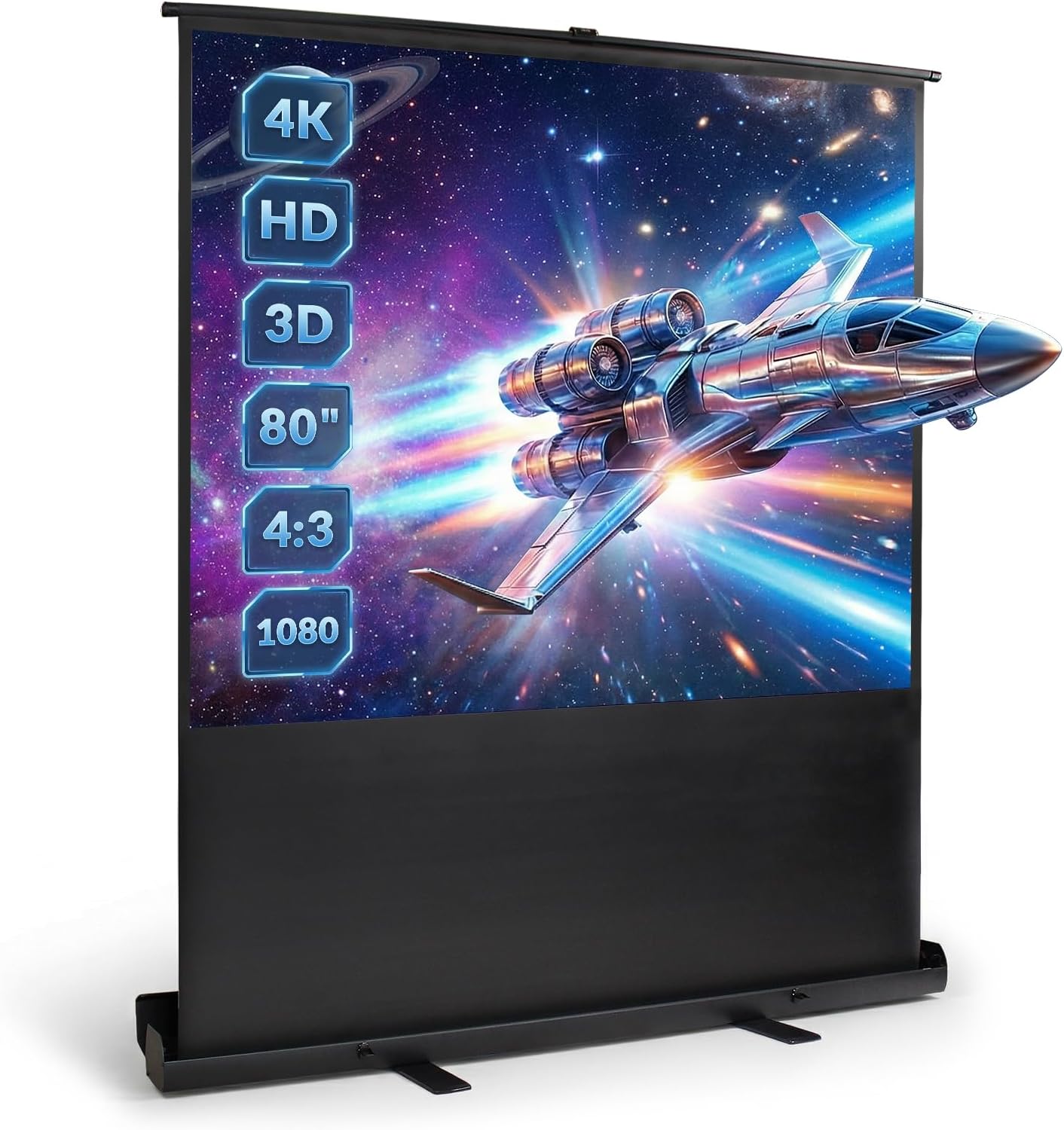
This portable movie screen sits directly on the floor and opens without drilling or permanent fixtures. It suits home cinema, films and series, video games, meetings and presentations.
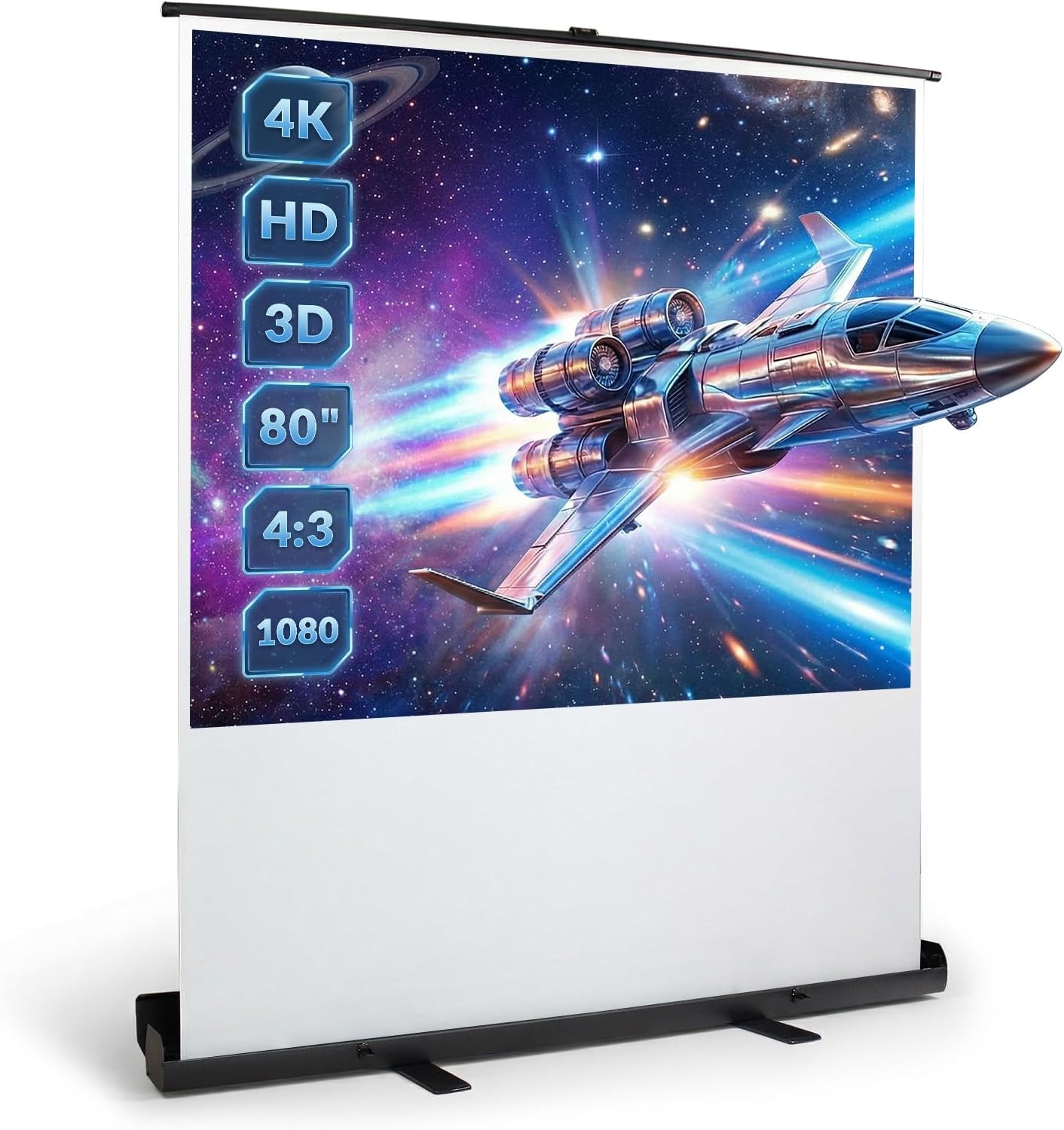
The matte surface helps reflect light evenly, while the opaque black backing limits light passing through from behind. Its 160° viewing angle makes it easier to watch from several seats.
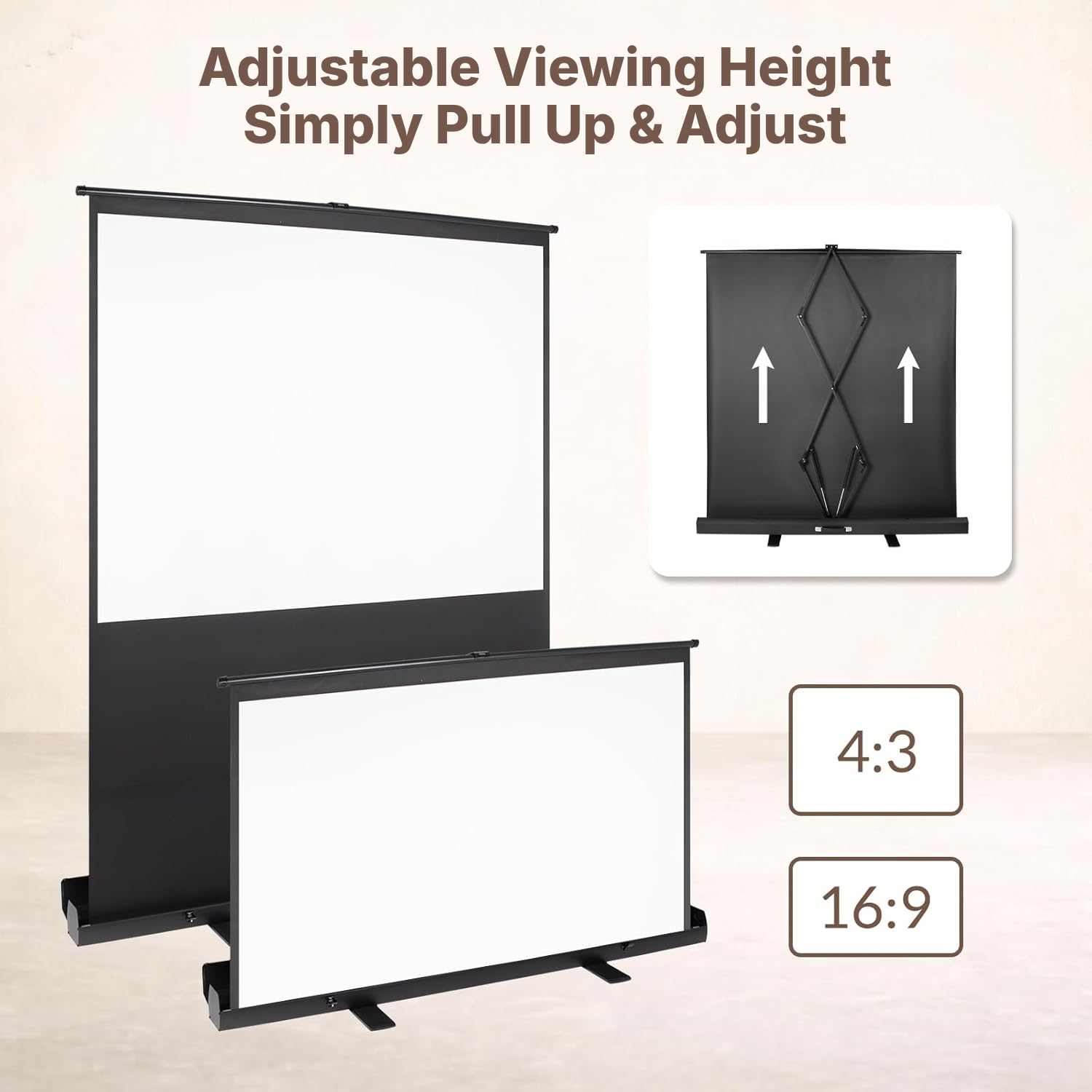
Manual adjustment is made with the dual gas-pressure support rod: pull from the centre to raise the screen, then stop it at the height you want without tools. This design creates a practical standing projector screen that is easy to adjust.
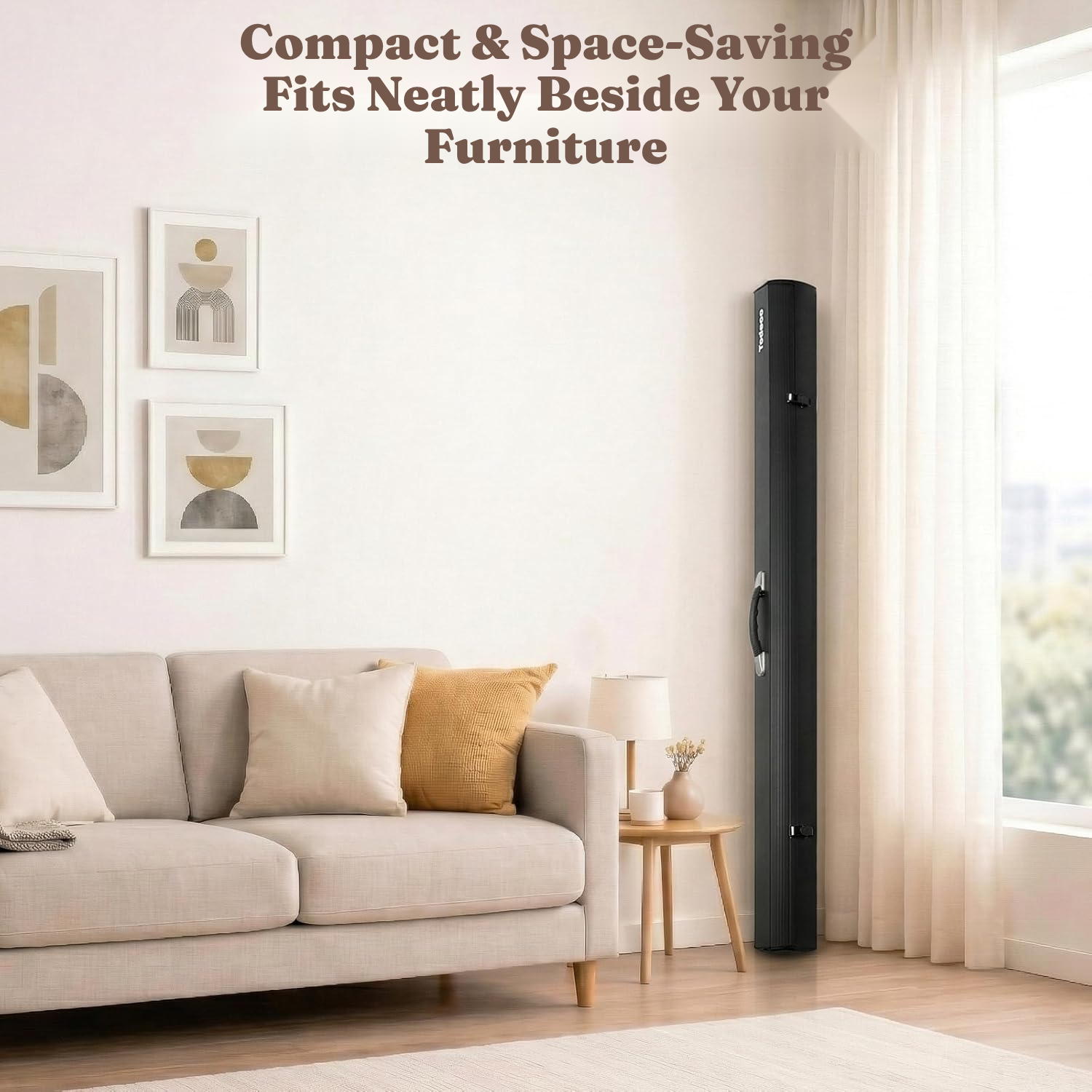
When your projection is over, fold the structure back into its protective aluminium case. The integrated handle makes it easier to carry between rooms, training spaces or event venues.
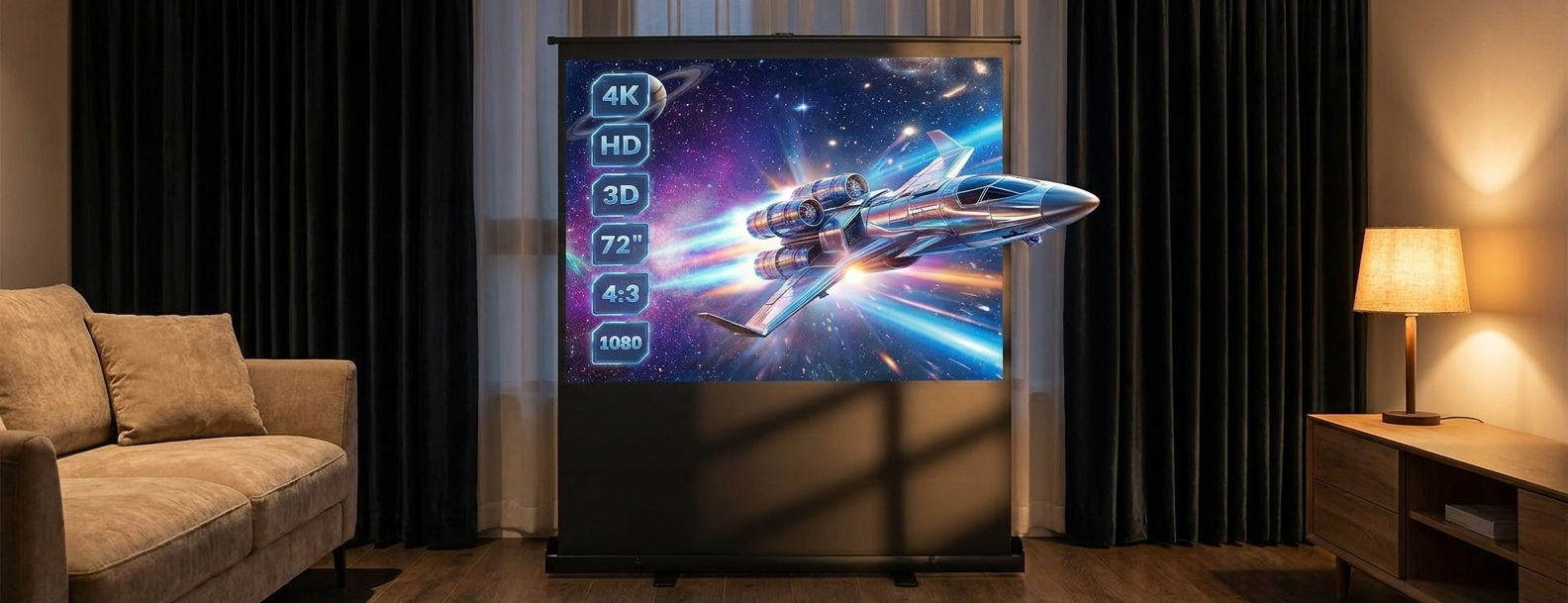
When choosing a screen for the projector, check that your projector supports the format and resolution you want. The native format is 4:3; for 16:9 content, adjust the projection height.
For a projection screen and projector setup, this portable screen offers a flexible floor-standing solution. It can also serve as an exterior projector screen or garden projector screen in calm weather, provided it is protected from strong wind and liquids.
How to Set Up Your Standing Projector Screen
- Unfold the base plates on both sides to improve stability.
- Open the safety lock on the case.
- Open the protective cover.
- Hold the handle and pull the screen upwards from the centre of the rod, without pulling on both sides.
Which Home Projection Screen Suits Your Space?
- Consider the 8,4 kg weight if you need to transport the screen regularly.
- Make sure your projector supports the 4:3 format and the resolution you want.
- Use a sufficiently stable floor and always unfold the side base plates.
- For outdoor use, choose a location protected from strong wind and liquids.
Manual, Motorised or Stand-Mounted: Which Screen to Choose?
This manual projector stand with screen suits buyers looking for a fast, portable setup without permanent fixtures.
Portable freestanding projection screen
- No installation: sets up and packs away in seconds
- Easy to move from room to room or outdoors
- No drilling or wall mounting required
- Freestanding and stable, with no electronics to fail
Fixed wall/ceiling-mounted screen
- Permanent installation requiring drilling
- Cannot be moved once installed
- Takes up a fixed area of the wall
Motorized screen
- More expensive
- Electric motor that can fail
- Requires a nearby power source
Painted wall / fixed tensioned screen
- Not portable
- No true black border for added contrast
- Surface quality varies depending on installation
How to Care for Your Projector Screen Surface
- Clean the screen with a soft cloth only.
- Never immerse the screen in water or another liquid.
- Close the screen immediately after each projection to help preserve the internal spring.
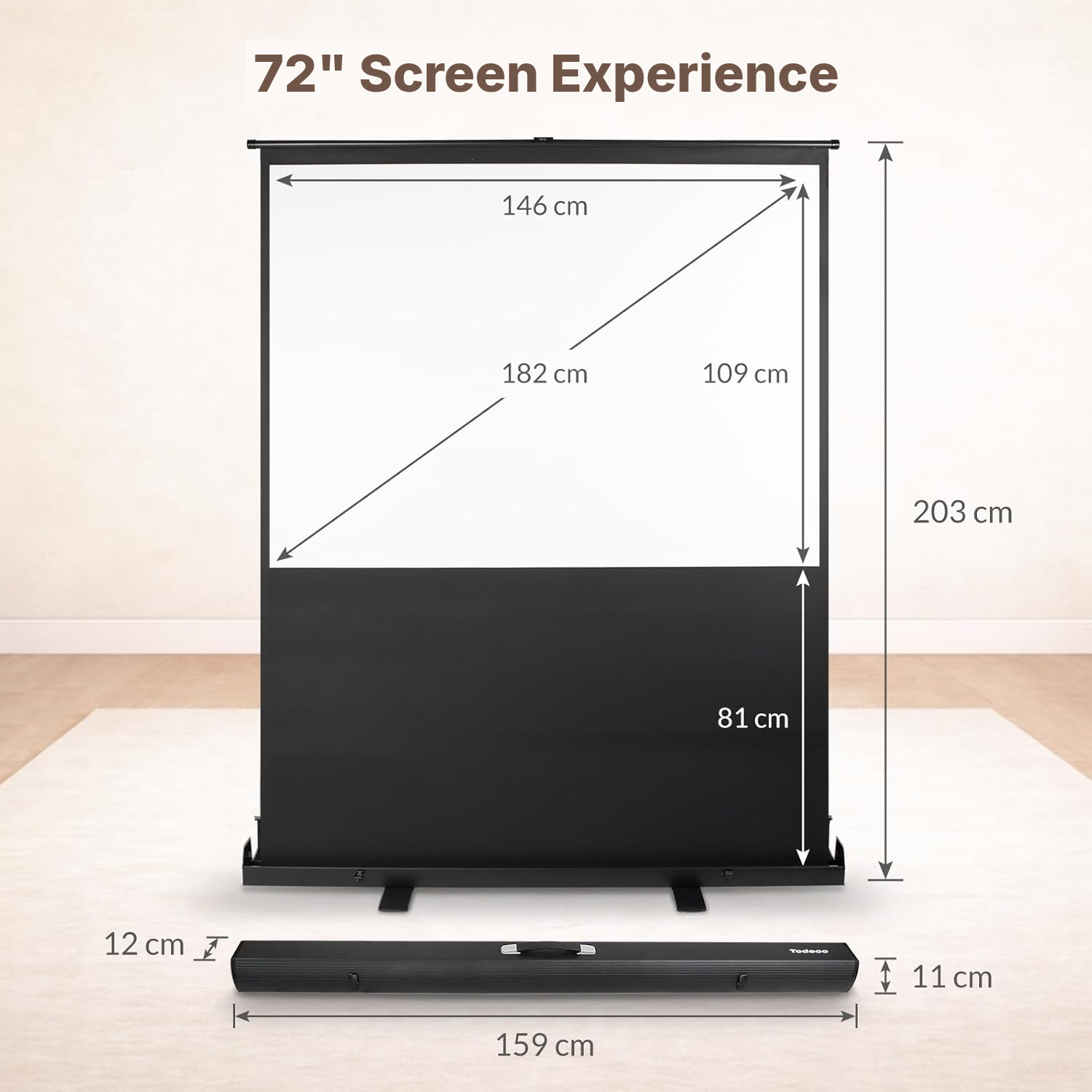
4:3 Projector Screen Specifications
- Overall dimensions
- 166 × 18 × 15 cm
- Weight
- 8.4 kg
- Projection surface
- 146 × 109 cm
- Nominal diagonal
- 72 inches
- Image format
- 4:3
- Compatibility
- Full HD, 4K, 3D
- Viewing angle
- 160°
- Installation type
- Floor-standing
- Operating mode
- Manual
- Screen finish
- Matte
- Case
- Aluminium
- Screen backing
- Opaque black
- Support mechanism
- Dual gas pressure with locking system
- Height adjustment
- Continuous, no tools required
- Reference
- 0212-T-3
Projector Screen Questions Answered
Can I use this portable projector screen outdoors?
Yes, in calm weather. The instructions say not to use the screen in strong wind and not to immerse it or expose it to liquids.
Does a 4:3 screen work with films and widescreen content?
The surface uses a 4:3 format. For 16:9 content, adjust the projection height to suit your projector.
How do I set up a portable projector screen with a stand?
First unfold the base plates on both sides, open the safety lock, then open the cover. Next, pull the handle upwards from the centre of the support rod.
Can I adjust the height of this standing projector screen?
The dual gas-pressure rod holds the screen at your chosen height, with continuous adjustment and no tools required.
How do I use the manual mechanism without damaging it?
To open the screen, pull slowly from the centre of the rod rather than from both sides. To close it, press the centre without pulling the locking lever.
How should I clean and store a foldable projector screen?
Clean the surface with a soft cloth only.
Are the dimensions and weight suitable for transport?
Its integrated handle makes it easier to move, while the aluminium case protects the structure.
Can a child use this no-drill projector screen alone?
Strict supervision is required during use. Keep hands away from the rod when closing it and handle it slowly.
Is the matte surface suitable for a brightly lit room?
The matte finish provides even light reflection, but perceived brightness also depends on the room lighting and the projector.
Customer reviews
You may also like
Ready to go?
Shipping included · 30-day returns