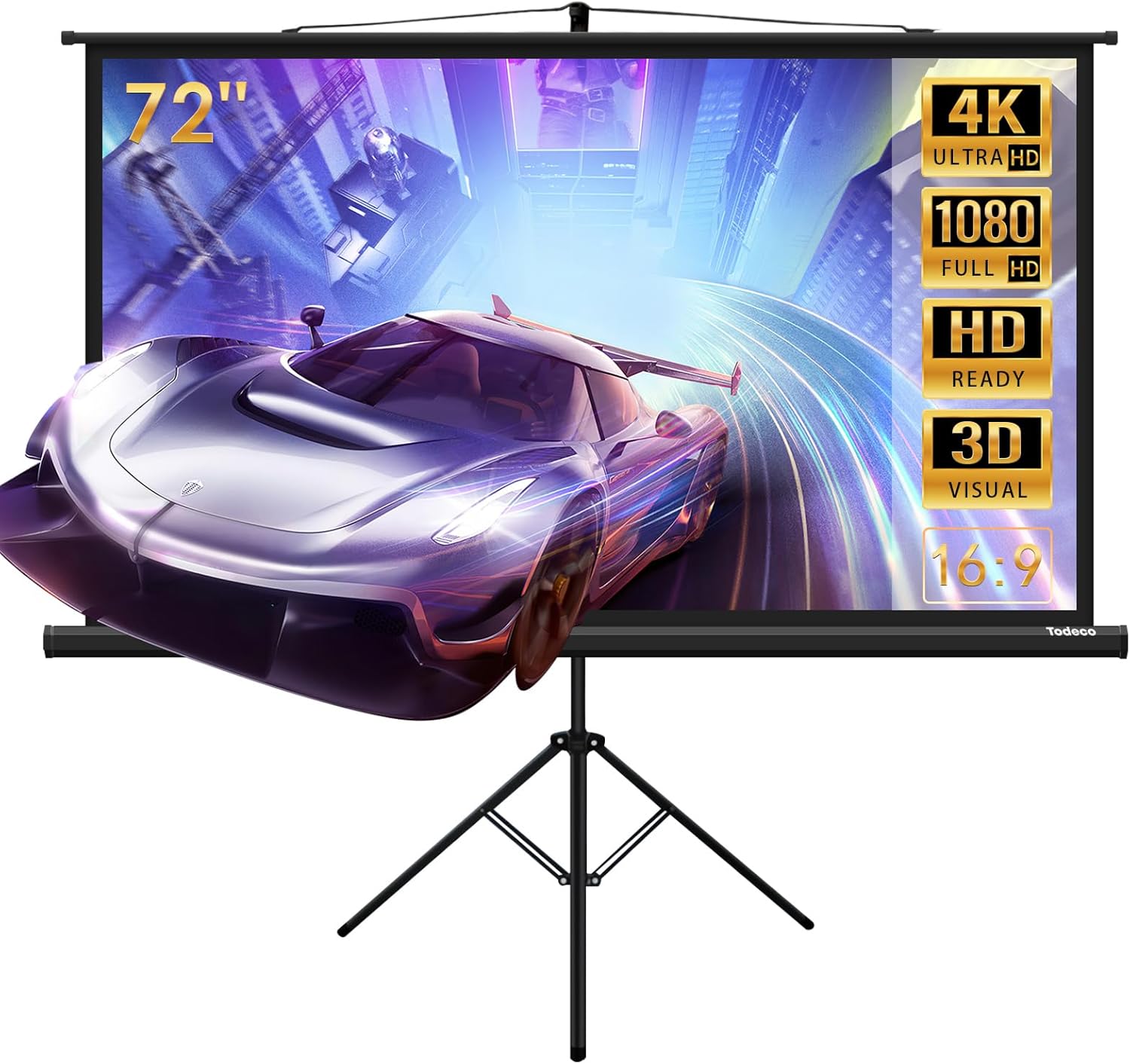

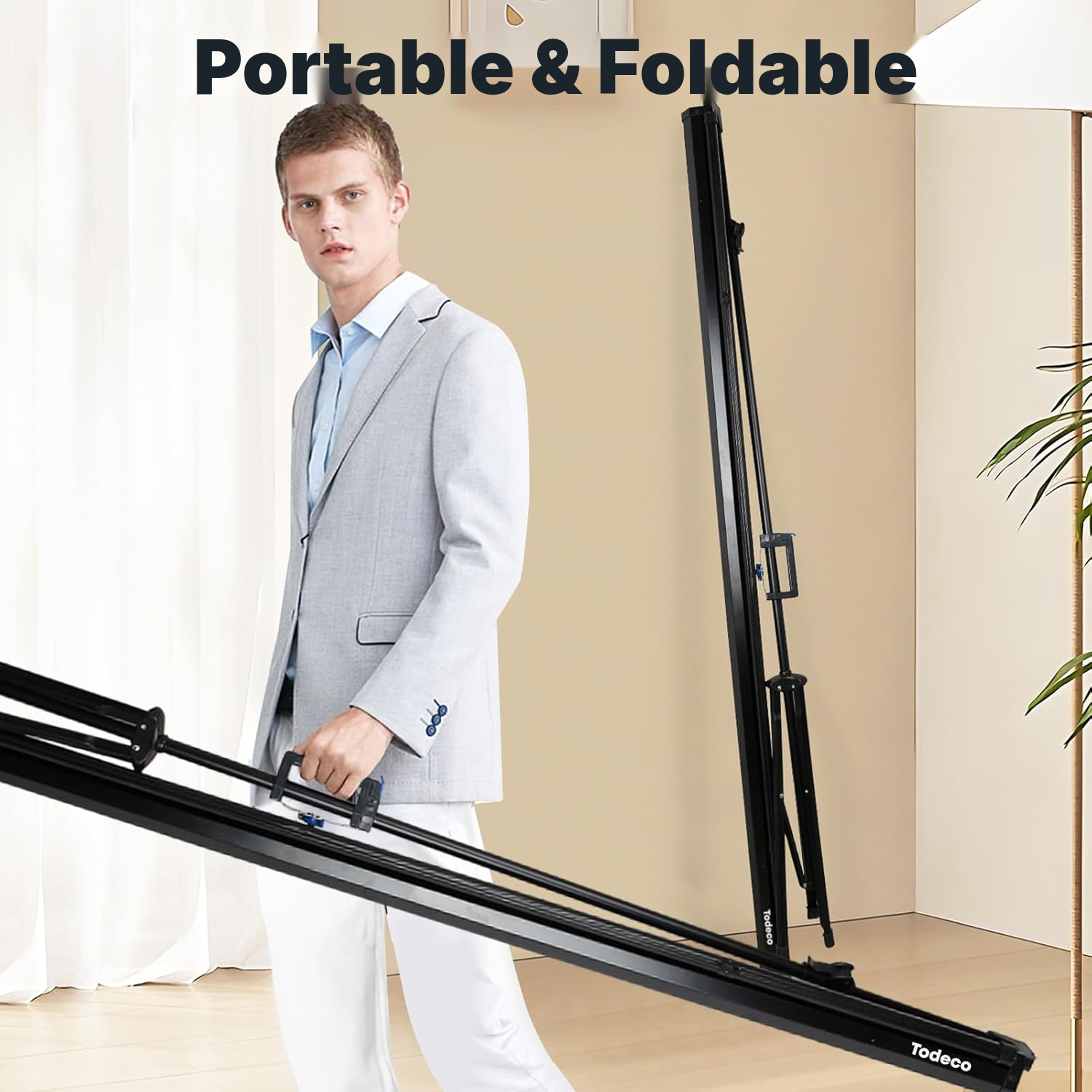
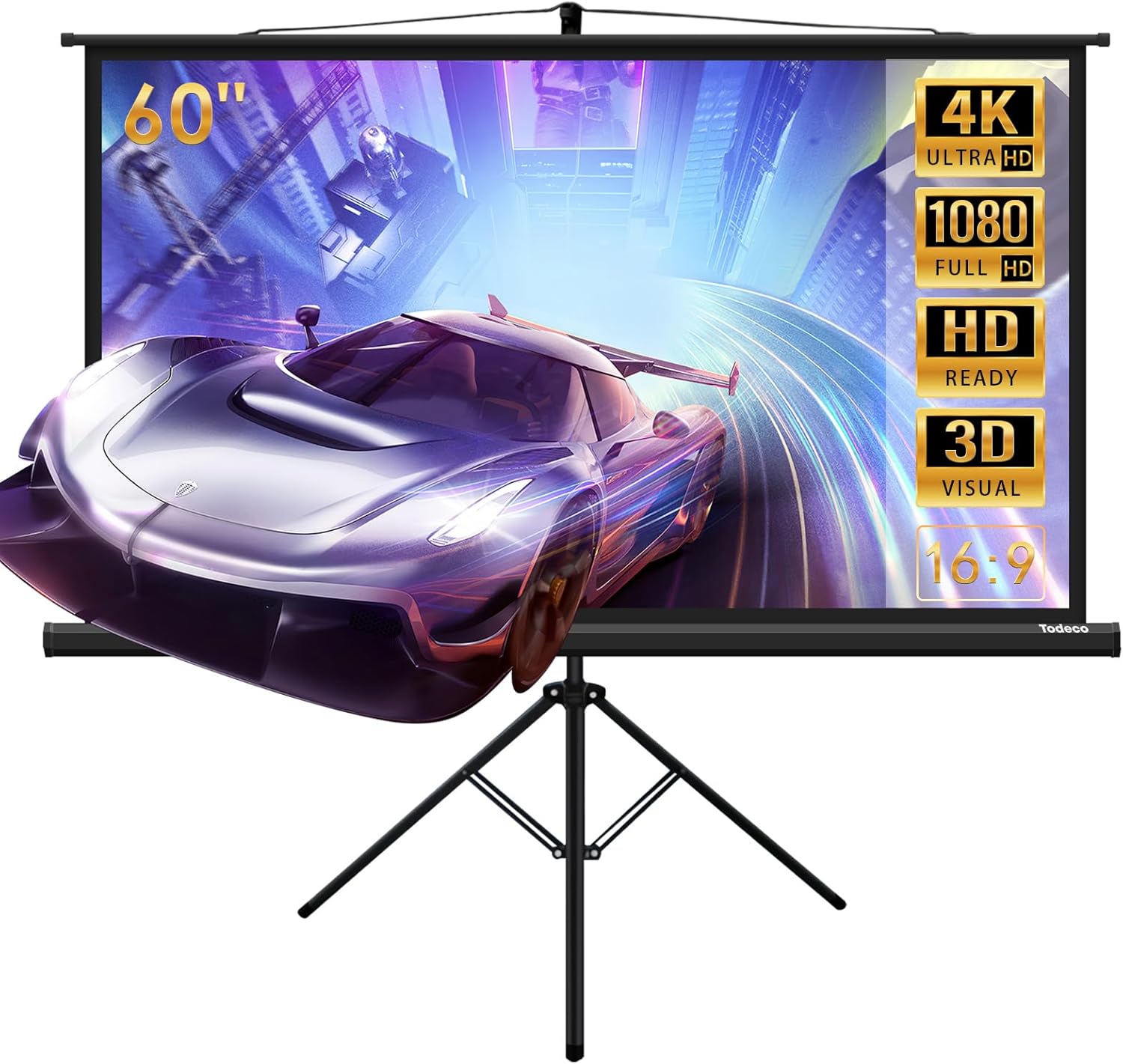
Projector Screen 90 cm with 181 cm Tripod Stand
Set up a stable large-format viewing surface for films, gaming, lessons or presentations—without permanent mounting.
Home projector screen benefits
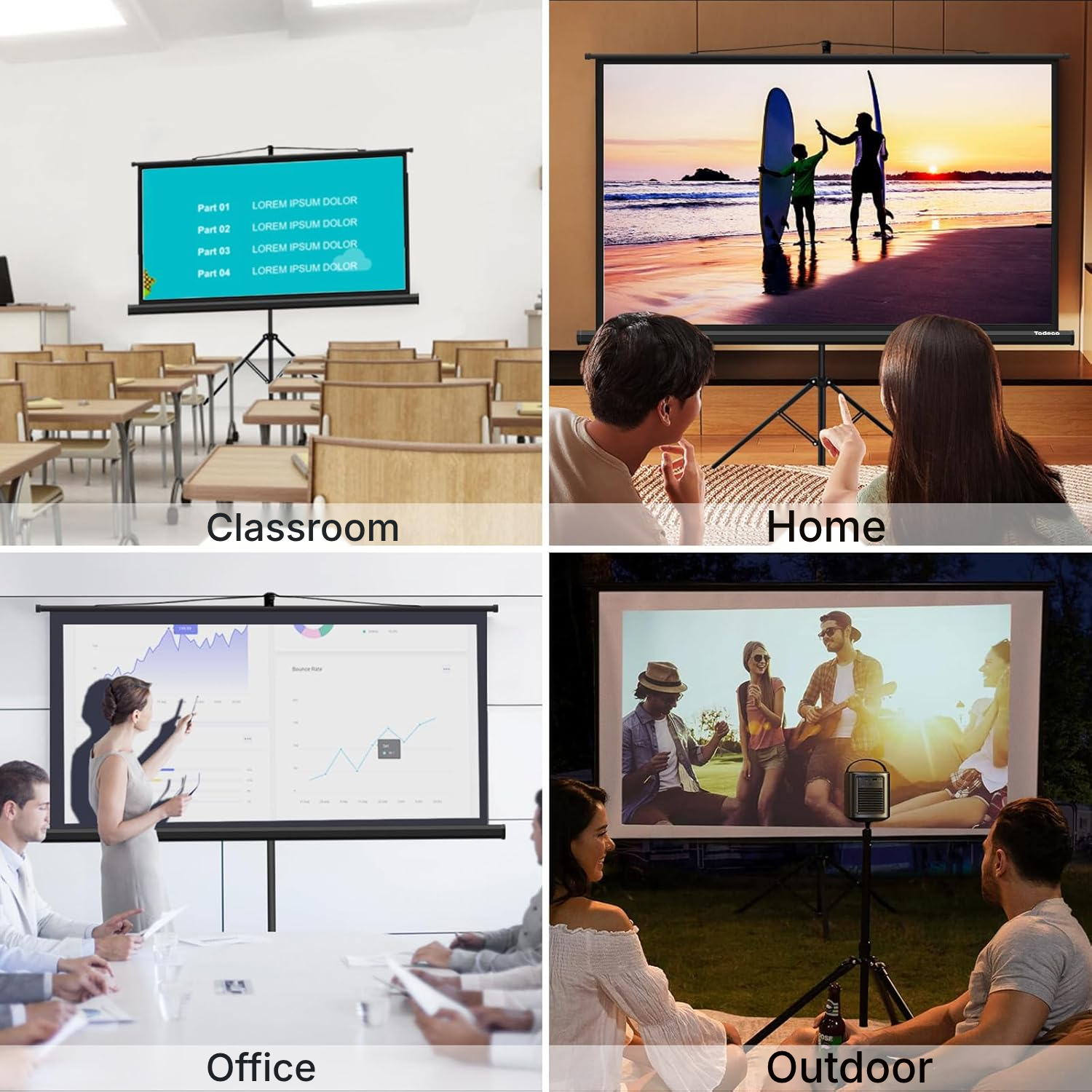
Ways to use your home cinema screen
Home cinema
Create a cinema space in your living room or entertainment room, then store the screen after viewing.
Sheltered outdoor viewing
Move the tripod into a covered outdoor area for a relaxed projection with friends.
Video gaming
Enjoy a large 16:9 image for gaming sessions in an entertainment room.
Business meeting
Bring a projection surface into a meeting room without installing a fixed screen.
Lessons and training
Teachers and trainers get a transportable screen for their visual materials.
Event or party
Create a projection area easily at a party or event equipped with a projector.
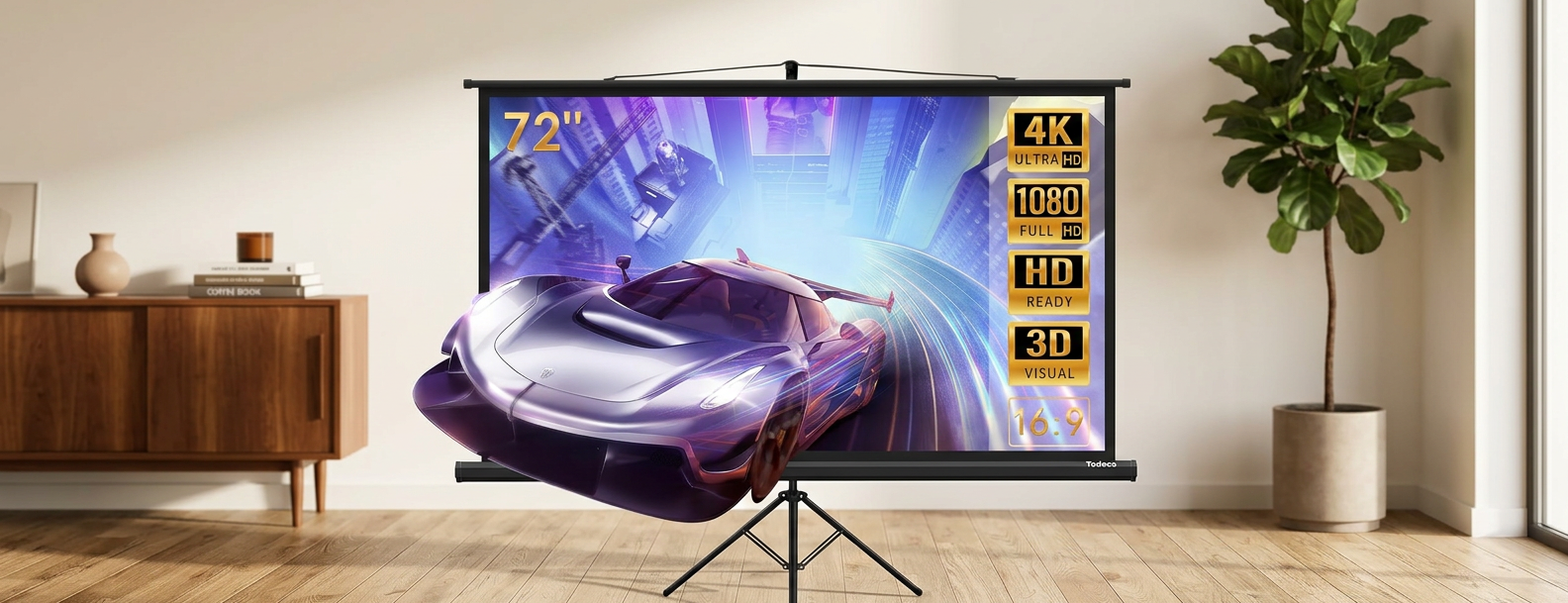
The projector screen fabric in detail
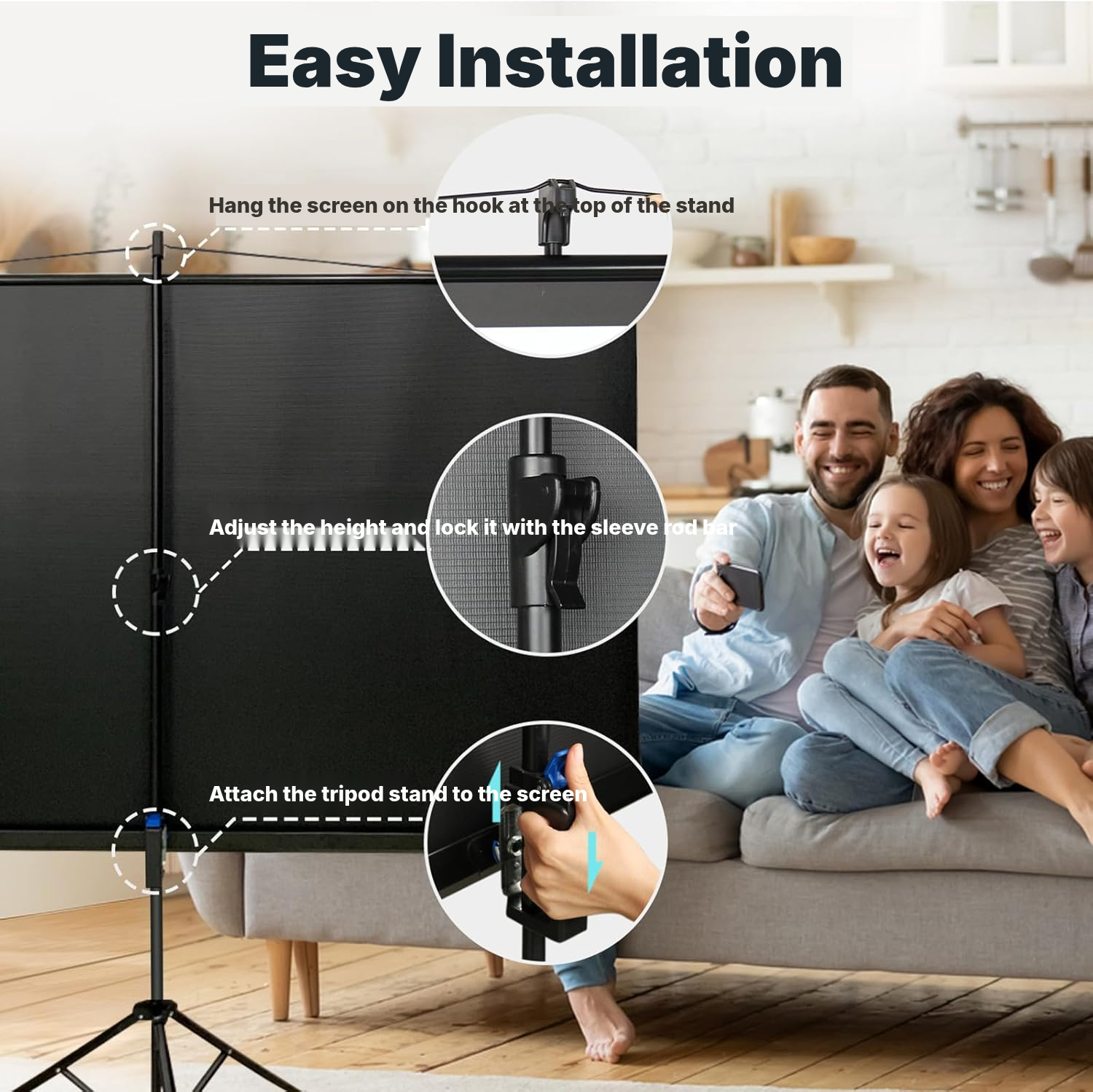
Turn a living room, entertainment space or meeting room into a viewing area in minutes. The included tripod lets you set up this home projector screen without permanently mounting a support to the wall or ceiling.
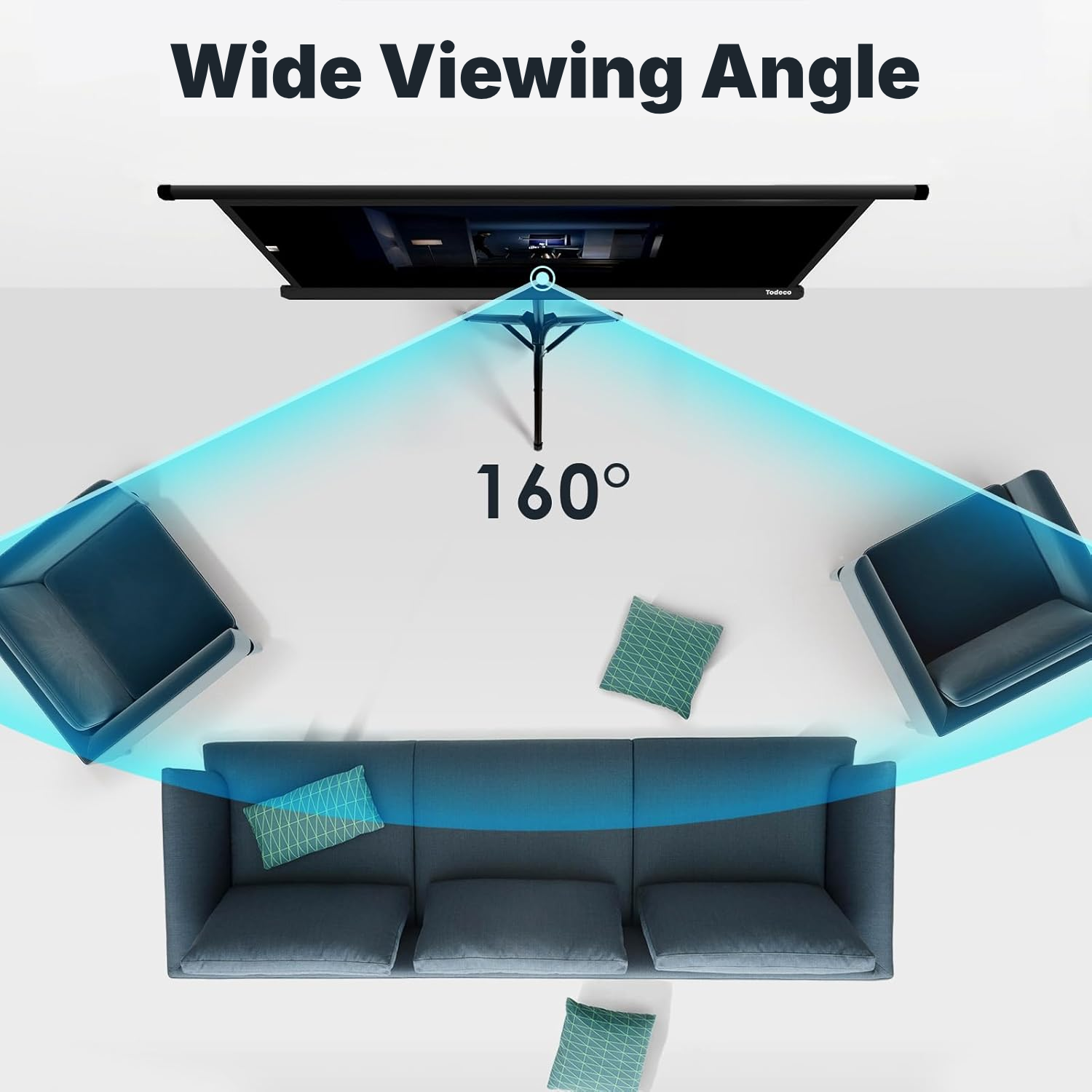
The polyester projector fabric provides a viewing angle of up to 160°, which is useful when viewers are not seated directly in front. The metal casing protects the screen during storage.
The manual auto-lock mechanism lets you stop the screen at your chosen position, then retract it into the casing after viewing. It is a portable solution for home, education, office use or an event.
How to set up your portable projector screen
- Choose a position with enough room to pull the fabric down and retract it.
- For tripod use, place the screen in the desired viewing position.
- For wall mounting documented in the instructions, fit the rings to the sides of the casing, then secure the supports to the wall before hanging the screen.
- For ceiling mounting documented in the instructions, install two hooks, then attach the casing's two suspension points.
- When lowering the screen, keep the logo or button facing upwards, above the viewers' heads.
What to check before buying
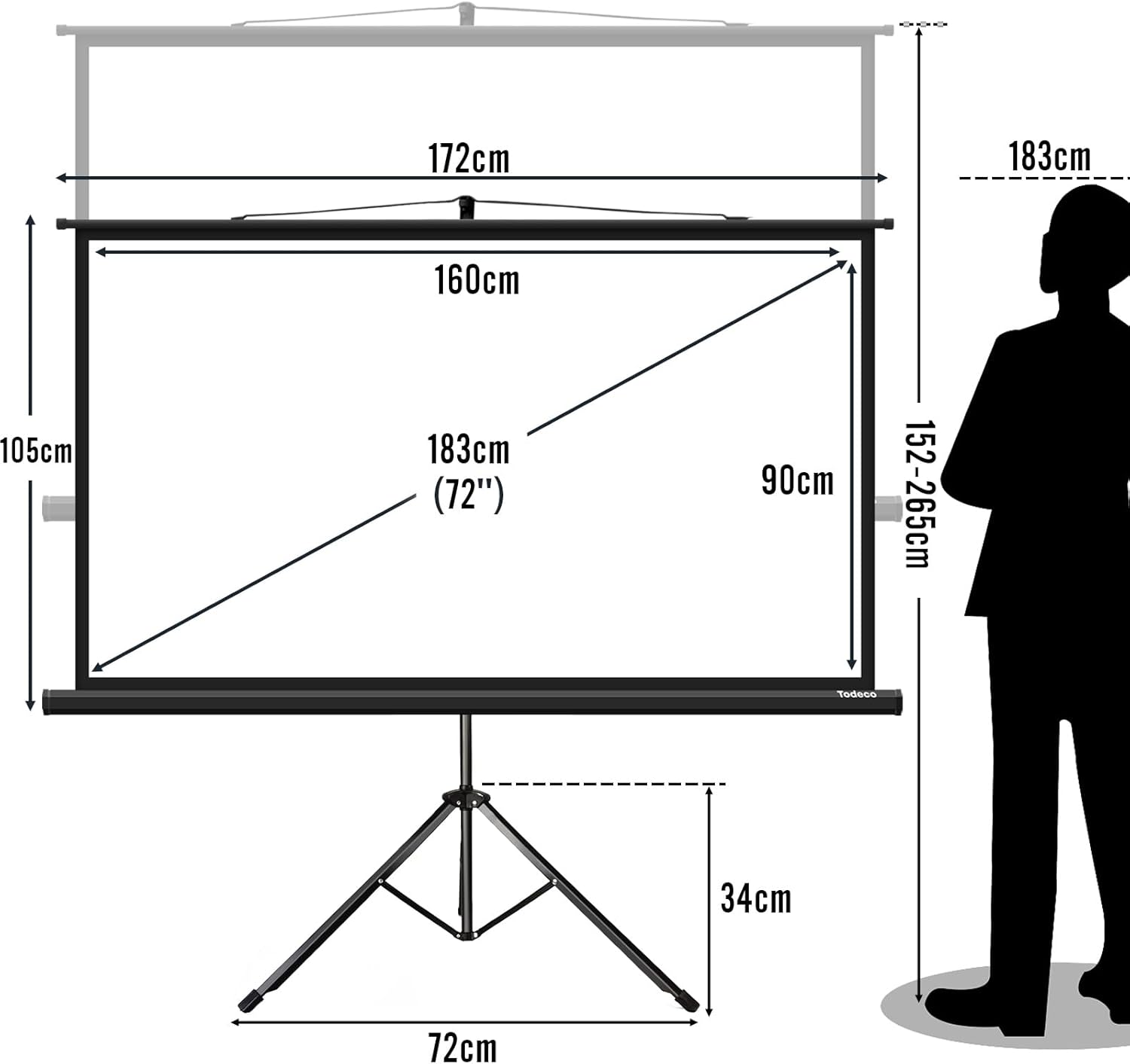
- Allow sufficient clearance for the 181 cm tripod.
- Check that your projector and content use the 16:9 format and HD, 4K or 3D compatibility.
- For outdoor use, choose only a sheltered location with sufficiently stable ground.
- If considering wall or ceiling mounting, check that your setup matches the options described in the instructions.
Manual or motorised screen: which should you choose?
Manual operation suits buyers who value portability, setup without motorisation and straightforward storage after each projection.
Portable freestanding projection screen
- No installation: sets up and packs away in seconds
- Easy to move from room to room or outdoors
- No drilling or wall mounting required
- Freestanding and stable, with no electronics to fail
Fixed wall/ceiling-mounted screen
- Permanent installation requiring drilling
- Cannot be moved once installed
- Takes up a fixed area of the wall
Motorized screen
- More expensive
- Electric motor that can fail
- Requires a nearby power source
Painted wall / fixed tensioned screen
- Not portable
- No true black border for added contrast
- Surface quality varies depending on installation
How to care for your projector screen
- Retract the screen after every use.
- Check the surface after viewing and use a soft, flexible brush if dust or dirt is present.
- Do not pull the fabric excessively: use moderate force until the rear edge becomes visible, indicating the correct lowering position.
- To close the screen, unlock it by pulling down slowly, then guide the suspension ring while it retracts.
Projector screen specifications
- Product type
- Portable projector screen with tripod
- Actual dimensions
- 265 × 172 × 72 cm
- Tripod height
- 181 cm
- Weight
- 4.8 kg
- Nominal size
- 72 inches
- Compatibility
- HD, 4K, 3D
- Viewing angle
- Up to 160°
- Operation
- Manual
- Mechanism
- Automatic locking with retraction
- Mounting type
- Tripod included
- Materials
- Polyester fabric, metal casing
- Colour
- Black
- Reference
- 0366-T-4
Projector screen questions answered
Can I use this projector screen for outside?
The guide documents portable use indoors or outdoors. Outside, place it in a sheltered area on sufficiently stable ground, away from wind and frequent foot traffic.
How do I avoid damaging a manual pull down projector screen?
Pull the fabric down slowly using moderate force. To close it, gently pull again to release the lock, then guide the retraction while holding the suspension ring.
How do I clean a projector screen?
If needed, clean the surface with a soft, flexible brush, then retract the screen after each session.
How much space do I need for this projector screen?
Allow enough clearance to pull the fabric down and retract it.
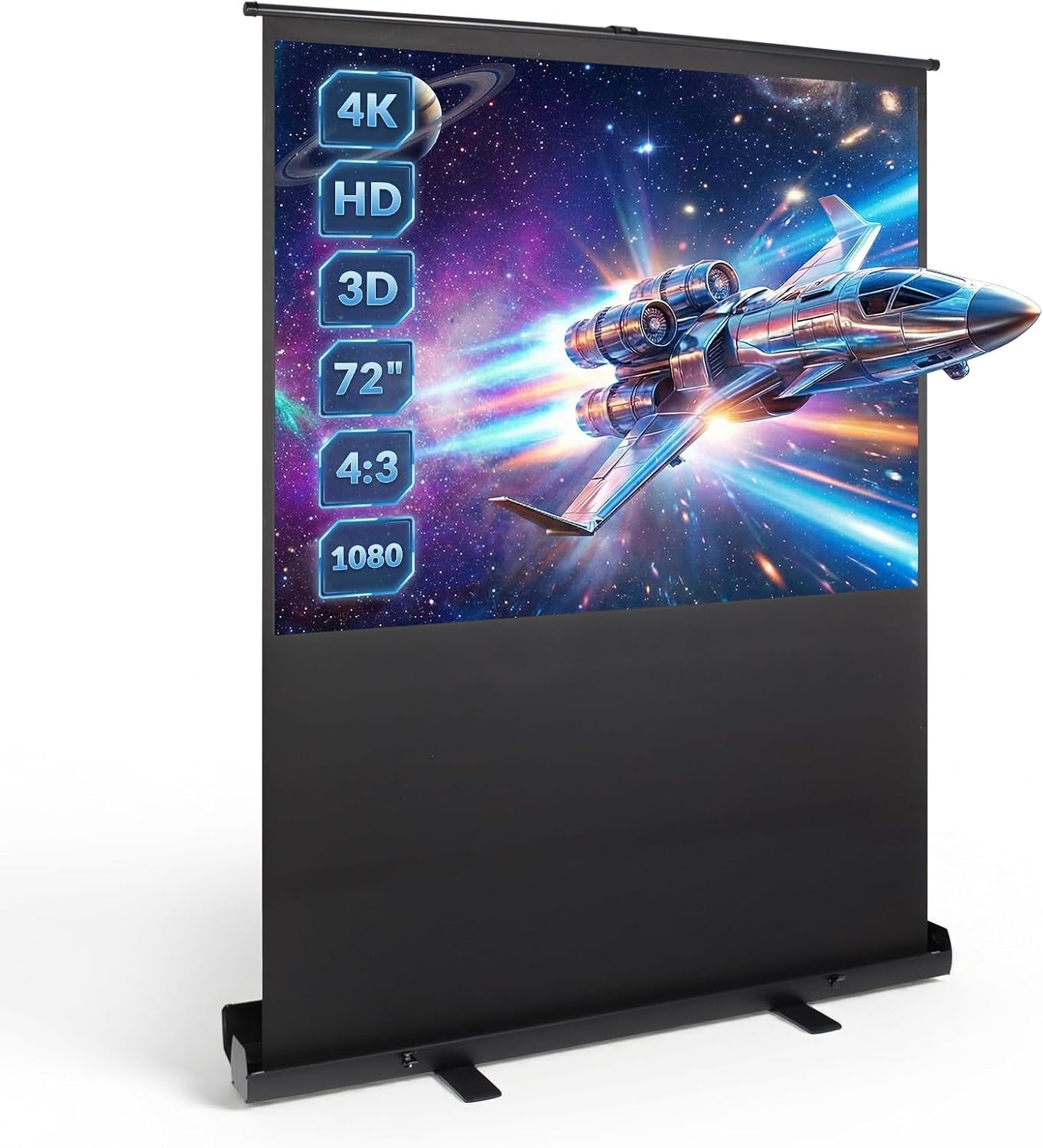
Is a 72-inch cinema theatre screen large enough for a big room?
The nominal size is 72 inches. It suits home cinema sessions, entertainment rooms, meetings and training; check the viewing distance and audience size before buying.
Is a manual screen practical for frequent use?
The auto-lock mechanism lets you pull the fabric down slowly and lock it at your chosen position. Retraction is then done manually into the casing.
Will the 181 cm tripod fit in my storage space?
The tripod reaches 181 cm in height. Measure your car, cupboard or storage area before buying to confirm that the size works for you.
Can I install this on a wall or use a ceiling mounted projector screen setup?
The instructions document manual mounting options with rings and hooks: rings on the sides of the casing for wall mounting, or two ceiling hooks for the configurations provided. The product is presented here with its included tripod.
Customer reviews
You may also like
Ready to go?
Shipping included · 30-day returns