Projector Screen for Easy Floor Setup
Set up a stable large projection surface quickly—without drilling or permanent installation.
Projector Screen Benefits
Projector Screen and Stand: What Can You Use It For?
At-home movie nights
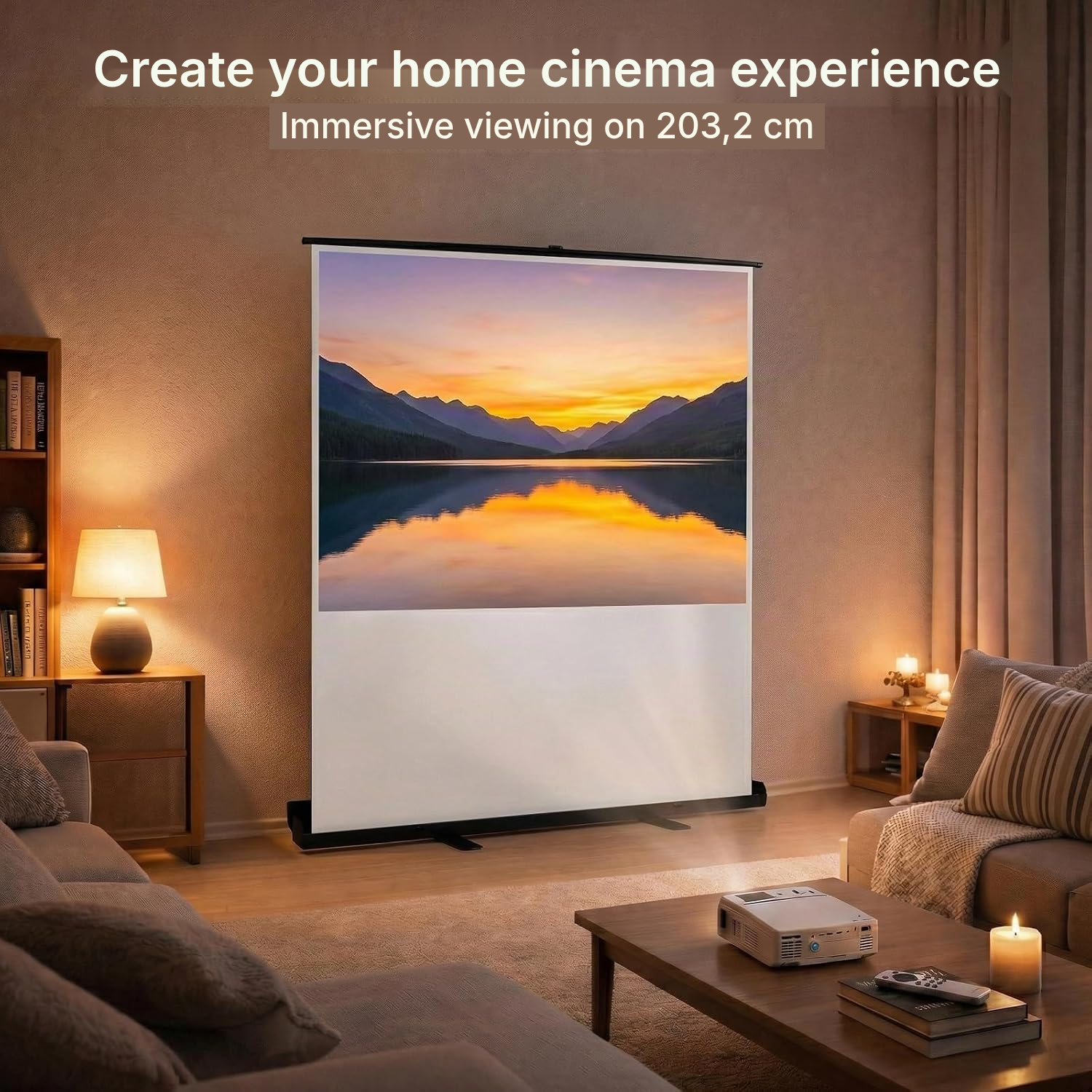
Set up the screen in your living room for a movie night without permanent installation.
Big-screen gaming
Quickly set up the projection surface for gaming, then store it away after use.
Professional presentations
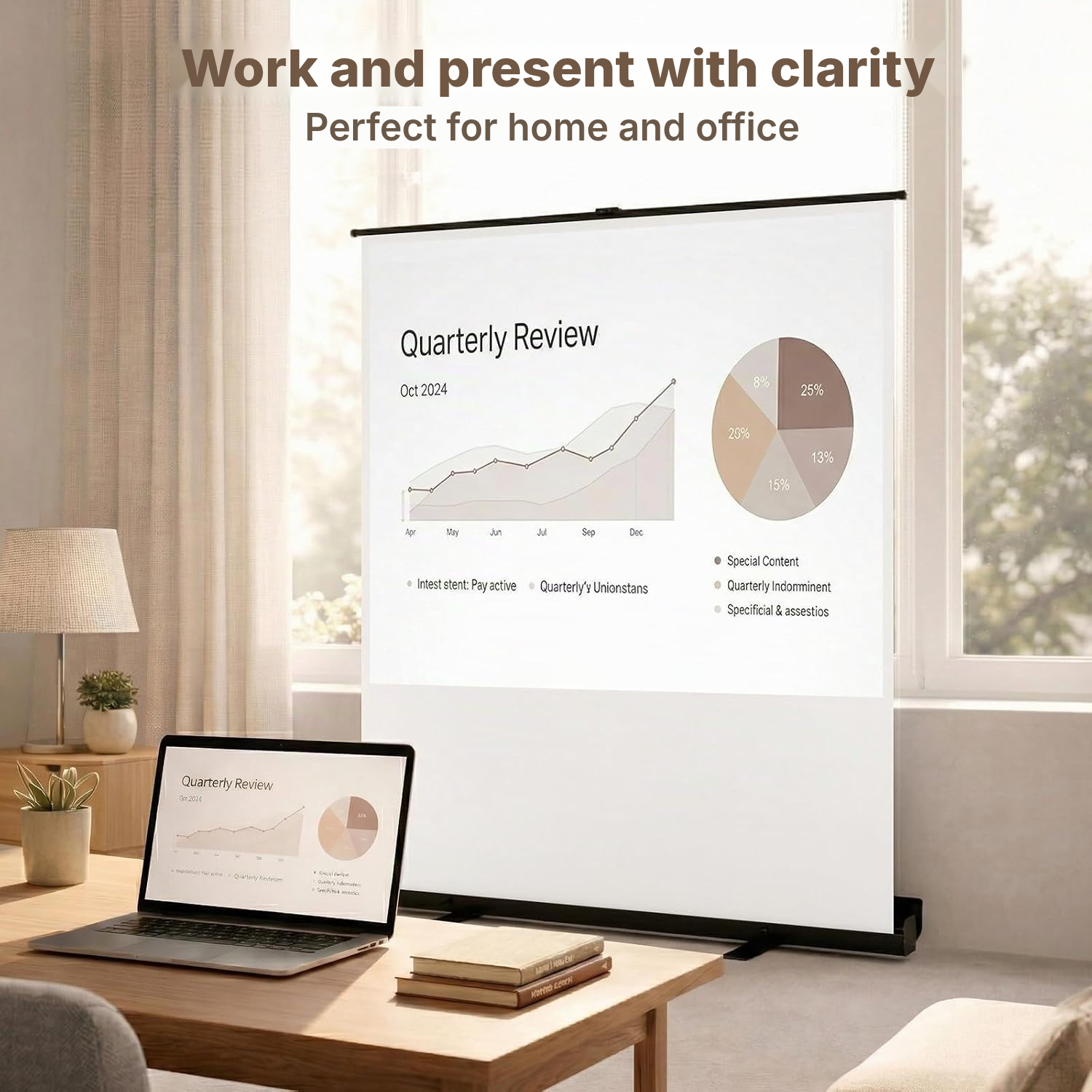
Place the screen in an office or meeting room when you need to present without drilling.
Training and meetings
Adjust the height to suit the room layout when displaying training or meeting materials.
Projection in different rooms
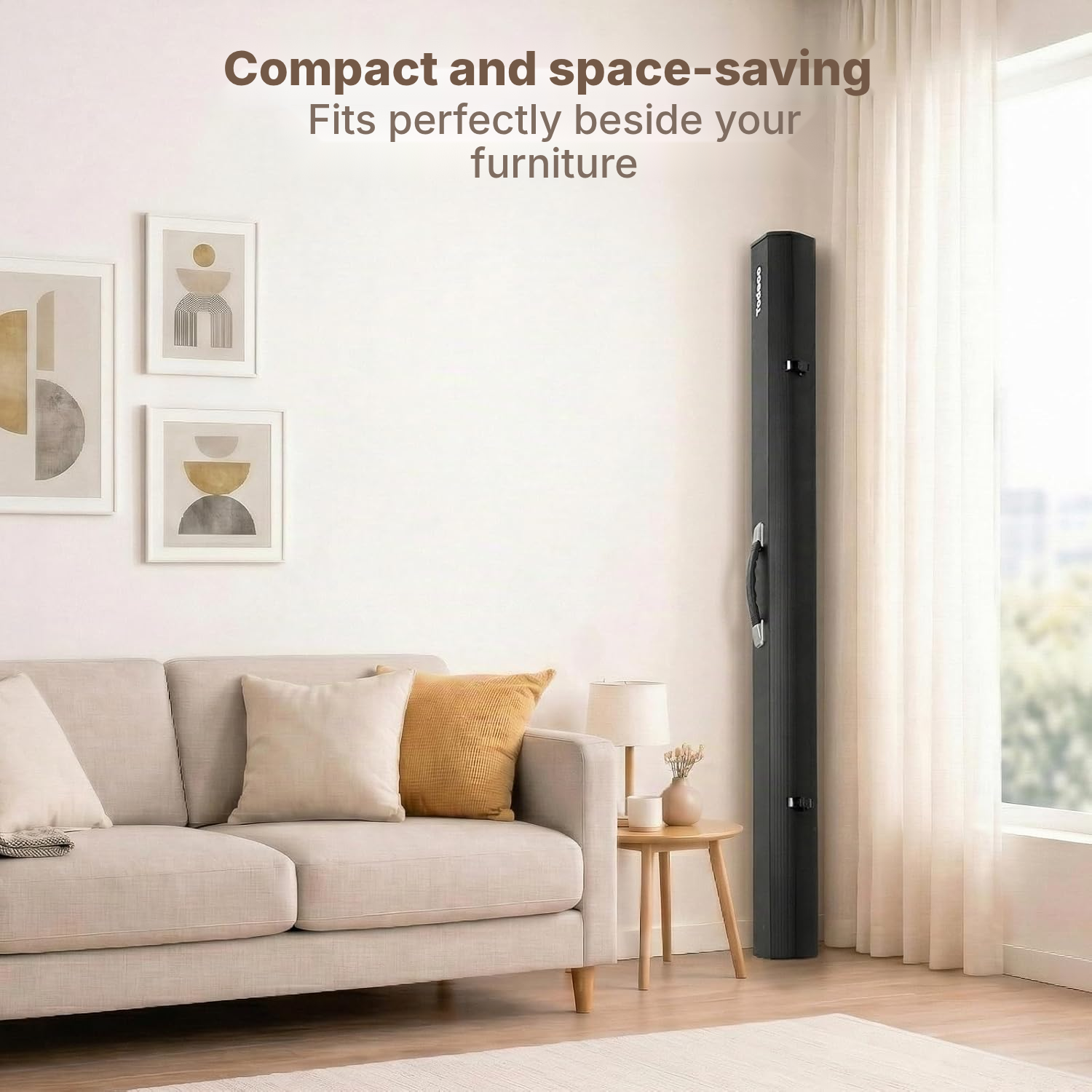
Use the integrated handle to move the screen from one room to another as needed.
Drill-free spaces
Choose a floor-standing setup for a home or premises where wall installation is not possible.
The Retractable Projector Screen in Detail
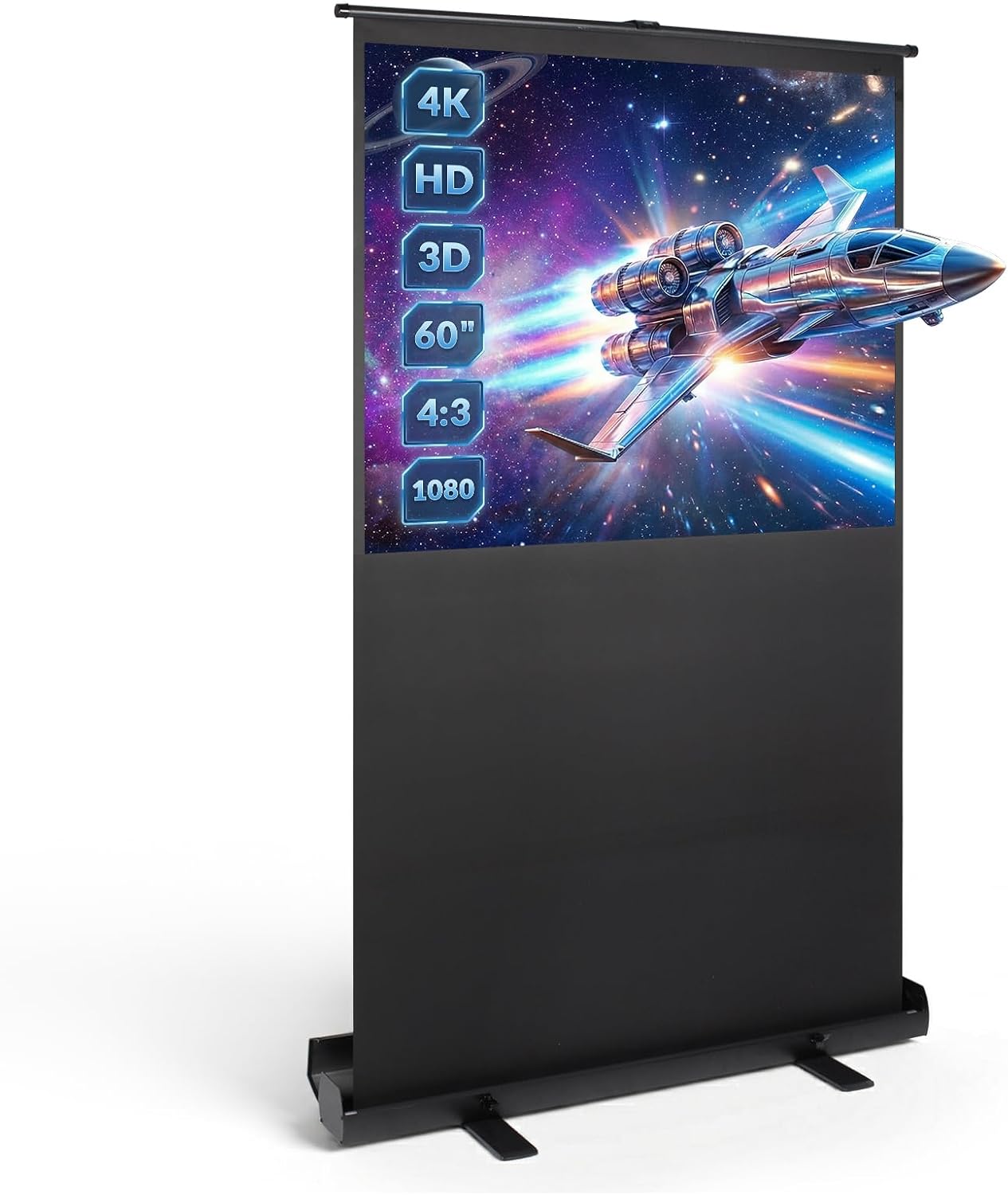
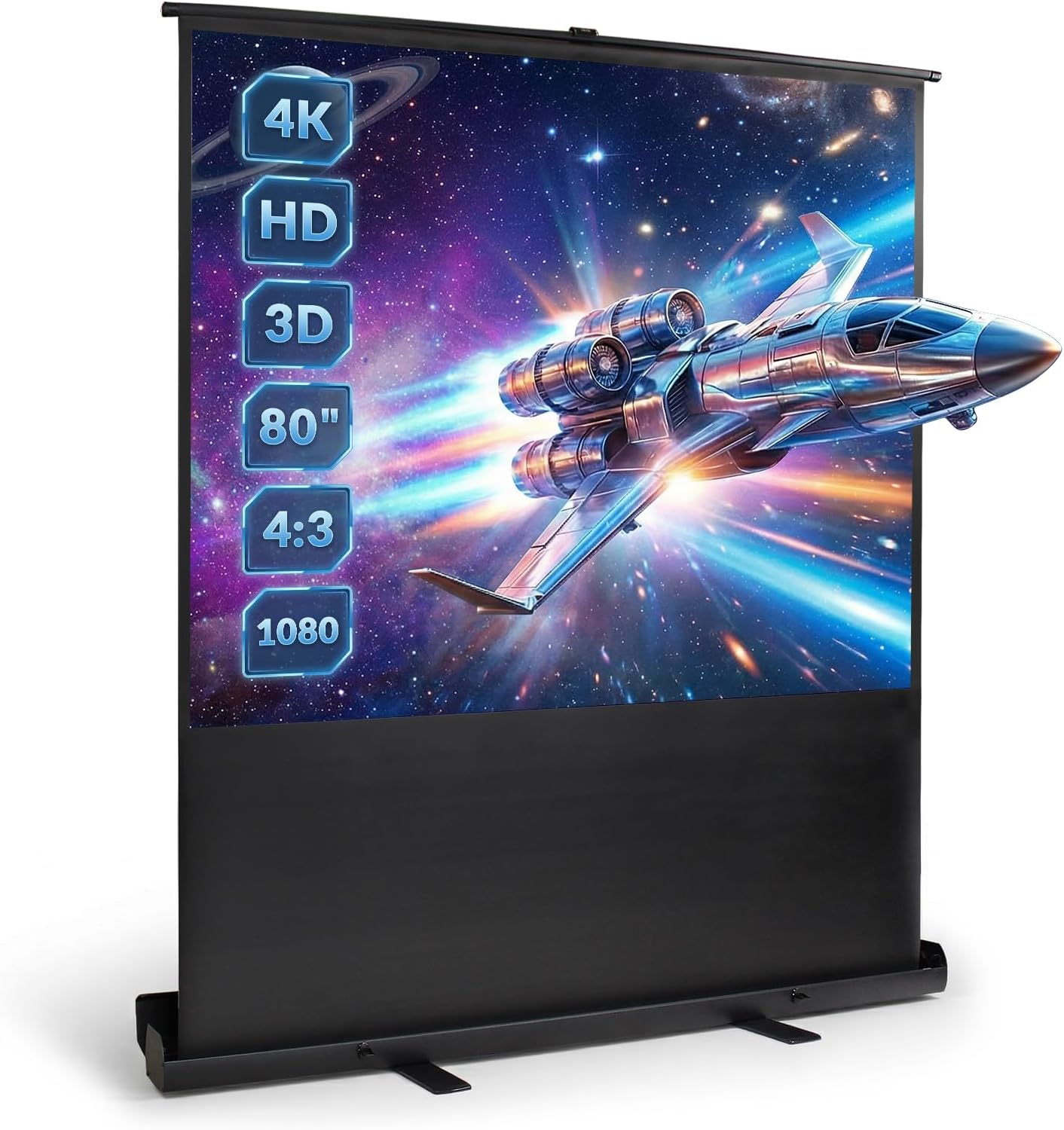
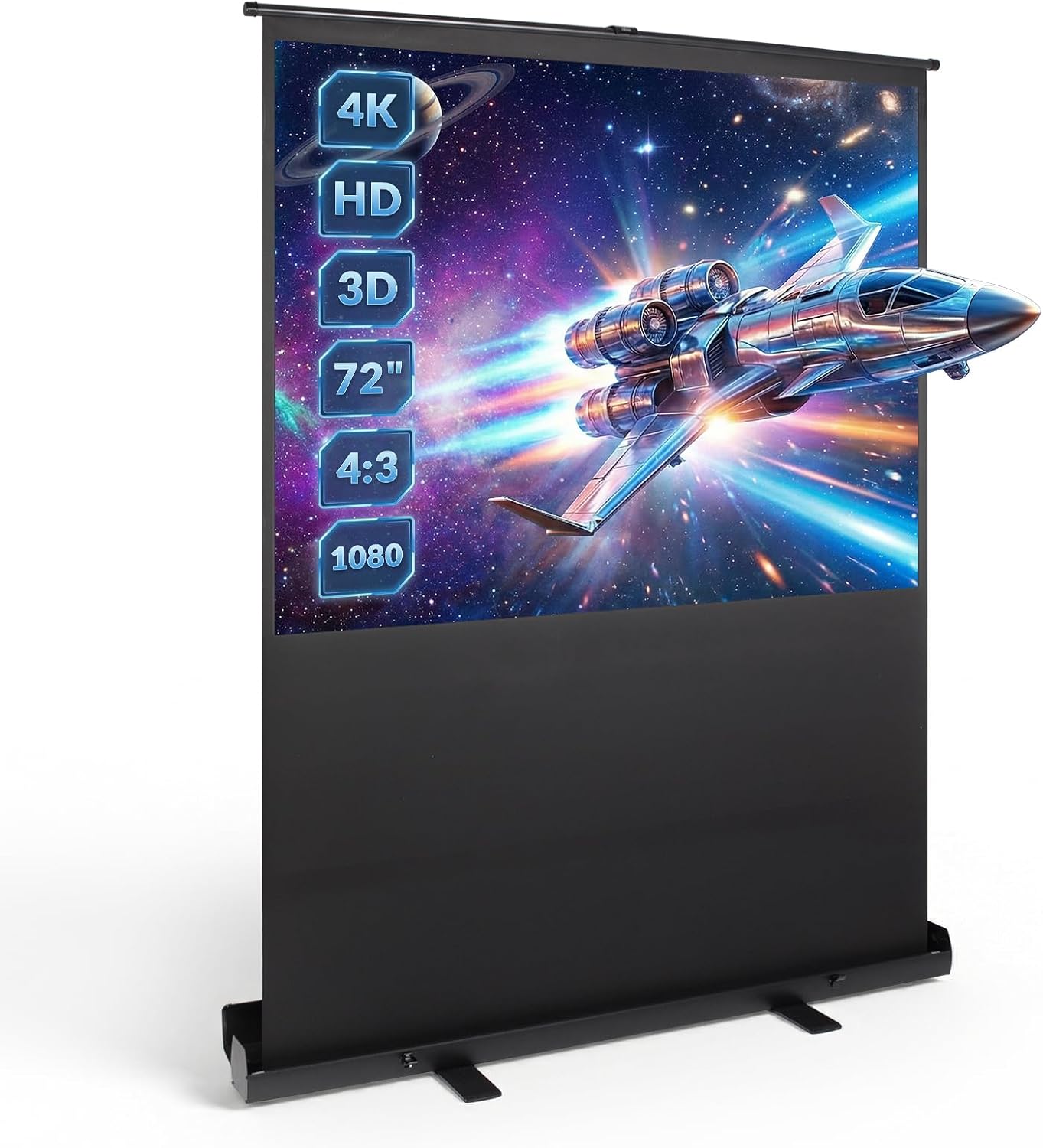
This projector screen sets up on the floor with no installation or drilling required. Place it in your living room, meeting room or any space where a permanent solution is not practical.
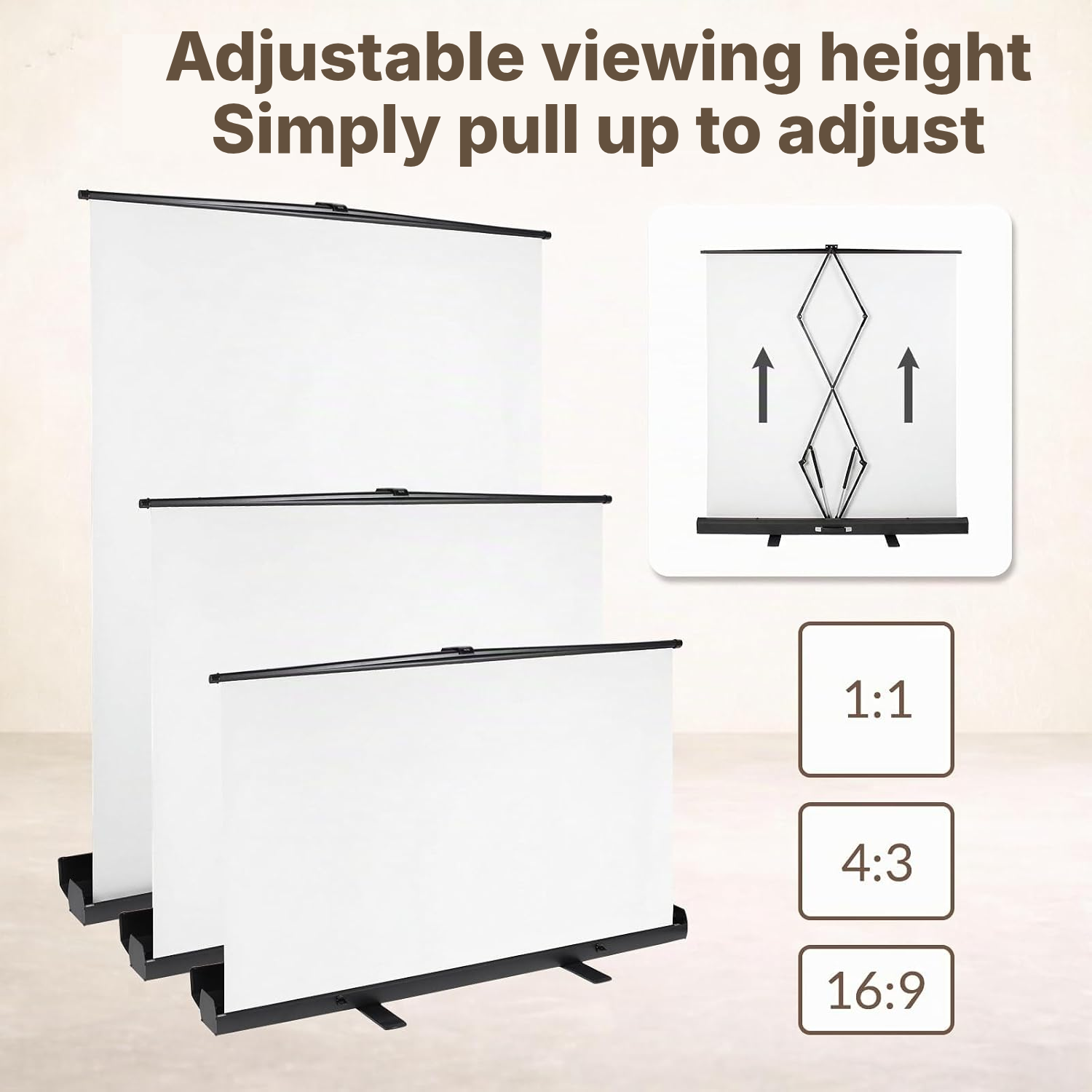
The projector screen adjusts to your preferred height and stays securely in position with its double-pressure locking system. It can be operated with one hand and requires no tools.
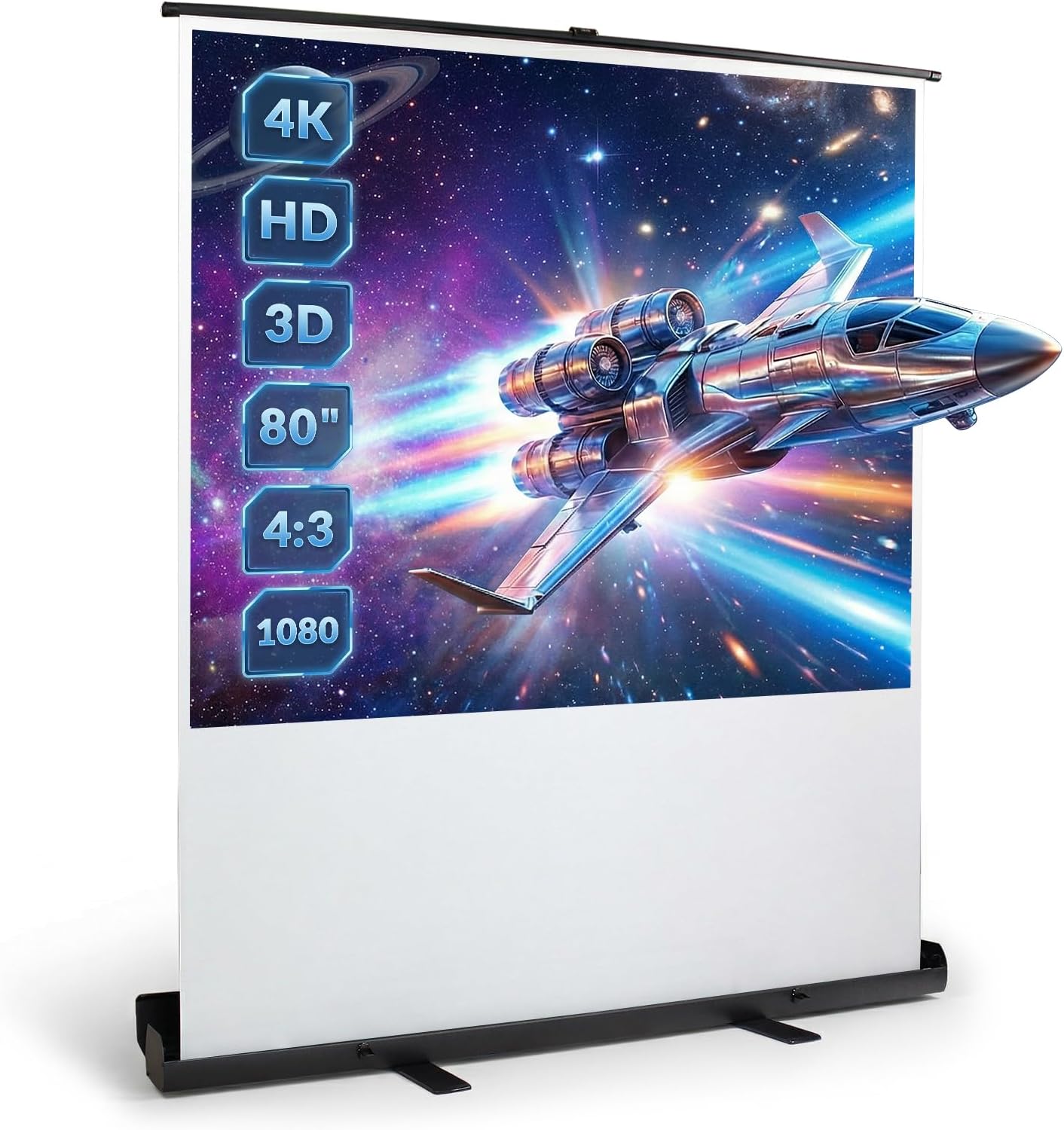
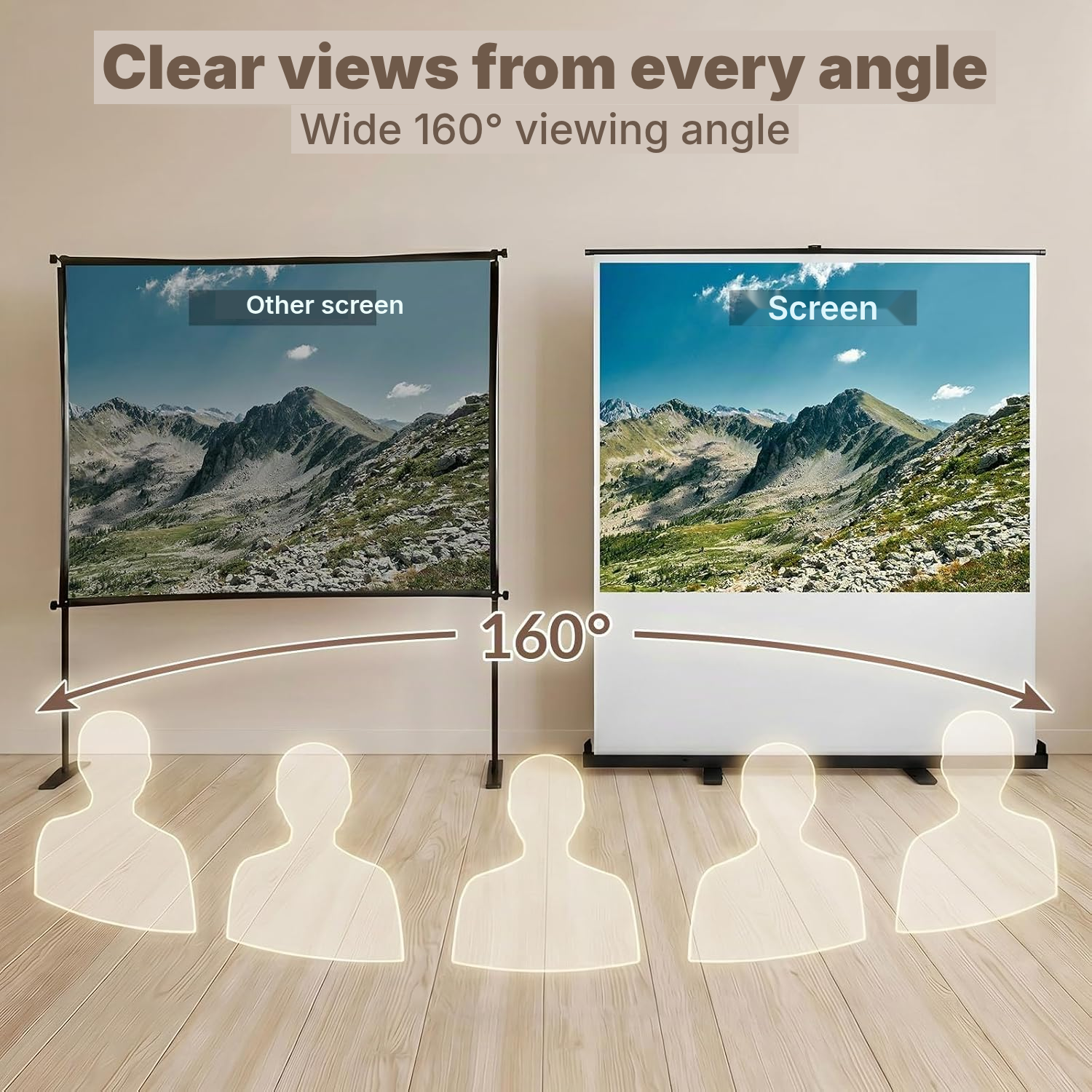
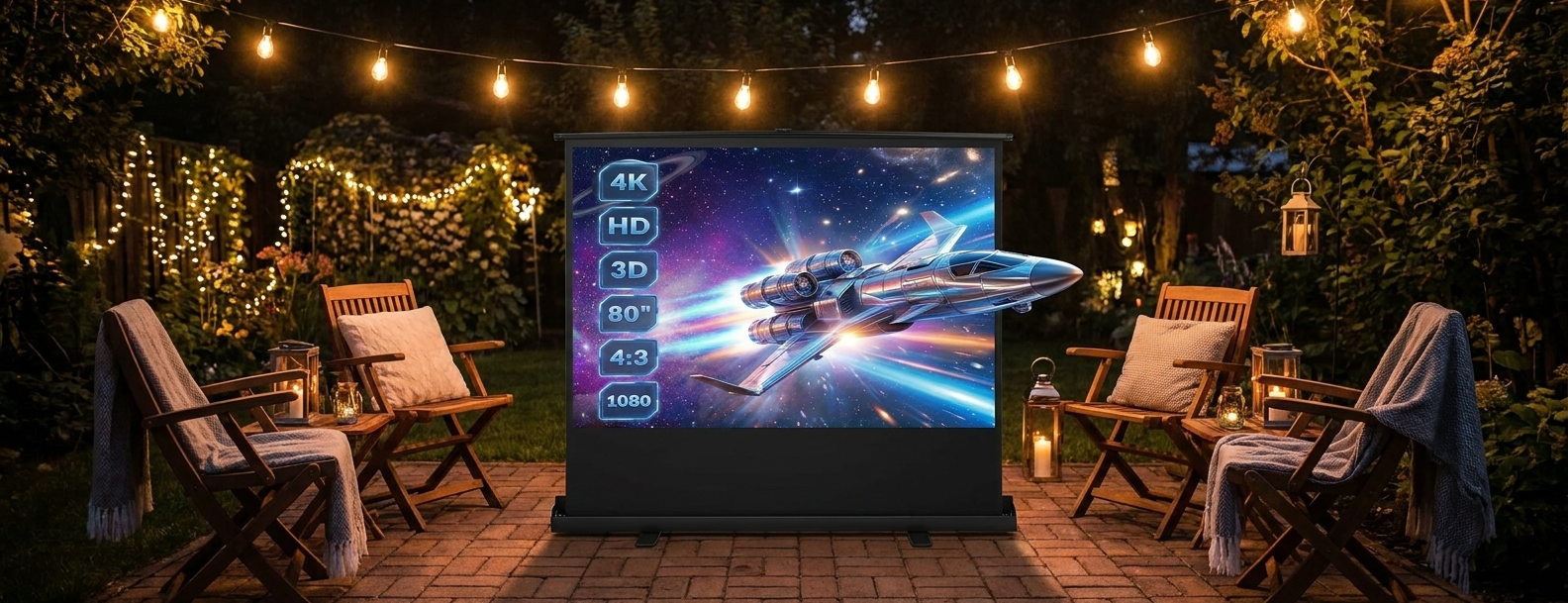
Its matte white surface distributes light evenly. The screen supports 1:1, 4:3 and 16:9 formats and works with Full HD, 4K and 3D projectors.
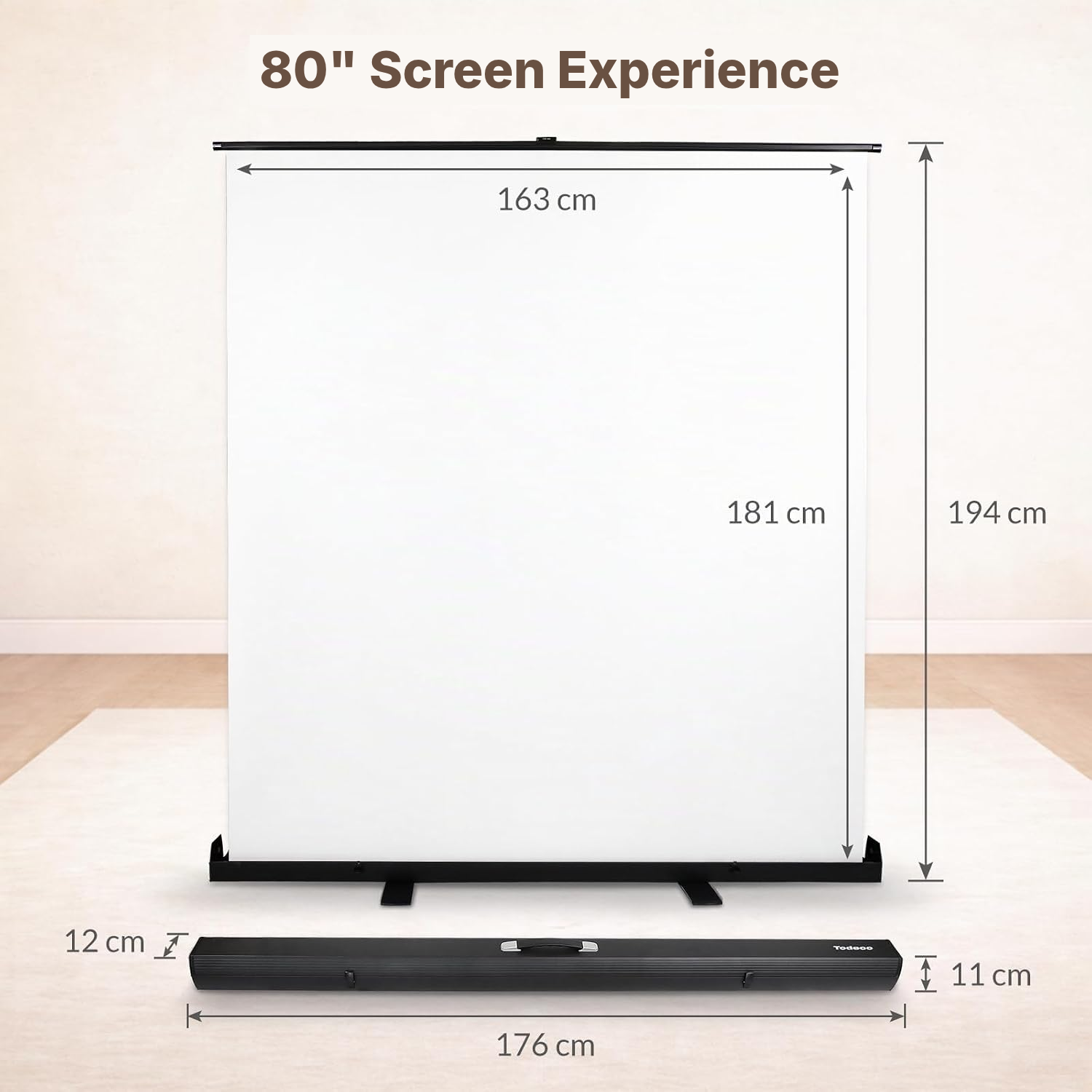
When the viewing session is over, retract the screen into its horizontal aluminium case. Weighing 8,9 kg and featuring an integrated handle, it is easier to carry and store between uses. Its nominal diagonal is 203,2 cm (80 pouces).
Looking for an outdoor projector screen or a projector screen for outside? Use it only in a suitable, supervised environment and avoid strong wind.
Projector Screen Setup Without Drilling
- Extend the side plates or feet on both sides to stabilise the base.
- Open the safety lock.
- Open the protective cover.
- Hold the handle and pull the screen upwards slowly.
- Stop the screen at the desired height without tools using the double-pressure locking system.
Which Projector Screen Should You Choose?
- Allow a sufficiently stable floor surface for extending the side feet.
- Choose this screen if your projector supports Full HD, 4K or 3D.
- Check that your content matches the 1:1, 4:3 or 16:9 formats.
- Plan for a separate projector: the purchase covers the projection screen.
- For outdoor use, avoid areas exposed to strong wind.
Retractable Projector Screen or Fixed Solution?
This floor-standing model suits buyers who want projection that is quickly available, portable and drill-free.
Portable freestanding projection screen
- No installation: sets up and packs away in seconds
- Easy to move from room to room or outdoors
- No drilling or wall mounting required
- Freestanding and stable, with no electronics to fail
Fixed wall/ceiling-mounted screen
- Permanent installation requiring drilling
- Cannot be moved once installed
- Takes up a fixed area of the wall
Motorized screen
- More expensive
- Electric motor that can fail
- Requires a nearby power source
Painted wall / fixed tensioned screen
- Not portable
- No true black border for added contrast
- Surface quality varies depending on installation
How to Care for Your Projector Screen
- Clean the screen with a soft cloth if it becomes dirty.
- Do not immerse the unit in water or another liquid.
- Close the screen immediately after projection to help limit the risk of damage to the internal spring.
- Pull only from the centre of the top bar and do not bend it.
Full HD 4K 3D Projector Screen Specifications
- Type
- Portable, vertically retractable floor-standing screen
- Actual dimensions
- 194 × 179 × 16 cm
- Weight
- 8.9 kg
- Nominal diagonal
- 203,2 cm (80 pouces)
- Installation
- No installation required
- Mounting
- Floor-standing
- Case
- Aluminium
- Projection surface
- Matte white
- Compatible formats
- 1:1, 4:3 and 16:9
- Compatibility
- Full HD, 4K and 3D
- Adjustment
- Height adjustable
- Locking
- Double pressure, one-hand operation
- Colour
- White
- Warranty
- 2 years
- Reference
- 0212-T-4
Projector Screen Questions Answered
Does this projector screen come with a projector?
This is a projector screen and stand solution; the compatible projector must be available separately.
Is this a movie screen with stand for uneven floors?
To stabilise the screen stand for projector use, fully extend the side plates or feet before opening the screen. The instructions recommend doing this before every setup.
Can I use this outdoor projector screen outside?
Avoid using it in strong wind, as the instructions warn of instability and possible damage.
How do I open a standing screen for projector use safely?
Pull upwards slowly while holding the handle from the centre of the top bar. Do not pull from both sides.
How do I clean a screen projector screen surface?
Clean it with a soft cloth.
What formats work with this projector screen stand?
The screen supports 1:1, 4:3 and 16:9 formats. Other formats may produce less suitable framing.
Is this screen for projector with stand suitable for children?
The instructions require children to be supervised and state that the unit must never be left unattended during use.
Customer reviews
You may also like
Ready to go?
Shipping included · 30-day returns