
Projector Screen — Projected on the Screen
Set up a large, adjustable viewing surface for films, gaming and presentations in minutes.
Retractable projector screen: key benefits
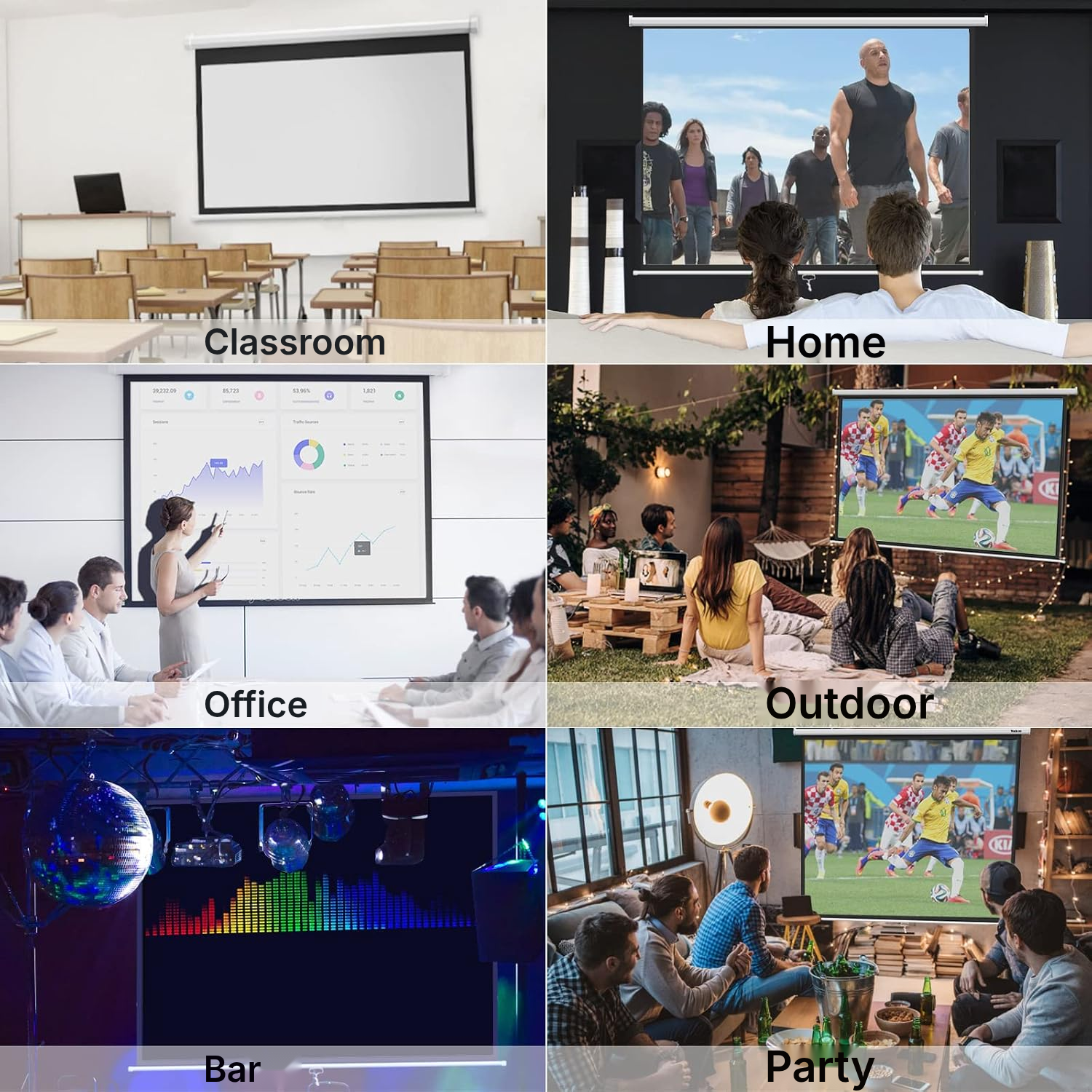
Projector and screen: everyday uses
Home cinema in your living room
Unroll the screen for films and series, then retract it after viewing.
Gaming on a huge projector screen
Adjust the height to suit your setup and play in 4:3 or 16:9.
Meetings and presentations
Mount it on a wall or ceiling in a meeting room to present your content.
Classes and training
Deploy the projection surface in a classroom or training room whenever needed.
Conferences and events
Use it for conferences, exhibitions, conventions and family or community events.
 <div class="inner"><span class="eyebrow">In use</span><h2>Set up a large</h2></div>
Matte projection surface and metal casing
Turn your living room, meeting room or classroom into a viewing space with a matte screen surface designed to promote even light reflection. The black PVC backing limits light penetration for a more consistent image.
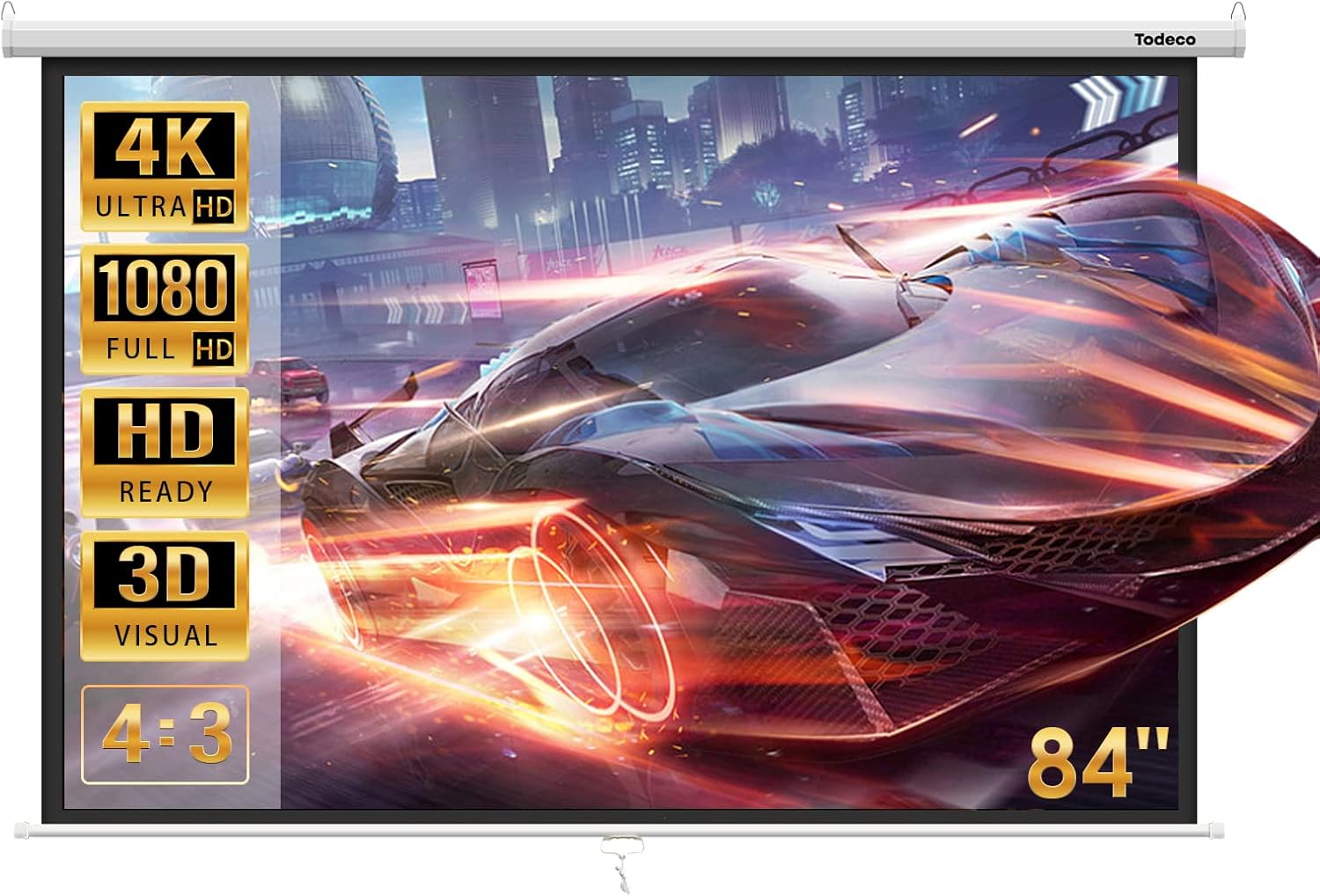
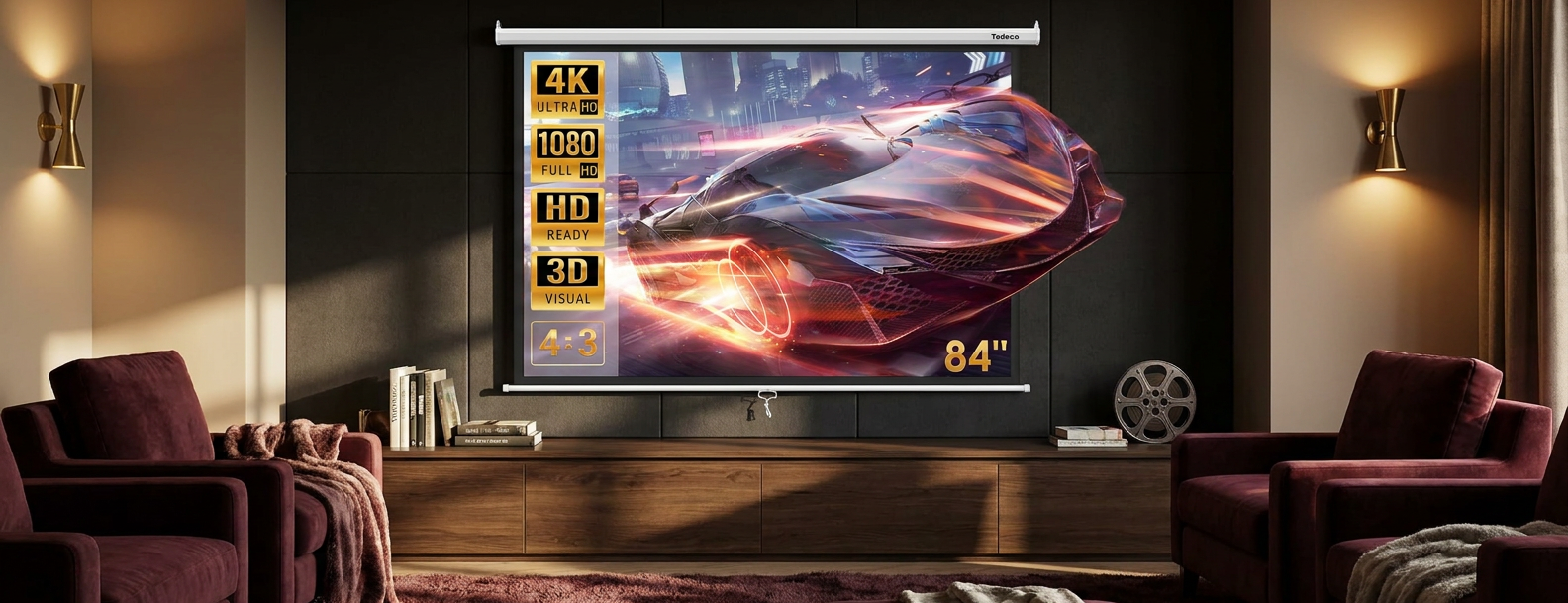
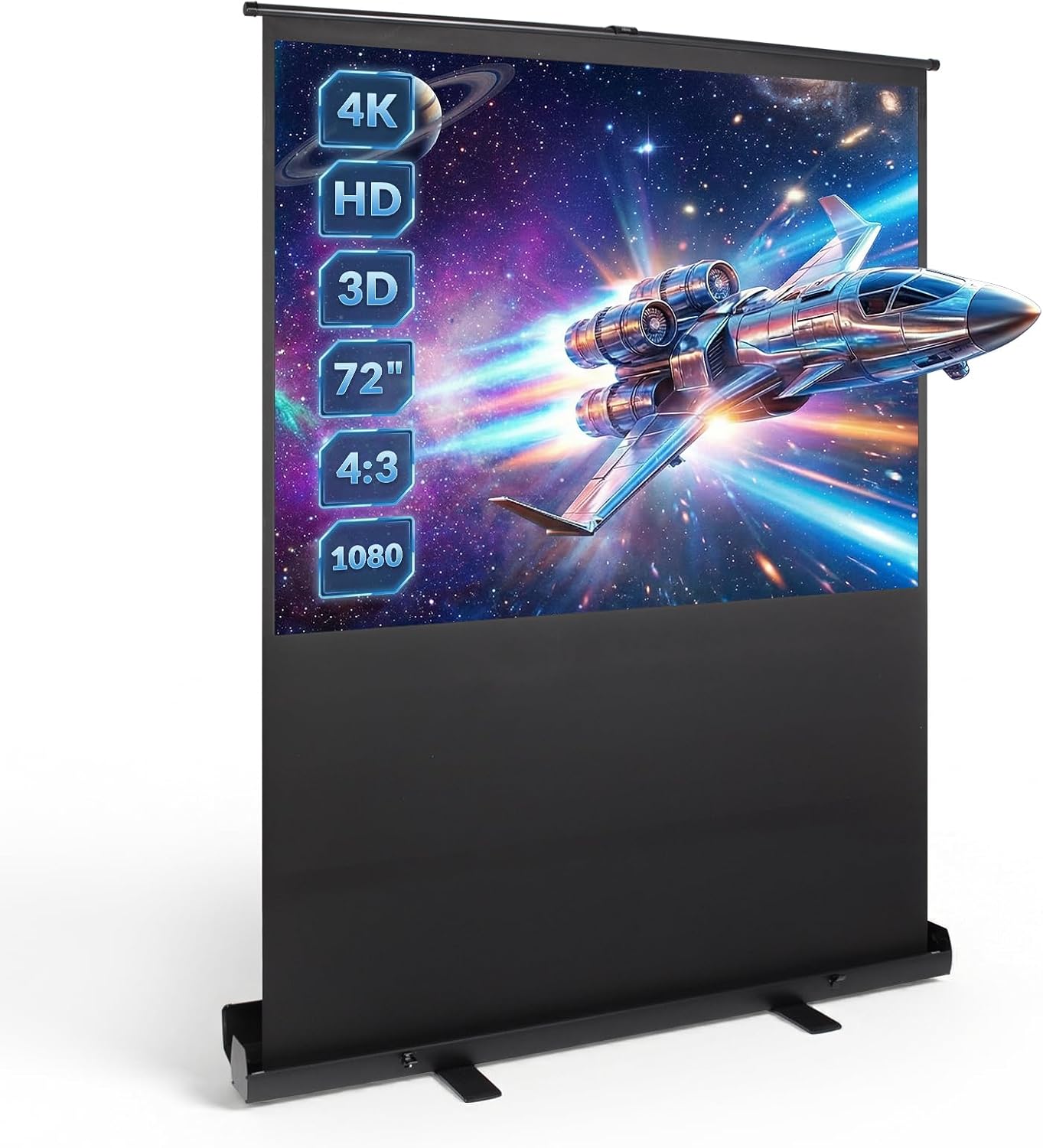
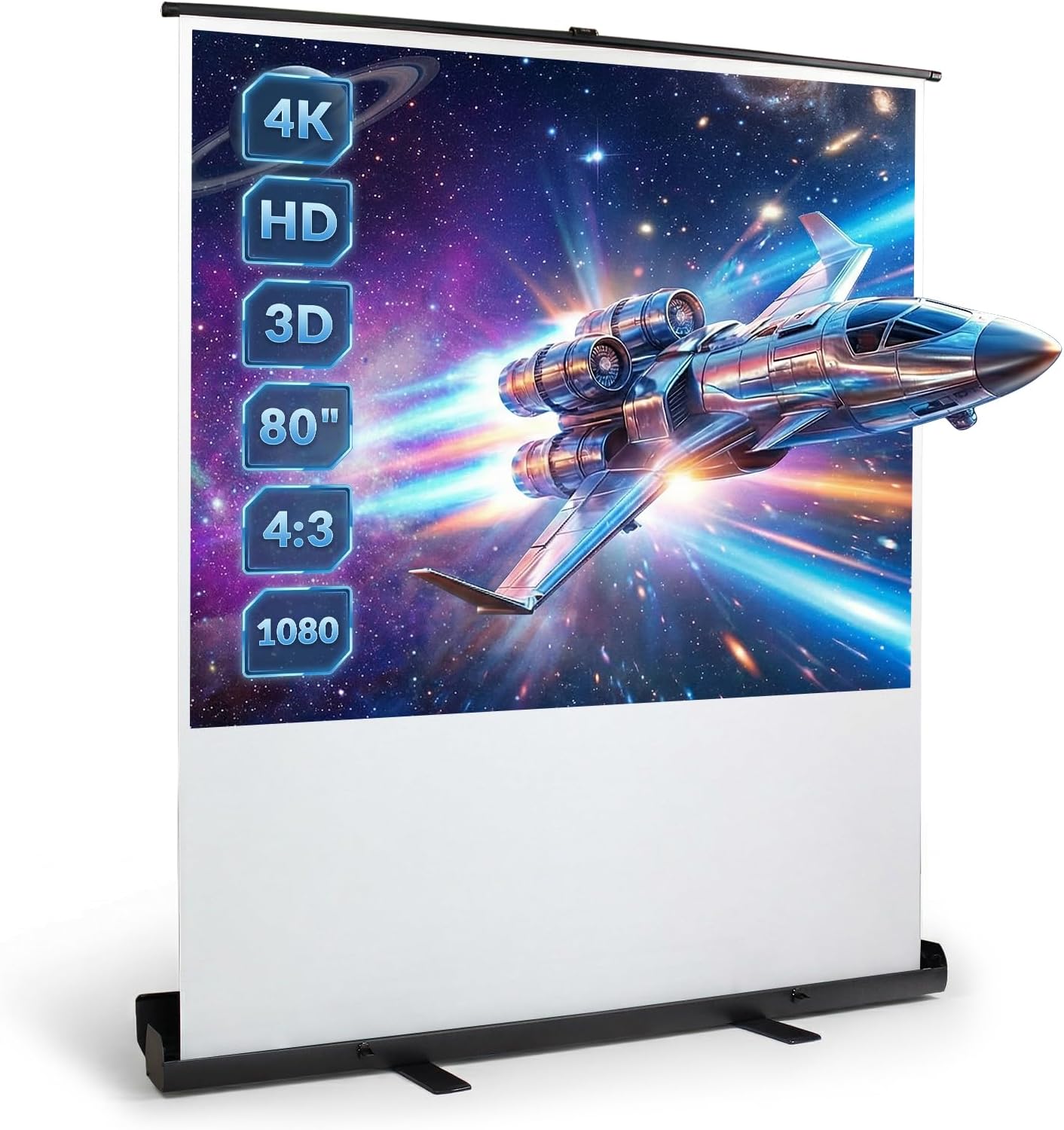
This projector screen adapts to your content with adjustable height for both 4:3 and 16:9 formats. Its HD, Full HD, 4K and 3D compatibility suits films, video games and presentations alike.
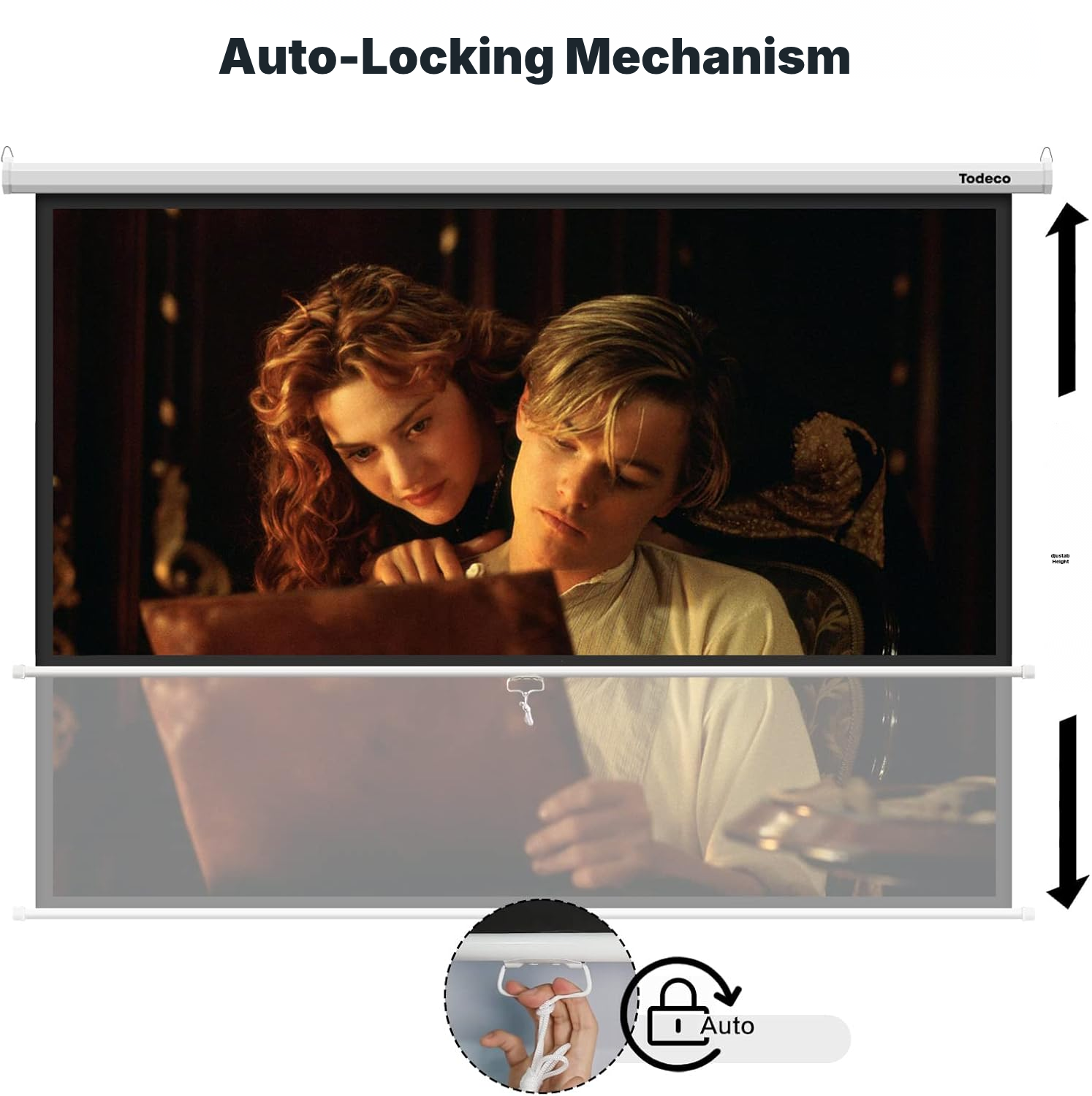
The manual mechanism locks automatically at the height you choose when you release the screen. After viewing, it retracts into its metal casing without a motor or remote control.
For a home theater projector screen or a good projector screen for presentations, the matte surface supports even reflection. This is a fixed projection surface rather than a pop up movie screen, so plan the wall or ceiling position before installation.
Ceiling projector and screen: installation guide
- Choose the best viewing position for your audience, with the pull handle or button at the top and facing the viewers.
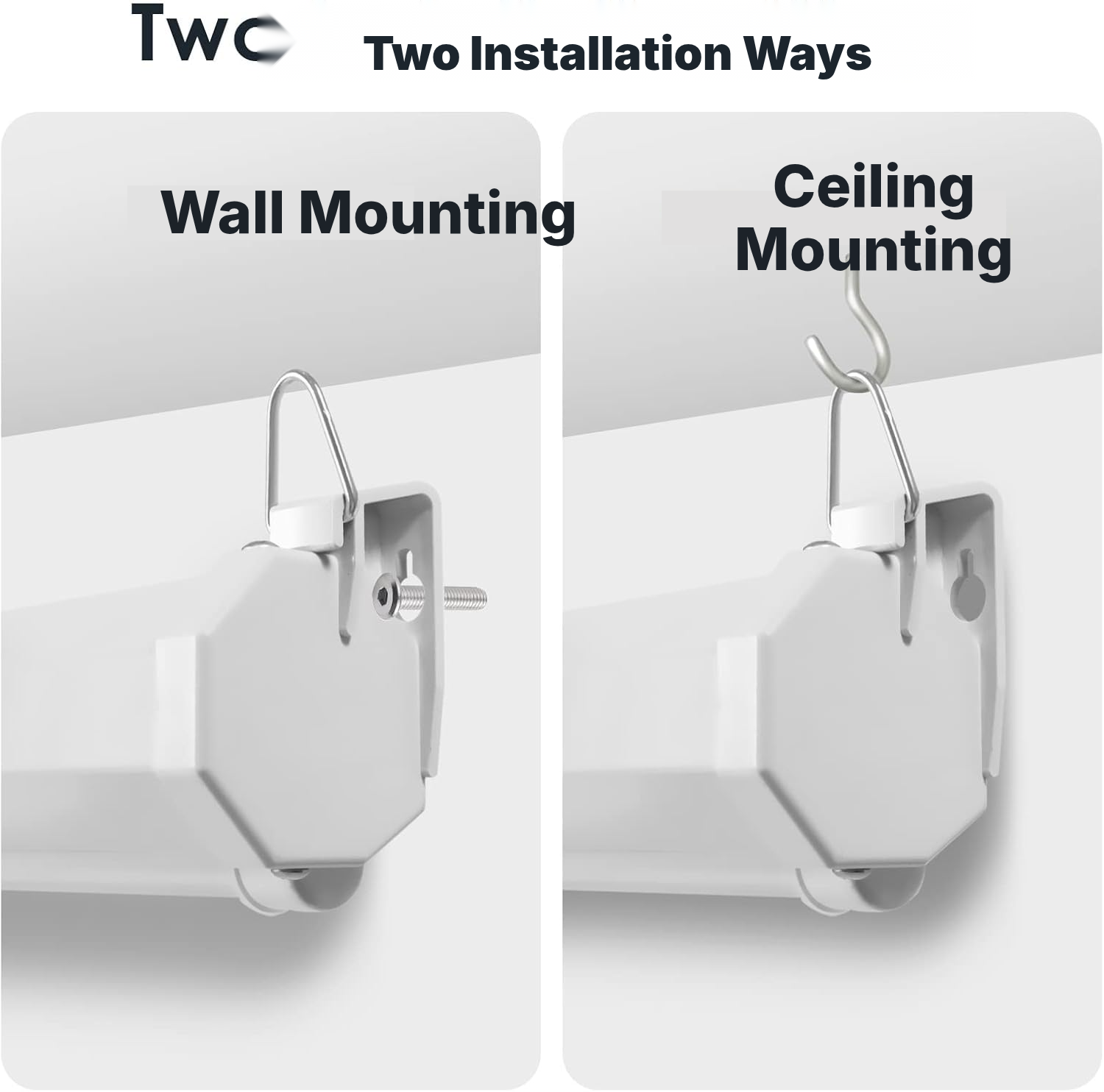
- For wall mounting, install the mounting hardware in the wall, then attach it to the rings on the sides of the casing.
- For ceiling mounting, install two hooks, then attach the casing using its two suspension holes.
- Leave enough clear space in front of and below the mounting point for the screen to retract fully.
Choosing a good projector screen
- Check that your projector supports the HD, Full HD, 4K or 3D formats you want.
- Choose wall or ceiling mounting according to your room layout.
- Leave clear space in front of and below the mounting point for full retraction.
- Consider the manual operation if you are looking for a motorised screen or remote control.
- Adjust the height to switch between 4:3 and 16:9.
Home movie theater screen: why choose manual?
This manual model suits buyers looking for adjustable height, wall or ceiling installation and storage without a motor or remote control.
Manual retractable screen (wall/ceiling)
- Affordable (no electronics)
- Reliable mechanics — no motor to fail
- Fixed, discreet installation that retracts into its casing
- Quick manual deployment, no power supply needed
Motorized screen
- More expensive
- Electric motor that can fail
- Requires a nearby power supply
Tripod screen
- Takes up floor space
- Less stable
- Less attractive for permanent installations
Painted wall / fixed tensioned screen
- No true black border for added contrast
- Non-retractable surface
- Surface quality varies with installation
Projector with white screen: care guide
- Retract the screen after every use.
- Check the screen after use for dust or dirt.
- Gently clean the screen with a soft brush if needed.
- Avoid pulling with excessive force during retraction.
Screen projector screen: technical details
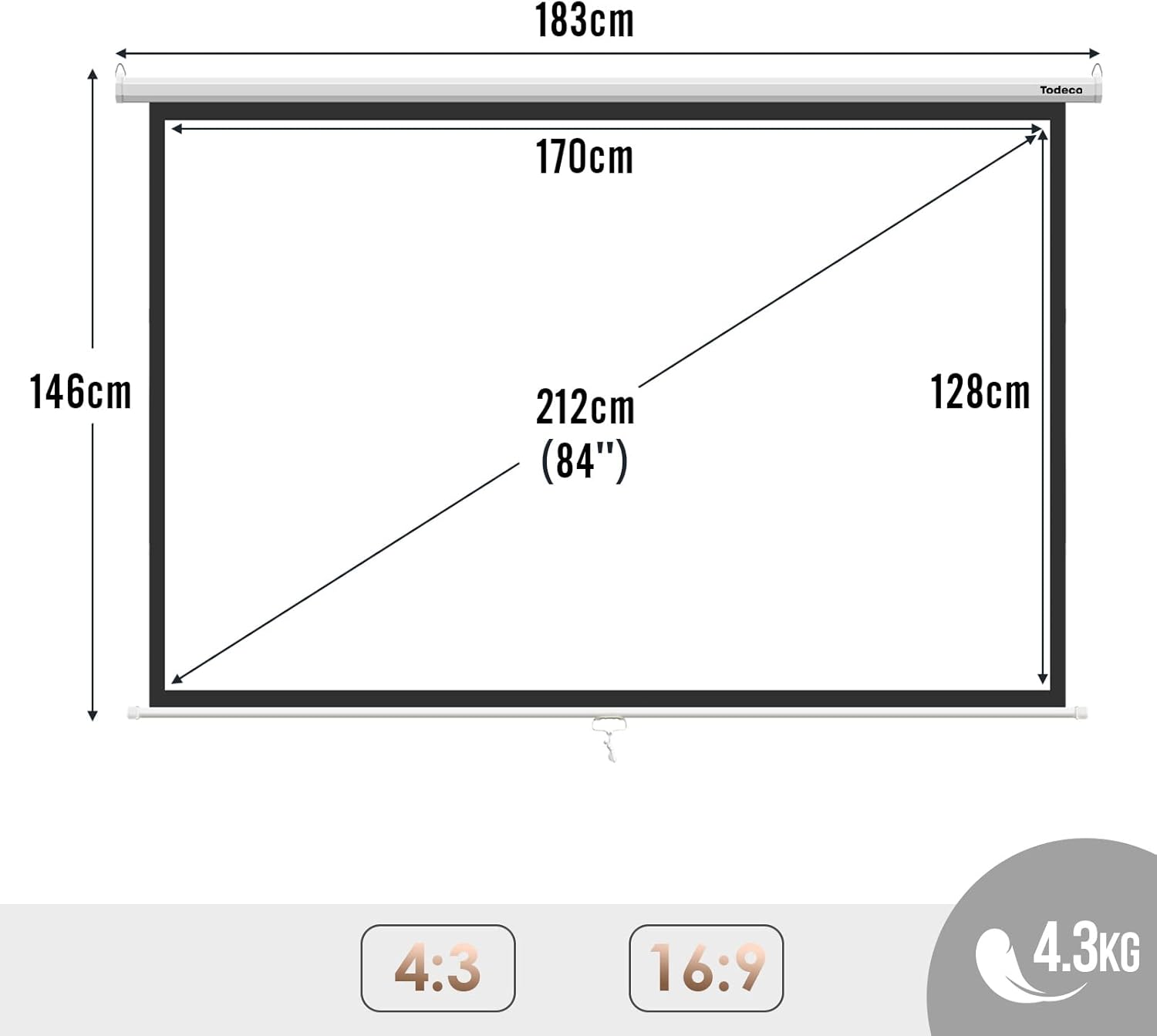
- Overall dimensions
- 190 × 14,3 × 12,3 cm
- Surface and dimensions
- 190 × 14,3 × 12,3 cm
- Weight
- 4.5 kg
- Operation
- Manual
- Mounting type
- Wall mounting or ceiling suspension
- Format
- 190 × 14.3 × 12.3 cm
- Compatibility
- HD, Full HD, 4K, 3D
- Screen finish
- Matte
- Viewing angle
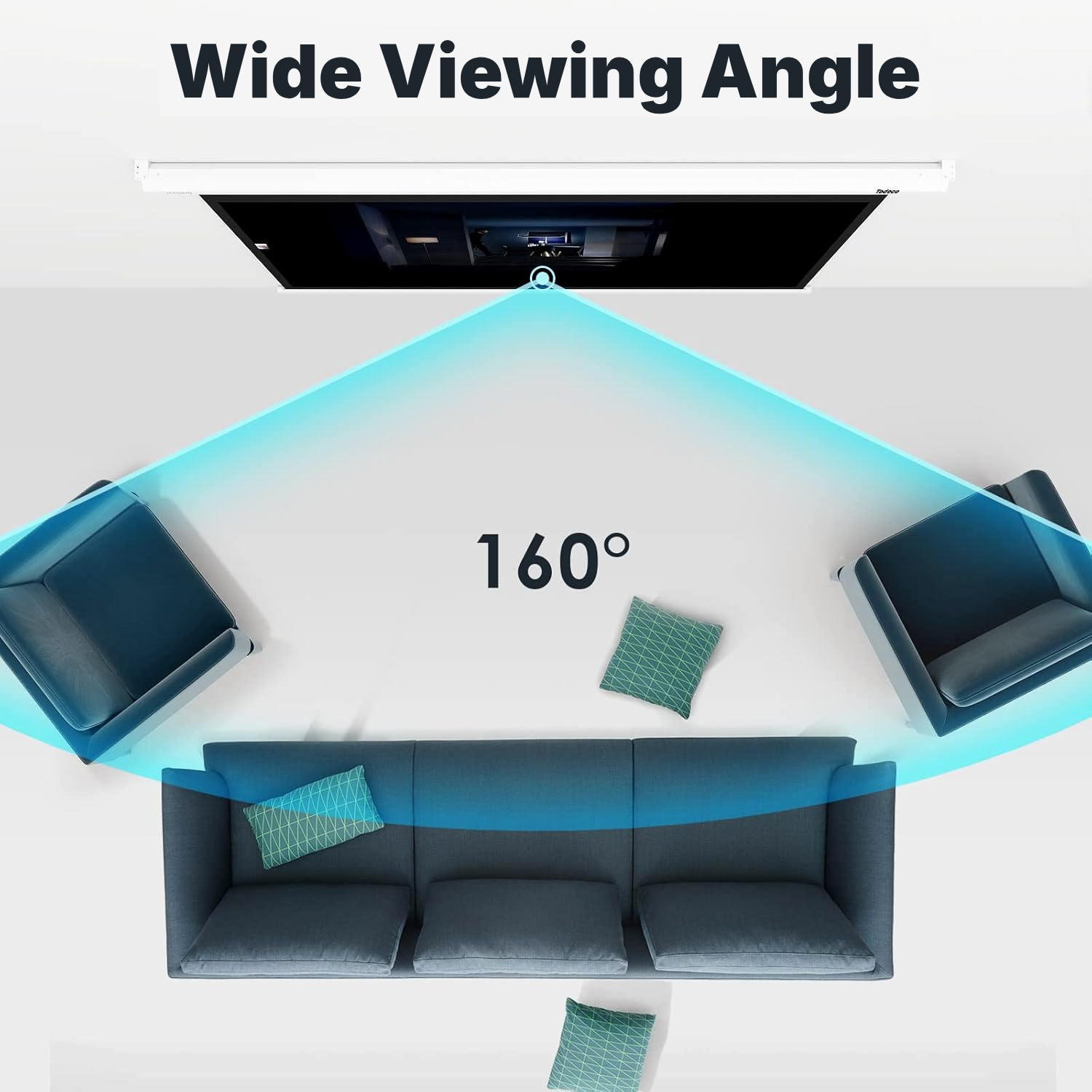
- 160°
- Mechanism
- Automatic locking at different heights
- Casing material
- Metal
- Screen backing
- Black PVC
- Reference
- 0366-T-1
Retractable projector screen: your questions answered
Is this projector with pull down screen motorised or supplied with a remote?
It operates manually: pull the screen down to open it, then use the pull ring to trigger retraction.
How do you install a ceiling projector and screen?
Choose a position with the best viewing angle and enough clear space in front of and below the mounting point.
Can this projector screen be mounted on a wall?
The suspension rings are located on both sides of the casing. First install the mounting hardware on the wall, then attach the screen.
How do you open and close a retractable projector screen?
Pull the screen down slowly: the mechanism locks automatically at the selected height when you release it. To close it, pull it slightly down, release the ring, then let it rise without forcing it.
Does the matte surface work in a brightly lit room?
The matte finish promotes even reflection, while the black PVC backing limits light passing through. However, a very bright room may still reduce image contrast.
Is the projector included with the projector and screen?
The screen is the projection surface; the projector must be purchased and installed separately.
How do you change from 4:3 to 16:9 on a projector screen?
Change the format by adjusting the screen height. The surface width remains suited to the product dimensions.
Customer reviews
You may also like
Ready to go?
Shipping included · 30-day returns