
Manual Pull-Down Projection Screen
A fixed, retractable surface for films, classes, and presentations—no motor required.
Benefits of This Projection Screen
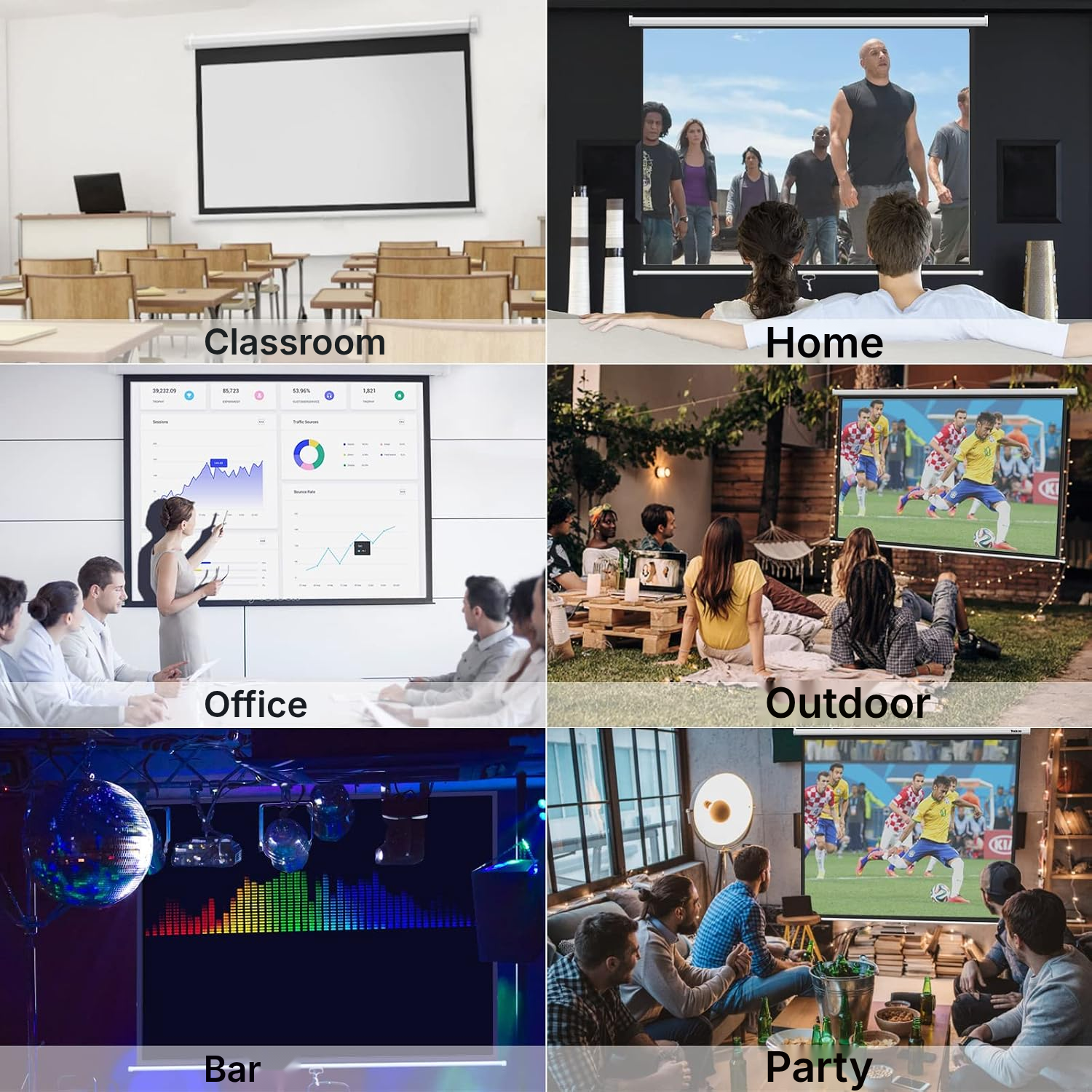
Cinema and Training: Uses for the Projector Screen
Home Cinema
Pull down the screen to enjoy a movie, then retract it to reclaim your space.
Recreation Room
Set up a dedicated projection surface in your leisure room without leaving the screen deployed permanently.
Professional Presentation
Deploy the screen to your desired height to present your content with a better-framed image.
Meeting Room
Wall or ceiling mounting frees up floor space during meetings.
Classroom or Training Room
Use the screen to display course materials, then store it away after the session.
Multipurpose Space
Adapt the room for occasional projection thanks to complete retraction into the housing.
The Projector Screen in Detail
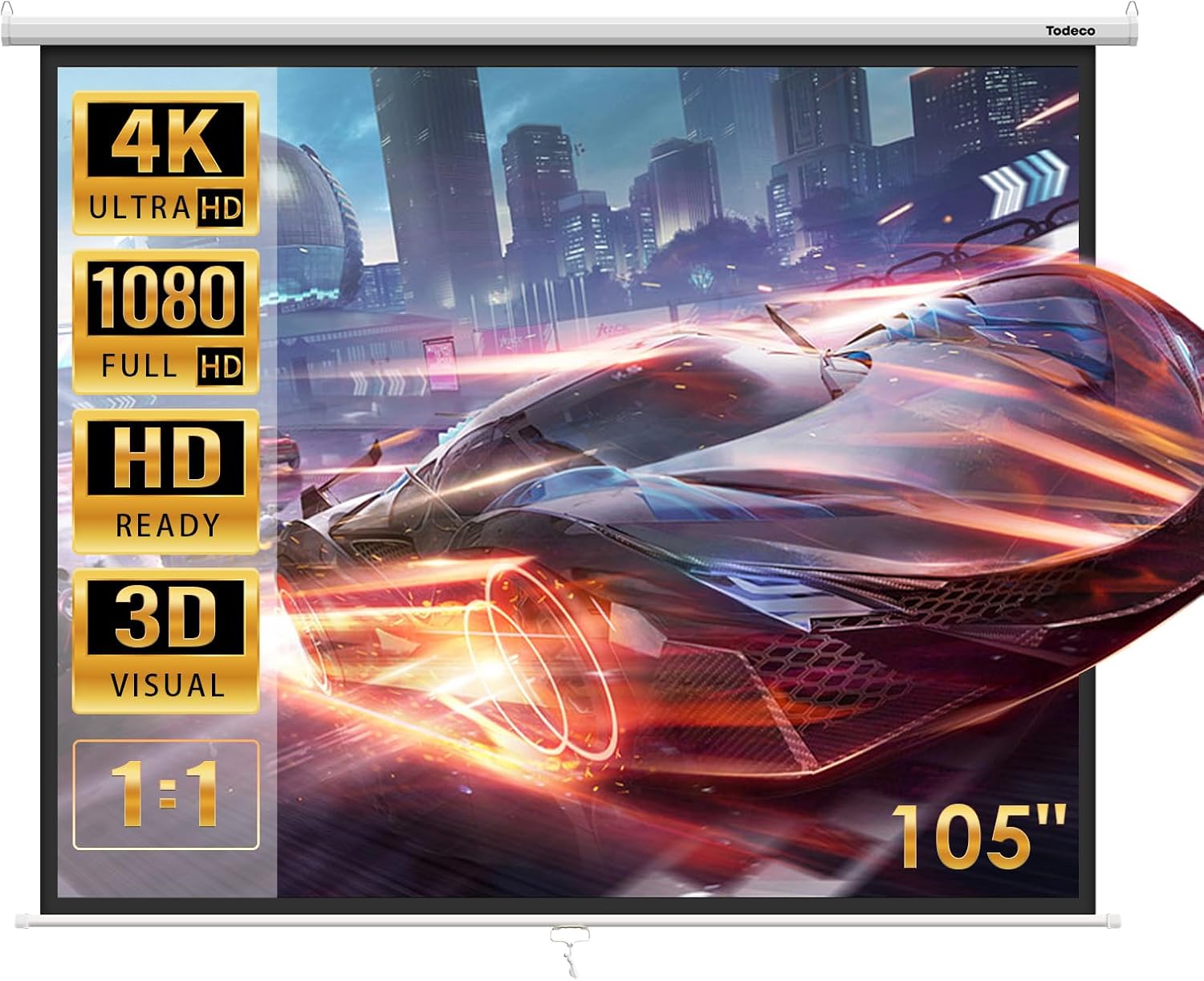
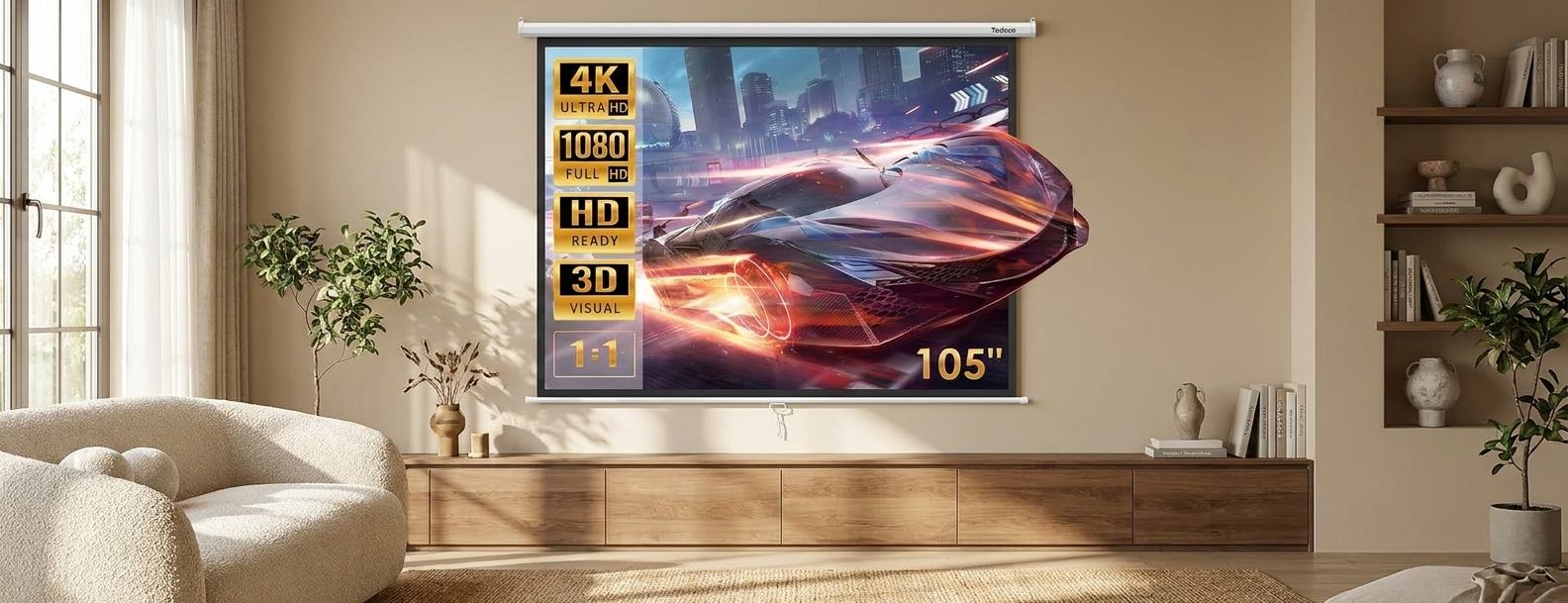
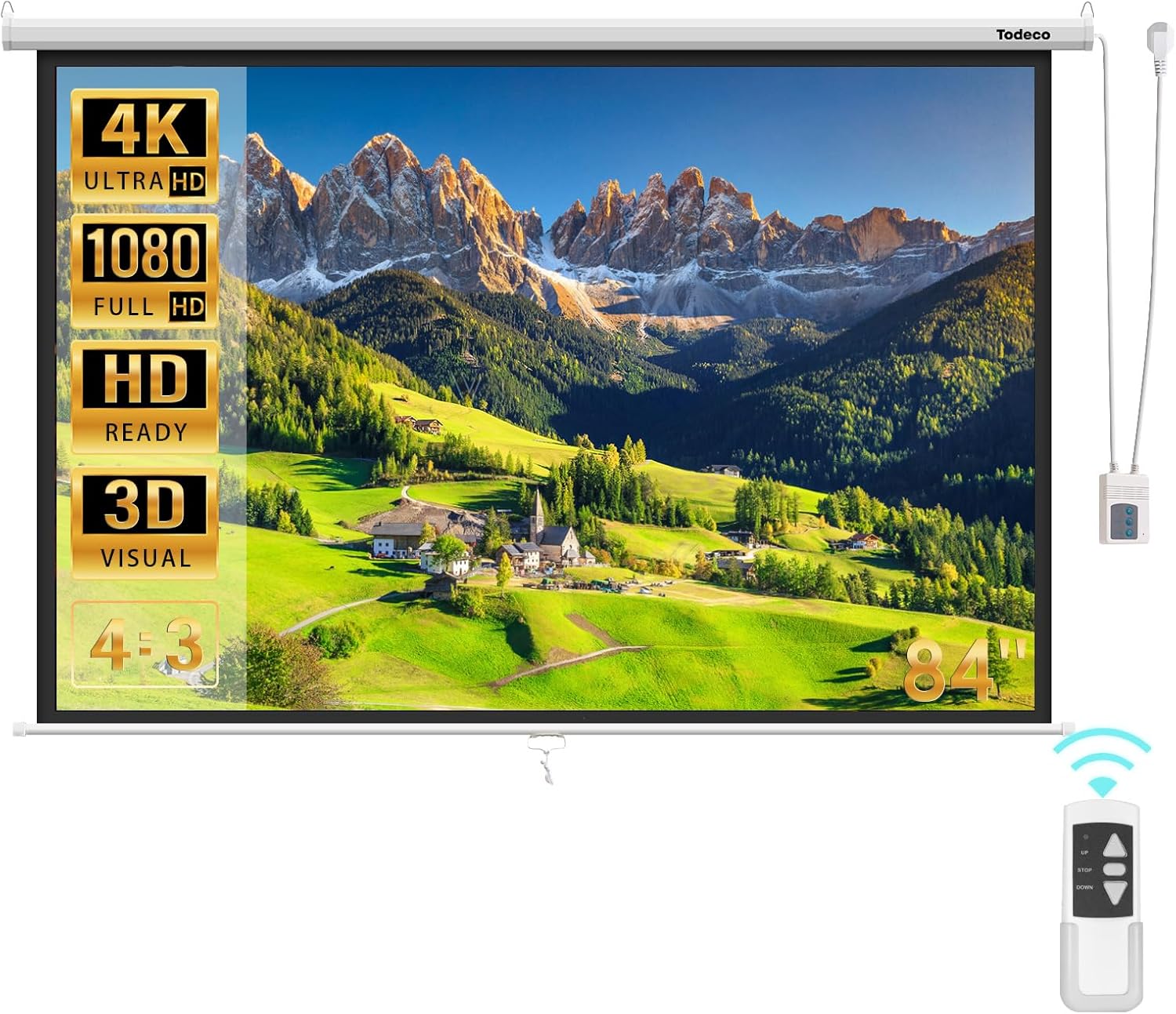
Turn any blank wall into a dedicated projection setup with this manual pull-down projection screen. The matte surface and black borders frame your image and cut down on glare, so the picture stays clean whether you're getting a movie projected on the screen or sharing slides for a meeting.
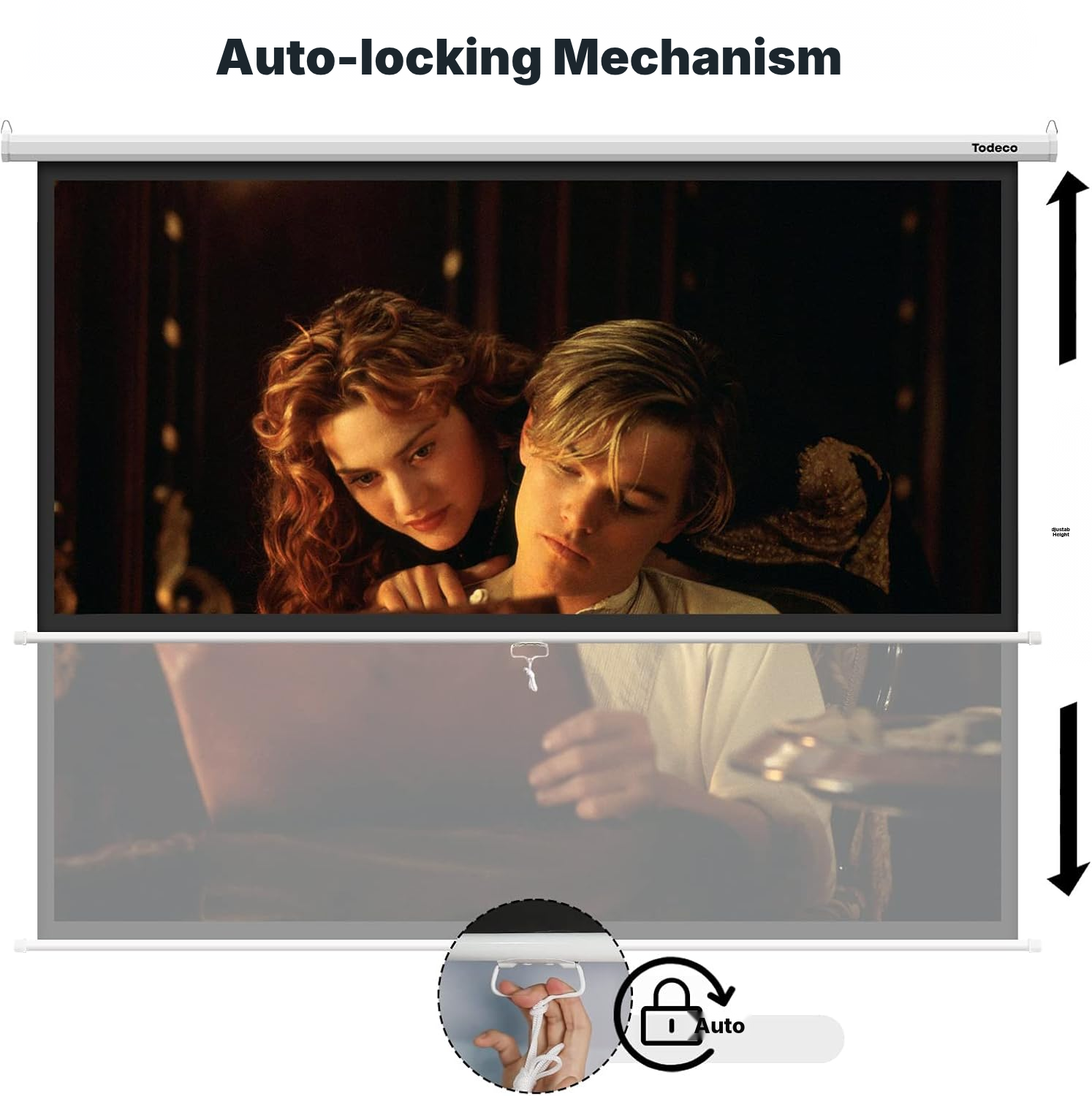
Pull the screen down to the height you want with the self-locking mechanism—draw it gently, release at the spot you chose, and it locks automatically.
After the show, the screen retracts fully into the metal housing to free up your space. The housing stays visible once mounted, so plan the spot in your room accordingly.
Installing Your Projector Screen on the Wall or Ceiling
- Position the screen at the best viewing height for the audience, with the pull handle or button facing the viewers.
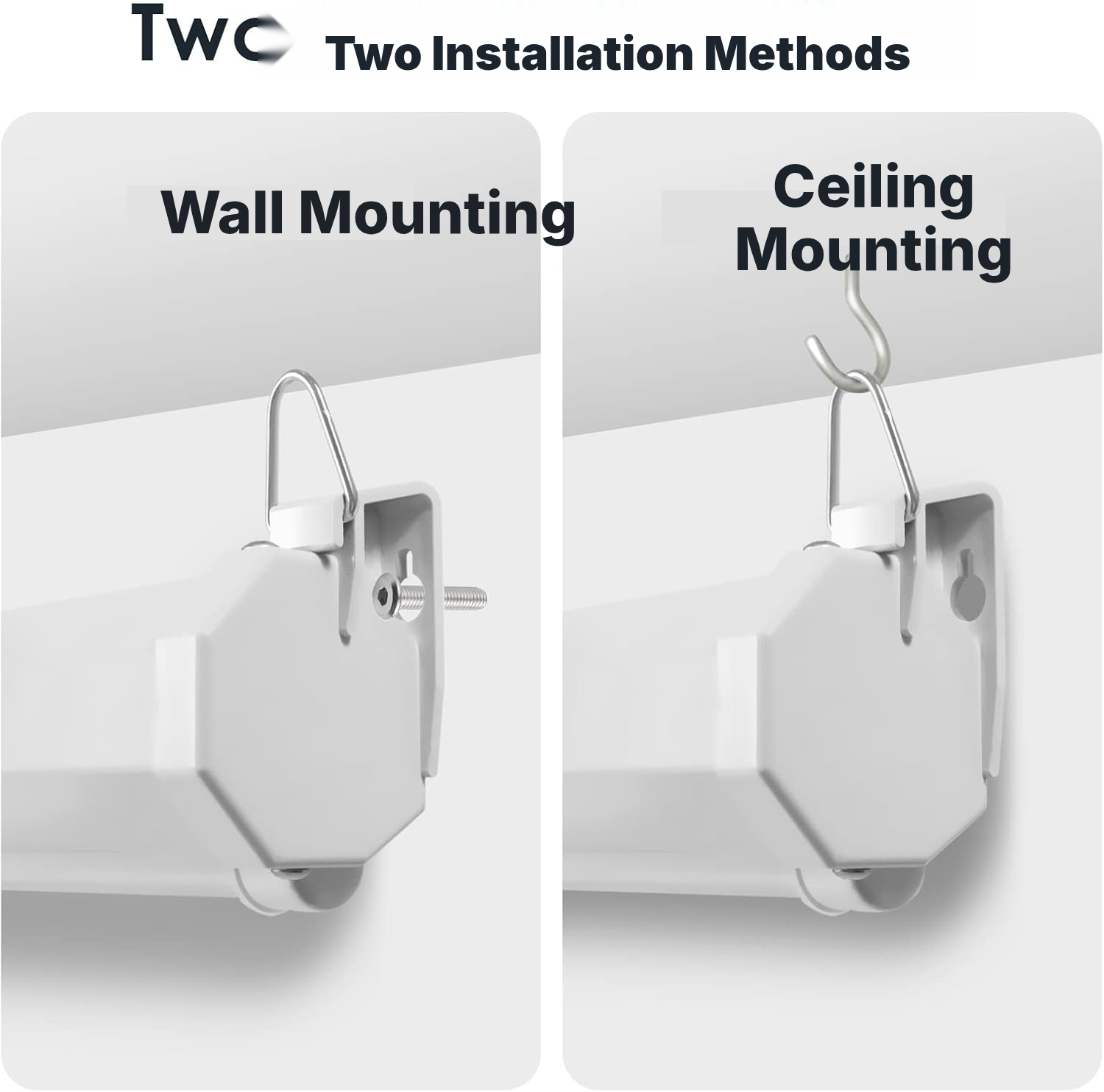
- For wall installation, first secure screws or nails suitable for the wall, then hang the screen by the rings on each side.
- For ceiling installation, install two hooks, then attach the screen's two suspension points to them.
- Leave sufficient clear space in front of and below the screen to allow complete retraction.
Choosing the Right Screen and Projector
- Plan for wall or ceiling mounting with screws, nails, or hooks suitable for your mounting surface.
- Keep the area in front of and below the screen clear for its descent and complete retraction.
- Choose this model if you want a fixed, manual installation rather than a portable floor-standing or motorized screen.
- Consider the visibility of the metal housing in your room's layout.
- For the best results, also check the projector alignment and room brightness.
Manual Projection Screen: Which Solution Should You Choose?
Manual retractable screen (wall/ceiling)
- Affordable (no electronics)
- Reliable mechanics — no motor to fail
- Fixed, discreet installation that retracts into its casing
- Quick manual deployment, no power supply needed
Motorized screen
- More expensive
- Electric motor that can fail
- Requires a nearby power supply
Tripod screen
- Takes up floor space
- Less stable
- Less attractive for permanent installations
Painted wall / fixed tensioned screen
- No true black border for added contrast
- Non-retractable surface
- Surface quality varies with installation
Maintaining Your Retractable Projection Screen
- After each use, retract the screen completely.
- Check the screen after each use and gently remove dust or dirt with a soft brush if necessary.
Projector Screen Specifications
- Brand
- Todeco
- Product type
- Manual pull-down wall or ceiling projection screen
- Viewing area
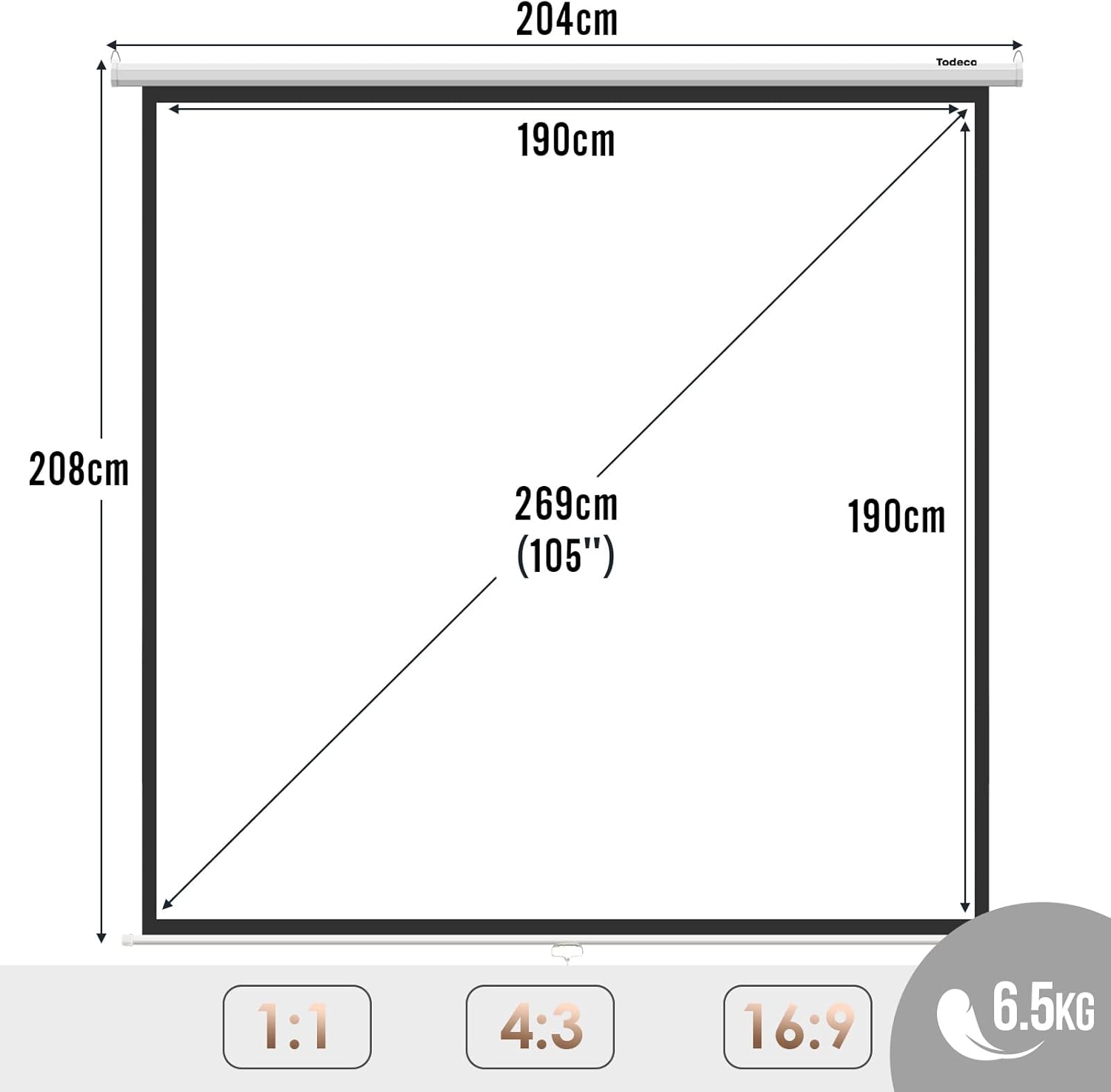
- 159.82 × 161.06 cm
- Nominal diagonal
- ≈105 inches
- Weight
- 5.45 kg
- Installation type
- Wall or ceiling
- Operation
- Manual
- Mechanism
- Self-locking
- Materials
- Alloy steel, metal
- Screen finish
- Matte
- Viewing angle
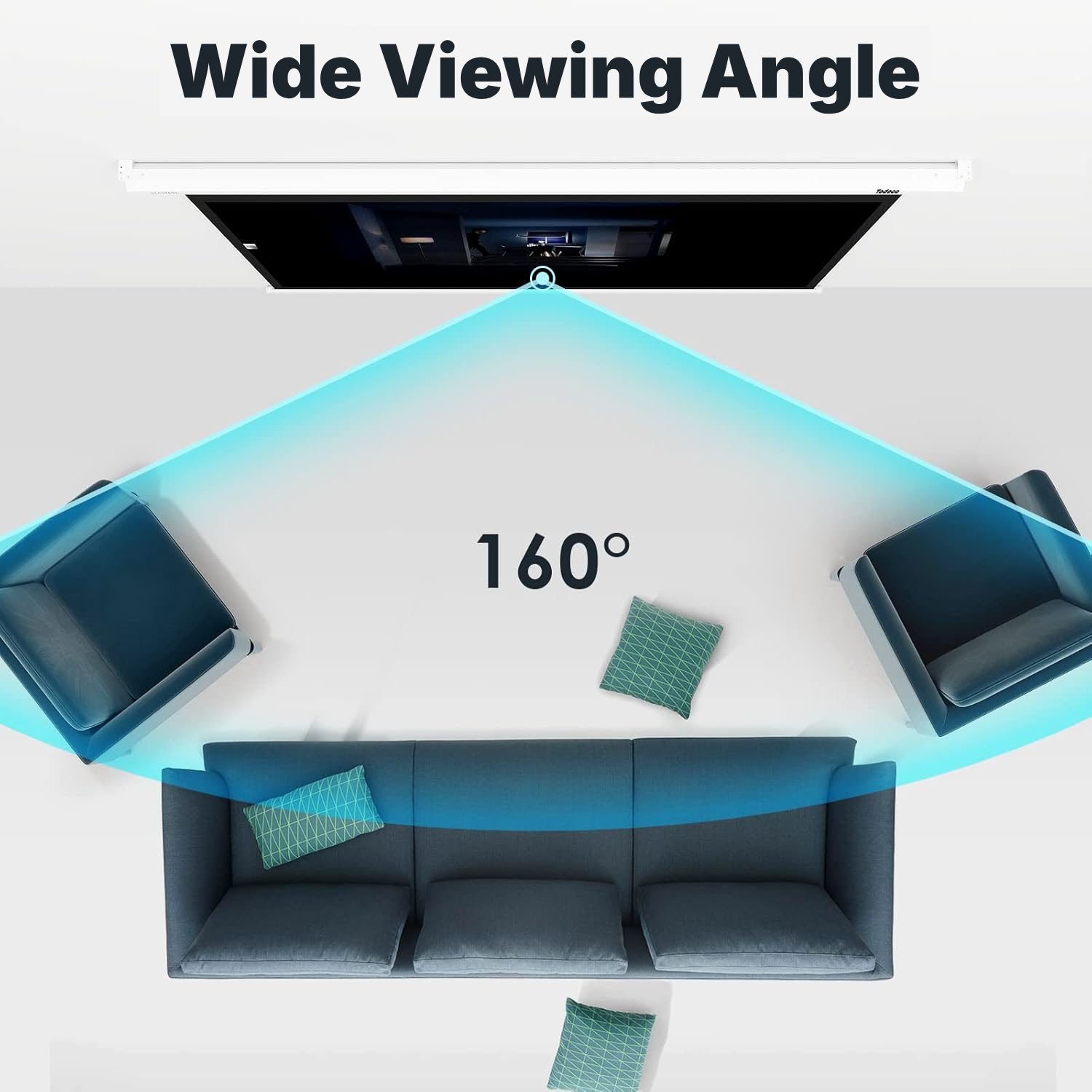
- 160°
- Compatibility
- HD, 4K, 3D
- Supported ratios
- 1:1, 4:3, 16:9
- Color
- White
- Borders
- Black around the viewing area
- Retraction
- Full retraction into the housing after use
- Care
- Retract after use and gently clean with a soft brush if needed
- Reference
- 0065-T-2
Projector Screen Questions
What is the actual viewing area of this projection screen?
The actual viewing area measures 159.82 × 161.06 cm. The ≈105-inch diagonal is nominal, not the size of the viewing surface itself.
Is this projection screen 16:9 compatible?
It supports 1:1, 4:3, and 16:9 ratios. The actual viewing area stays 159.82 × 161.06 cm regardless of the format you choose.
Is this a manual or motorized pull-down screen?
It's fully manual with a self-locking mechanism. There's no remote control or motor.
How do I lower and lock the screen?
It retracts slightly on its own and locks in place automatically.
How do I roll the screen back up after a session?
Pull the screen down gently to release the lock, then let it retract fully into the housing. Avoid pulling too hard or yanking the fabric.
Can I mount this pull-down screen on the wall or ceiling?
For wall mounting, fix suitable screws or nails into your wall first, then hang the screen by its side rings. For ceiling mounting, install two hooks and hang the two suspension points.
Is this a portable projection screen on a stand?
This is a fixed screen for wall or ceiling mounting, not a freestanding stand you can roll between rooms.
How much clearance do I need in front of and below the screen?
Leave enough clear space in front of and below the screen so it can drop down and retract fully into the housing.
How do I clean the projection screen surface?
If needed, wipe gently with a soft brush, then retract the screen fully.
Is the metal housing visible after the screen is installed?
The metal housing stays visible once installed, so factor that into where you place it.
Can I use this as a projector screen for outside?
The product itself is built as a fixed wall or ceiling mount, and image quality will also depend on the projector, its alignment, and room brightness.
Customer reviews
You may also like
Ready to go?
Shipping included · 30-day returns