Projection Screen Petite – No Drilling
Set up a large, stable screen for films, gaming and presentations in minutes, with no building work.
Benefits of This Portable Projection Screen
A Portable Screen for Films, Gaming and Presentations
Home cinema
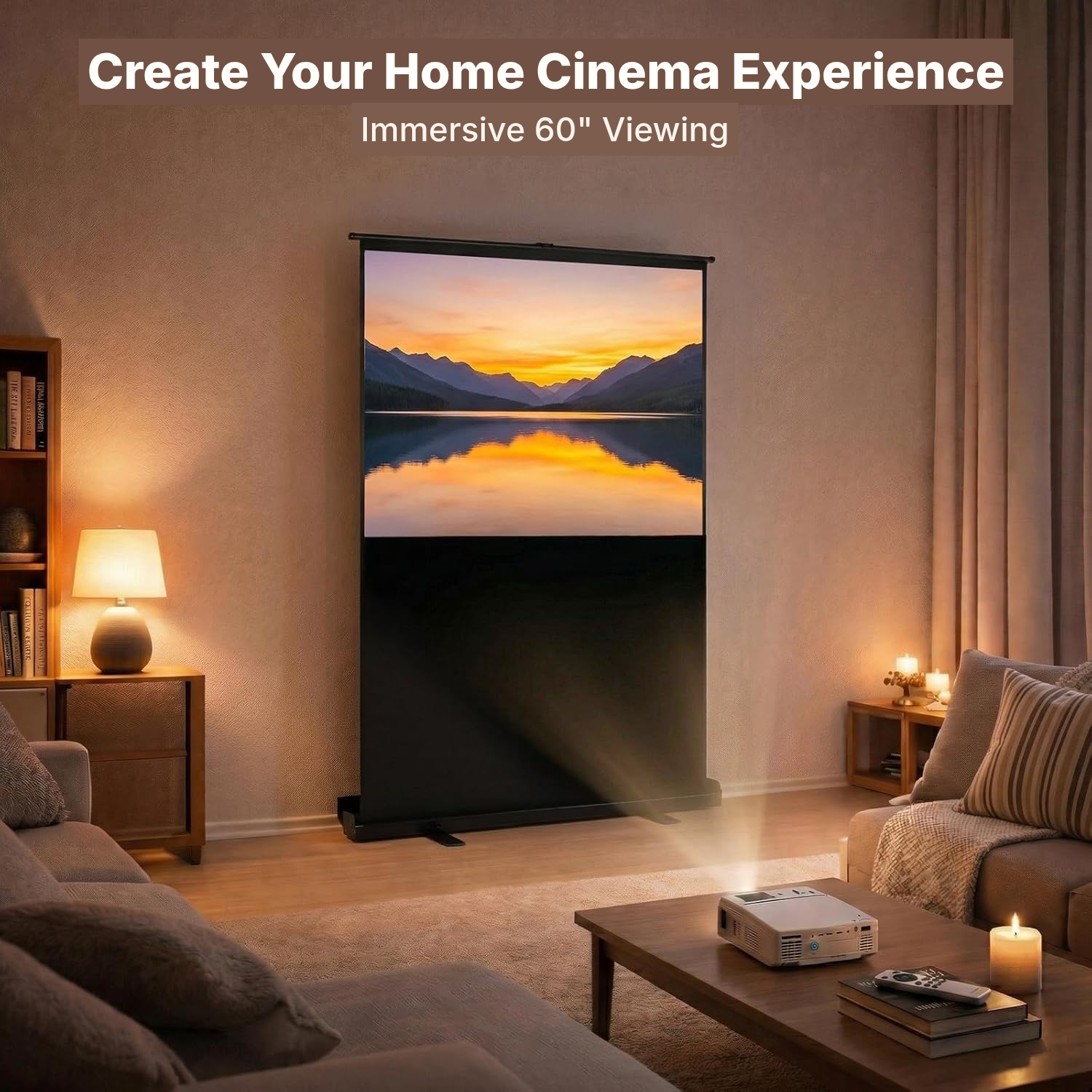
Create a film or series night without dedicating a wall to a fixed screen.
Gaming
Enjoy a large image for gaming sessions at home or during a social evening.
Professional presentations
Set up a projection surface quickly for a meeting, training session or conference.
Lessons and events
Move the screen as needed for a classroom lesson, evening event or temporary projection.
 <div class="inner"><span class="eyebrow">In use</span><h2>Set up a large</h2></div>
The Floor-Standing Projection Screen in Detail
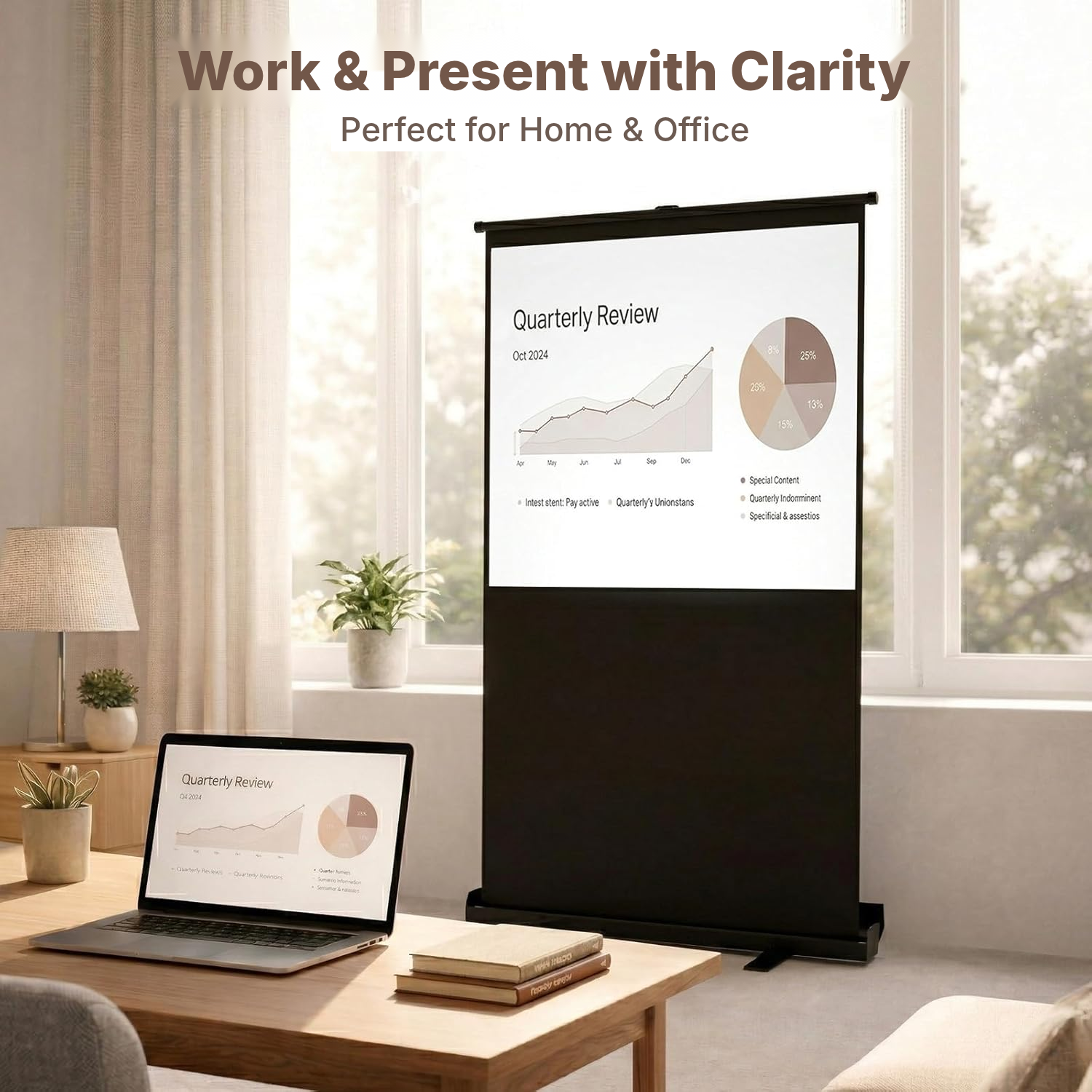
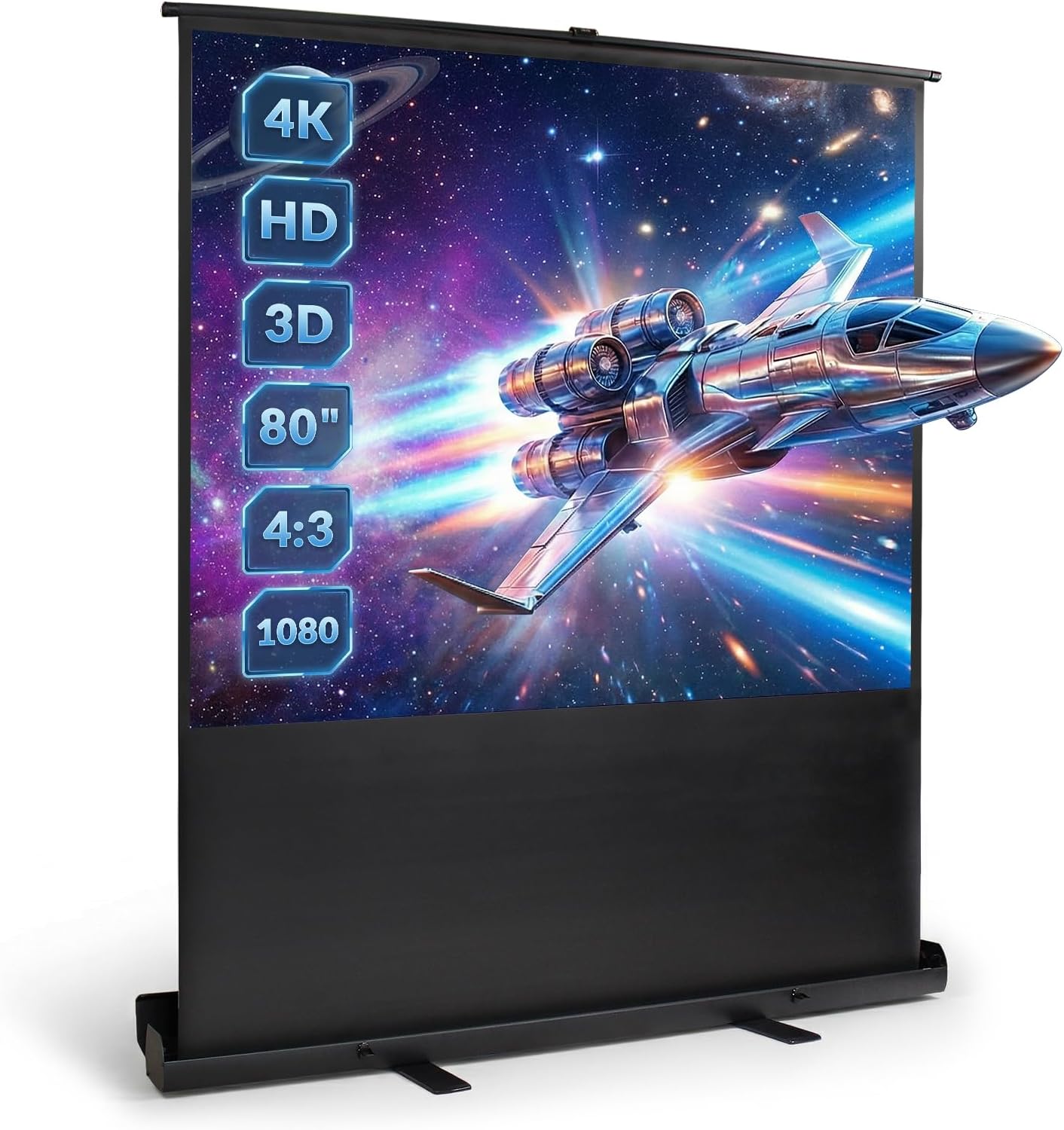
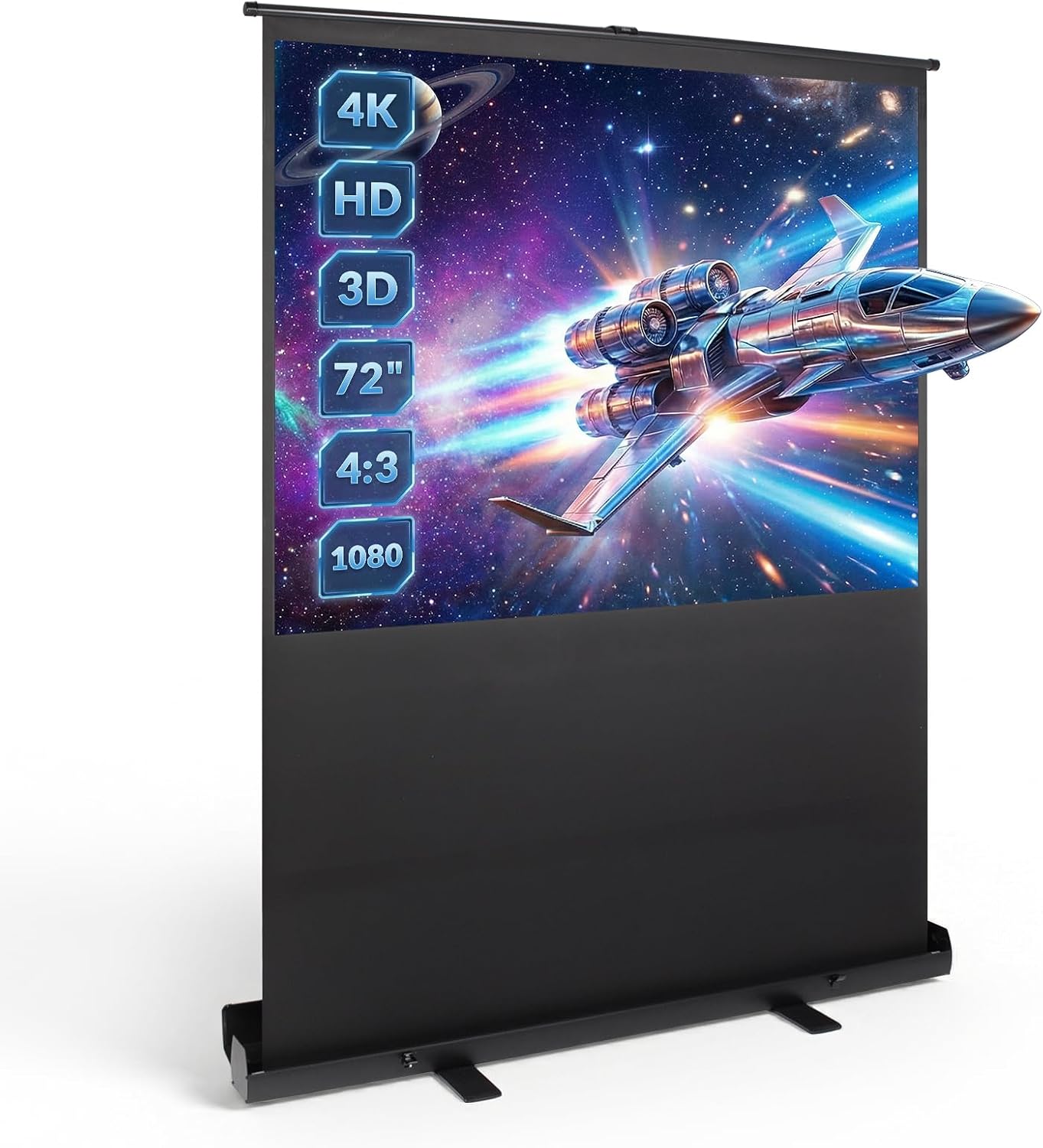
Turn a room into a projection space without drilling into walls or installing permanent fixtures. The floor-standing design and manual pull-up operation suit occasional viewing as well as presentations.
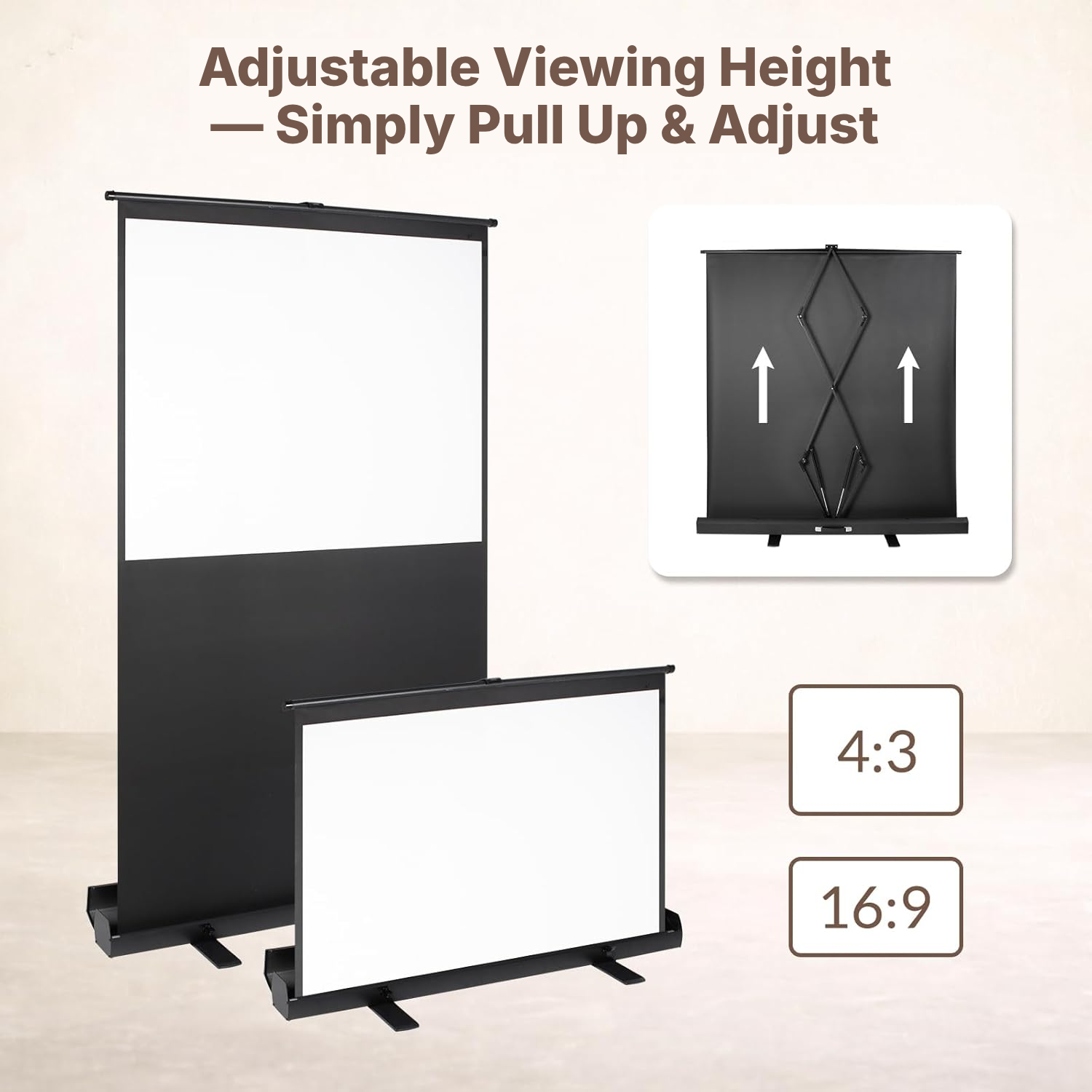
The dual gas-pressure cylinders let you adjust the height without tools and lock the screen at the position you want. Set it for seated viewing, standing use or presentations.
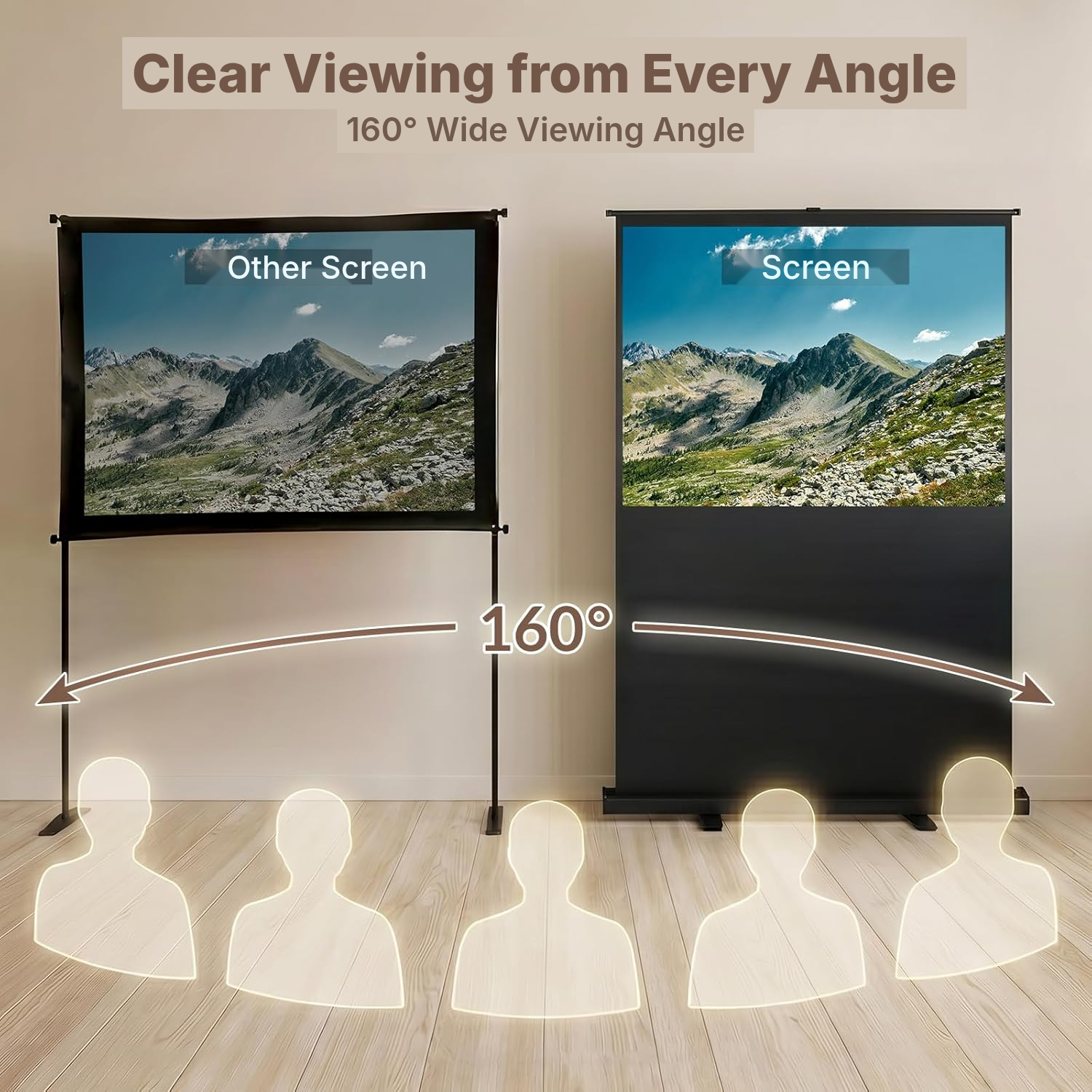
The matte surface helps reflect light evenly, while the 160° viewing angle makes viewing more comfortable when spectators are not directly in front of the screen.
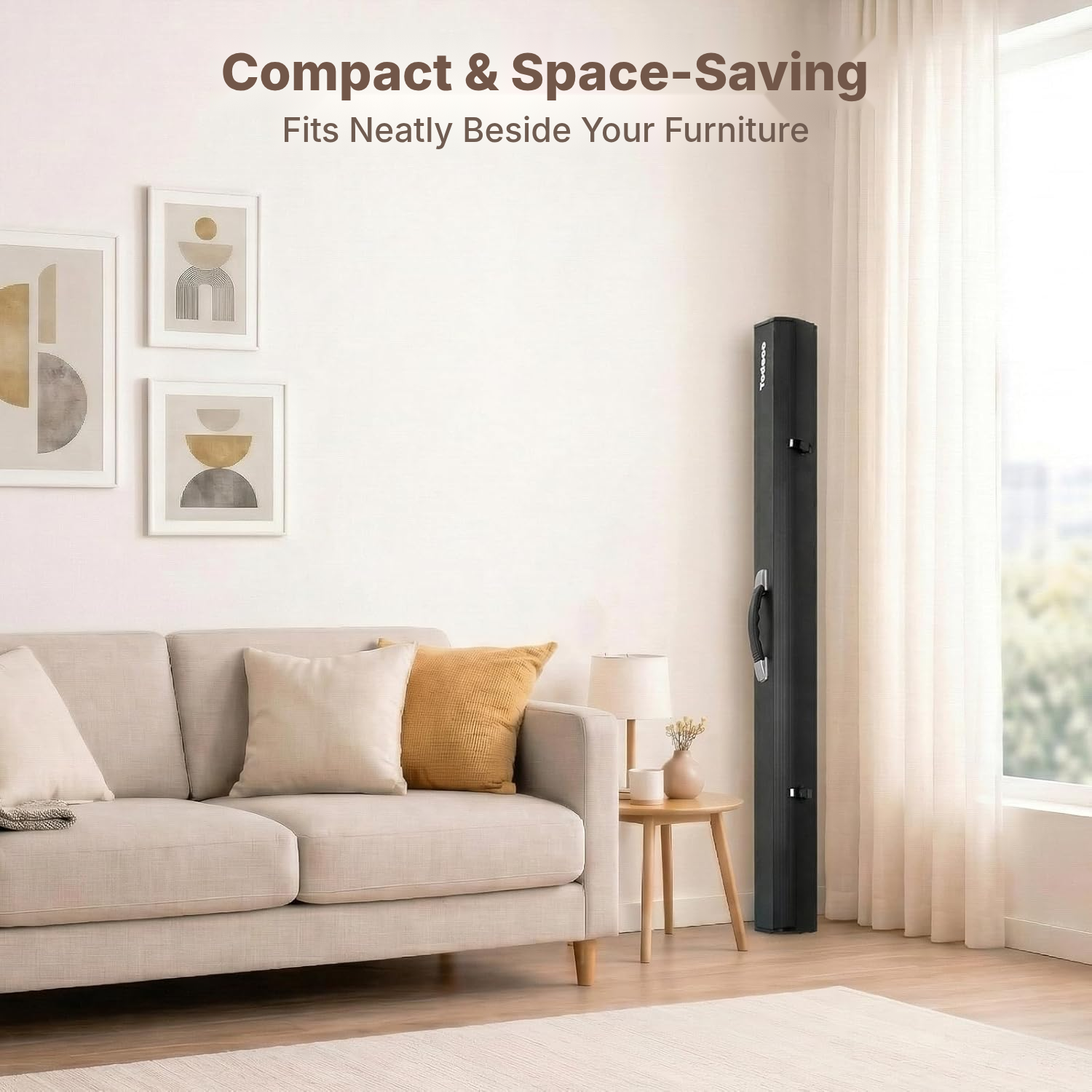
The aluminium metal casing protects the screen during storage and transport. Retractable side supports provide added stability when the screen is fully deployed.
How to Install a Projection Screen Without Drilling
- Pull out both lateral base plates before opening the screen to improve stability.
- Open the safety lock.
- Open the product cover.
- Hold the handle and pull the screen upwards to deploy it.
Which 4:3 Projection Screen Should You Choose?
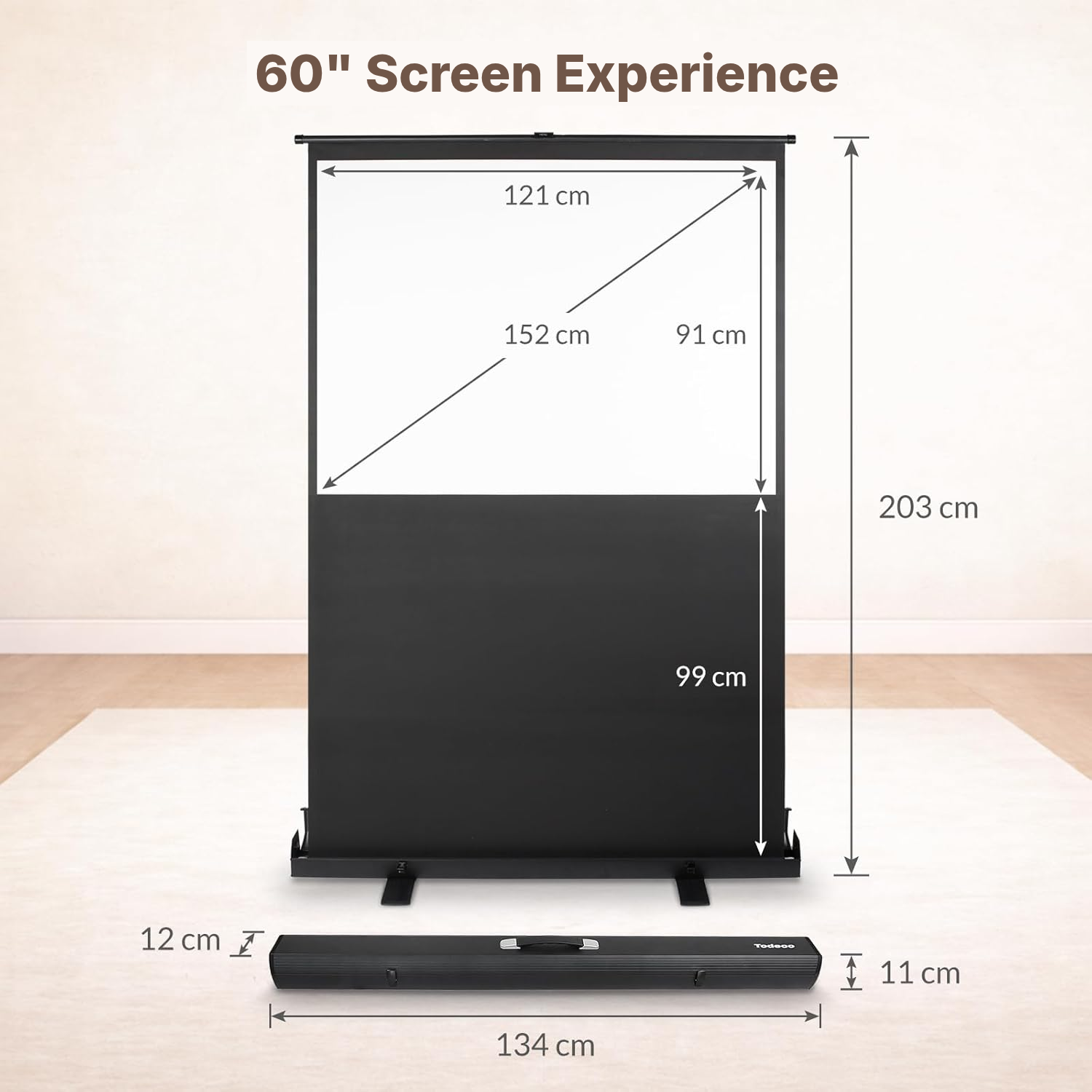
- Check that the 121 × 91 cm viewing surface suits your viewing distance and available space.
- Choose this screen if you need floor-standing setup without drilling, wall mounting, ceiling mounting, a tripod or tools.
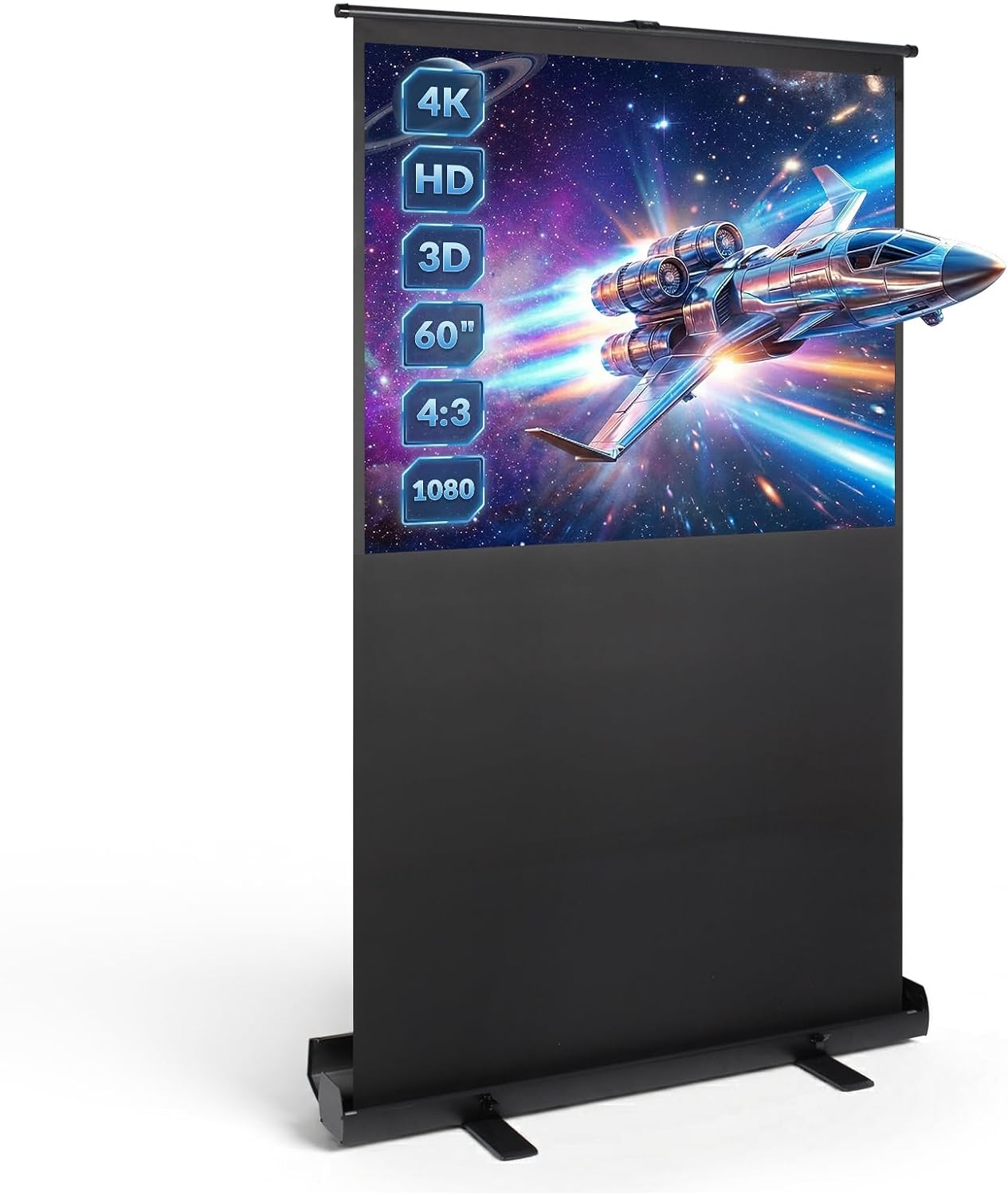
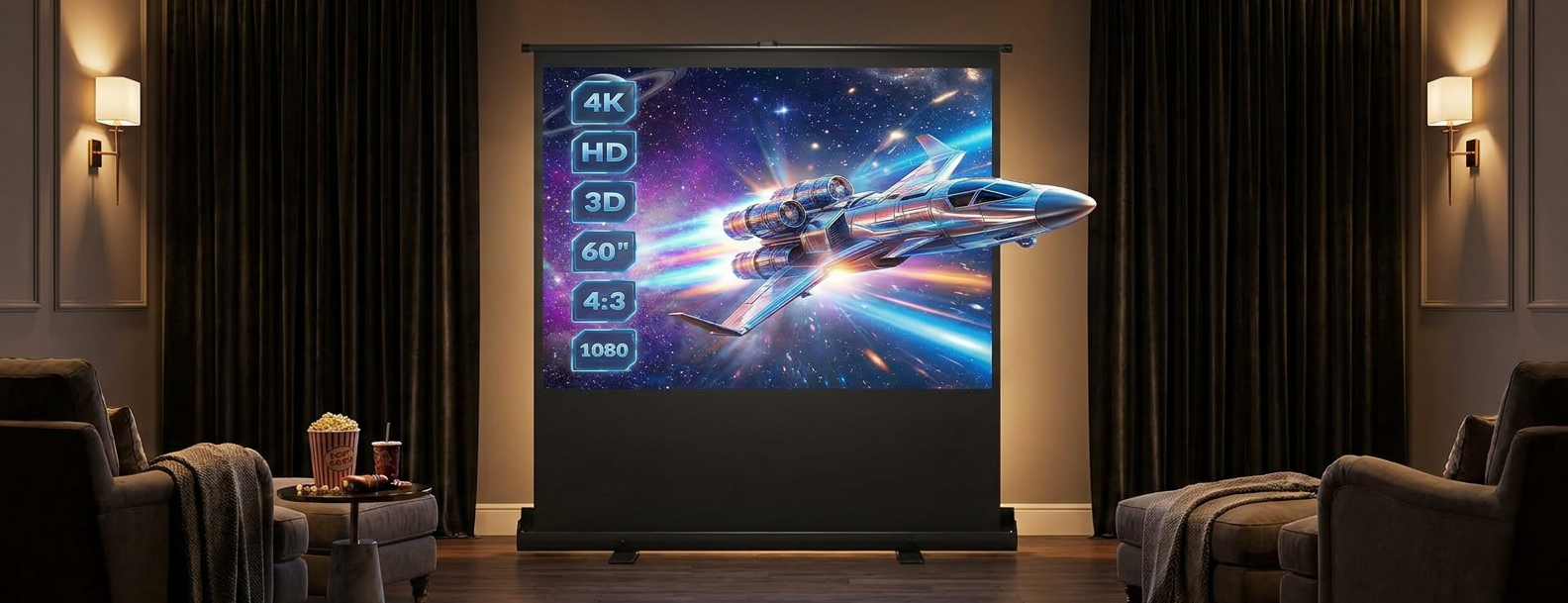
- Check that your projector supports the Full HD, 4K or 3D content you want to display.
- Take the 4:3 format into account; it can be adapted to 16:9 depending on the deployment height.
- Plan to use it indoors, or outdoors only in calm weather.
Which Manual Projection Screen Is Right for You?
This manual floor-standing model suits shoppers looking for a mobile setup with no building work and no permanent fixtures.
Portable freestanding projection screen
- No installation: sets up and packs away in seconds
- Easy to move from room to room or outdoors
- No drilling or wall mounting required
- Freestanding and stable, with no electronics to fail
Fixed wall/ceiling-mounted screen
- Permanent installation requiring drilling
- Cannot be moved once installed
- Takes up a fixed area of the wall
Motorized screen
- More expensive
- Electric motor that can fail
- Requires a nearby power source
Painted wall / fixed tensioned screen
- Not portable
- No true black border for added contrast
- Surface quality varies depending on installation
How to Care for Your Projector Screen
- Clean the surface with a soft cloth if it becomes dirty.
- Never immerse the unit or expose it to water or other liquids.
- Close the screen immediately after each projection to reduce the risk of damaging the internal spring.
Full HD Projection Screen Specifications
- Brand
- Todeco
- Colour
- Black
- Installation type
- Floor-standing
- Operation
- Manual
- Viewing surface
- 121 × 91 cm
- Aspect ratio
- 4:3, adaptable to 16:9
- Compatibility
- Full HD, 4K and 3D
- Surface finish
- Matte
- Viewing angle
- 160°
- Product dimensions
- 141 × 18 × 15 cm
- Weight
- 7.7 kg
- Height adjustment mechanism
- Dual gas-pressure cylinders
- Materials
- Aluminium, metal
- Warranty
- 90 days against manufacturing defects
- Reference
- 0212-T-2
4K Projection Screen FAQs
Does this projection screen stay stable on the floor?
Its wide retractable side supports are designed to improve stability. Fully extend them before use. On a very uneven floor, check that the base is resting correctly.
Can I use this projector screen for outside viewing?
Yes, for temporary projection in calm weather. The instructions advise against use in strong winds, which may destabilise the screen.
Can the mechanism be damaged when I open or close the screen?
Opening it too quickly or pulling both sides of the rod can cause damage. The instructions recommend slow, gentle operation without forcing it.
Is there anything I need to be careful about when closing the screen?
Press the centre of the rod when closing it and do not pull the locking lever. Keep your hands away from the rod to help prevent injury.
Are the screen fabric and casing moisture-resistant?
The unit must not be immersed or exposed to water or other liquids. Clean it using only a soft cloth.
Is this screen suitable for use around children?
Close supervision is required during use. Never leave the screen unattended when children are using it.
Is the 121 × 91 cm viewing surface suitable for a room or presentation?
It suits temporary projections for films, gaming, lessons, meetings and presentations. Check that this display area matches your viewing distance and room layout.
Does the 4:3 format work with films and 16:9 content?
The screen has a 4:3 aspect ratio, and its deployment height can be adjusted for 16:9 content depending on what you are projecting.
What type of projector do I need for this screen?
The screen is compatible with Full HD, 4K and 3D content. Check that your projector supports the video format you want to display.
Is the 7,7 kg weight suitable for moving the screen?
The screen has an integrated handle and an aluminium casing designed for transport and storage. At 7,7 kg, it is suitable for moving between rooms or projection locations.
Is the matte surface suitable for a bright room?
For more comfortable viewing, however, choose a room where ambient light can be controlled.
Customer reviews
You may also like
Ready to go?
Shipping included · 30-day returns