
Motorised pull down cinema screen
Create a retractable projection surface for films, gaming and presentations.
Benefits of this pull down cinema screen
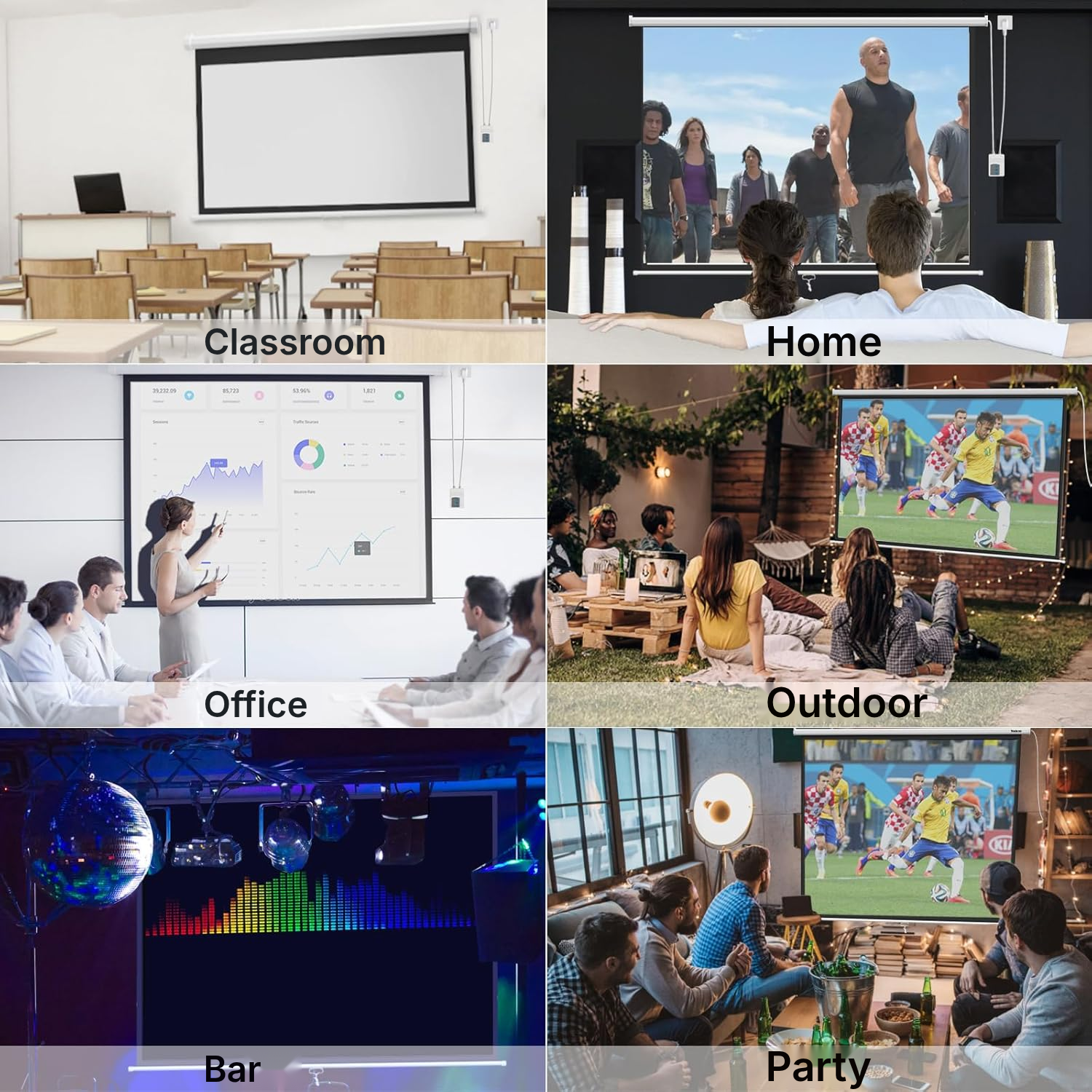
Ways to use your projector screen
Home cinema in the living room
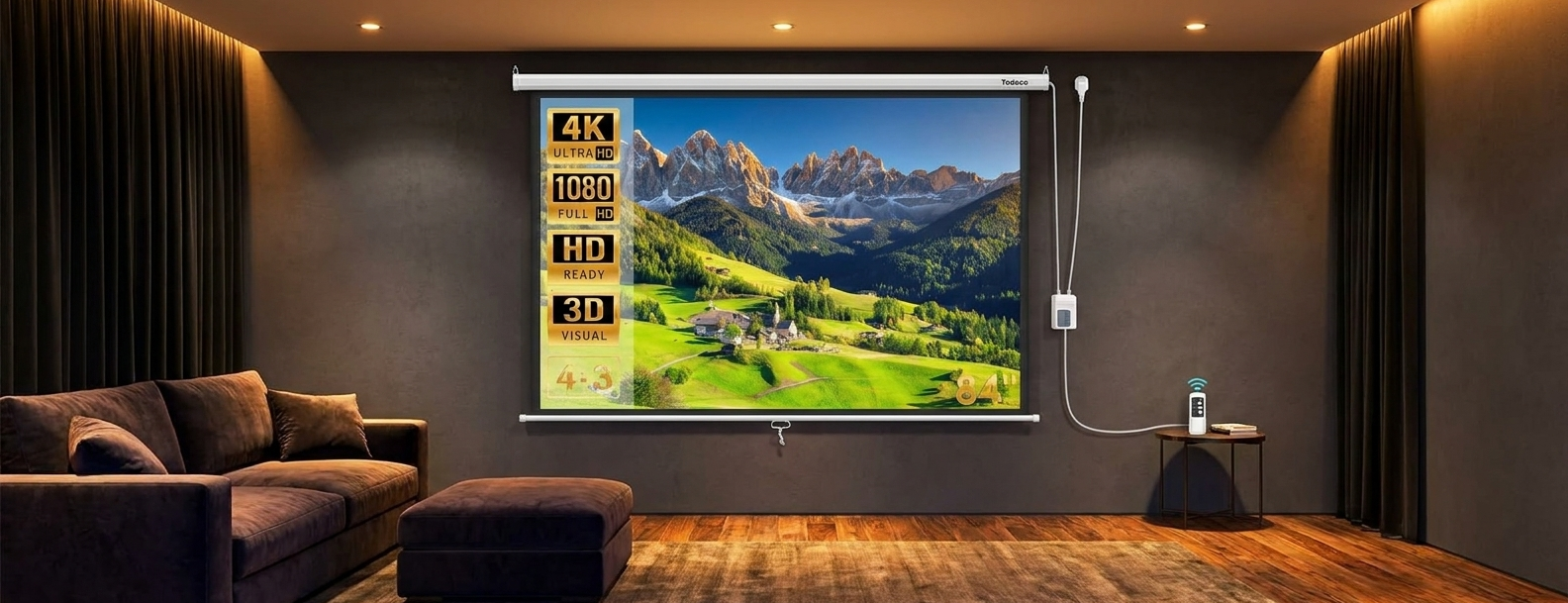
Lower the motorised surface to recreate the atmosphere of a cinema at home.
Films and series at home
Retract the screen after viewing to keep your living space clear.
Video games on the big screen
Project your games onto a large surface suited to your setup.
Professional presentations
Install the screen in an office and stop it at your preferred height for meetings.
Lessons and training
Choose the 4:3 or 16:9 format according to the teaching materials being projected.
Conferences and meetings
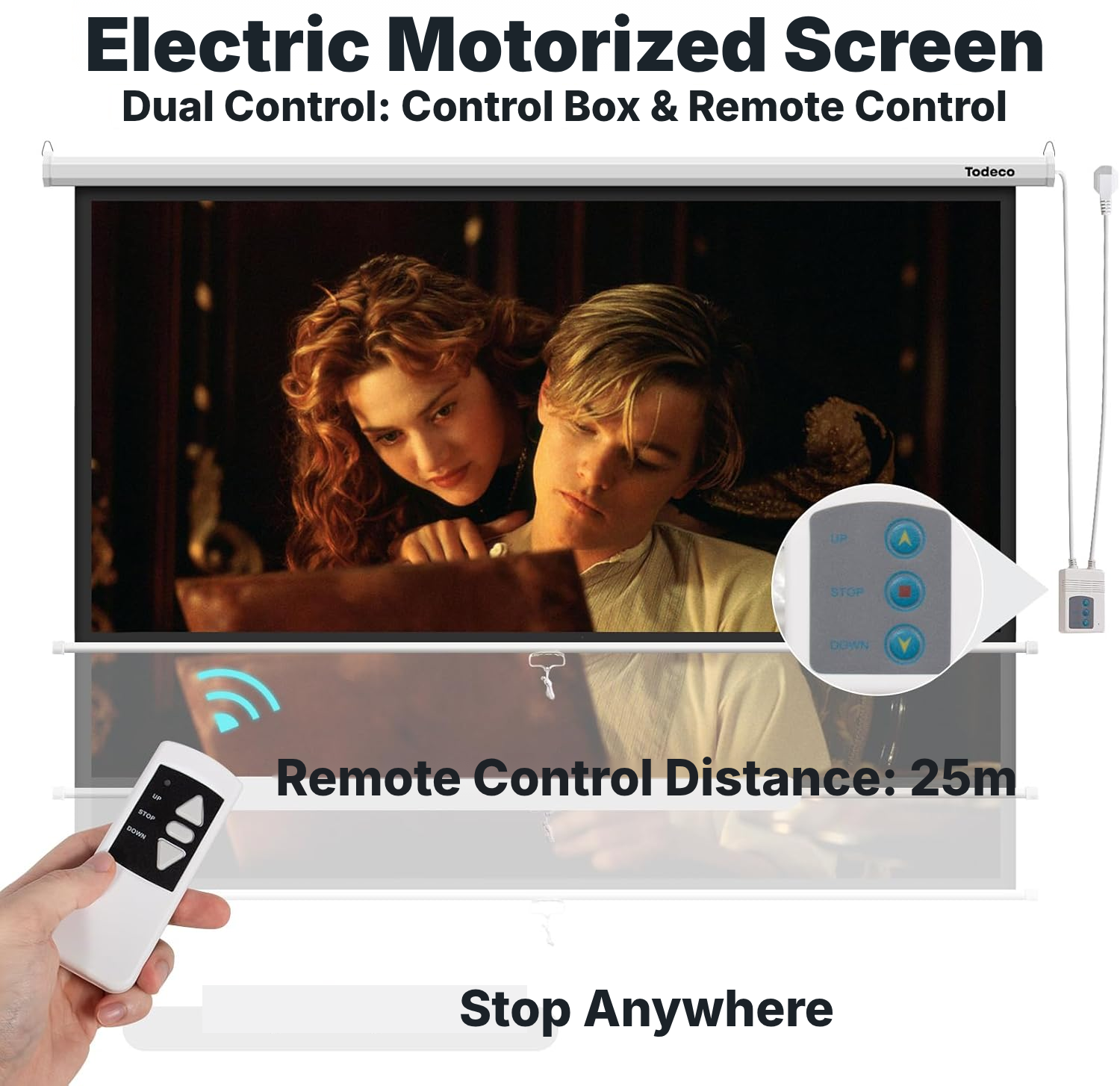
Use the switch box or remote control to lower the screen quickly.
Community or worship spaces
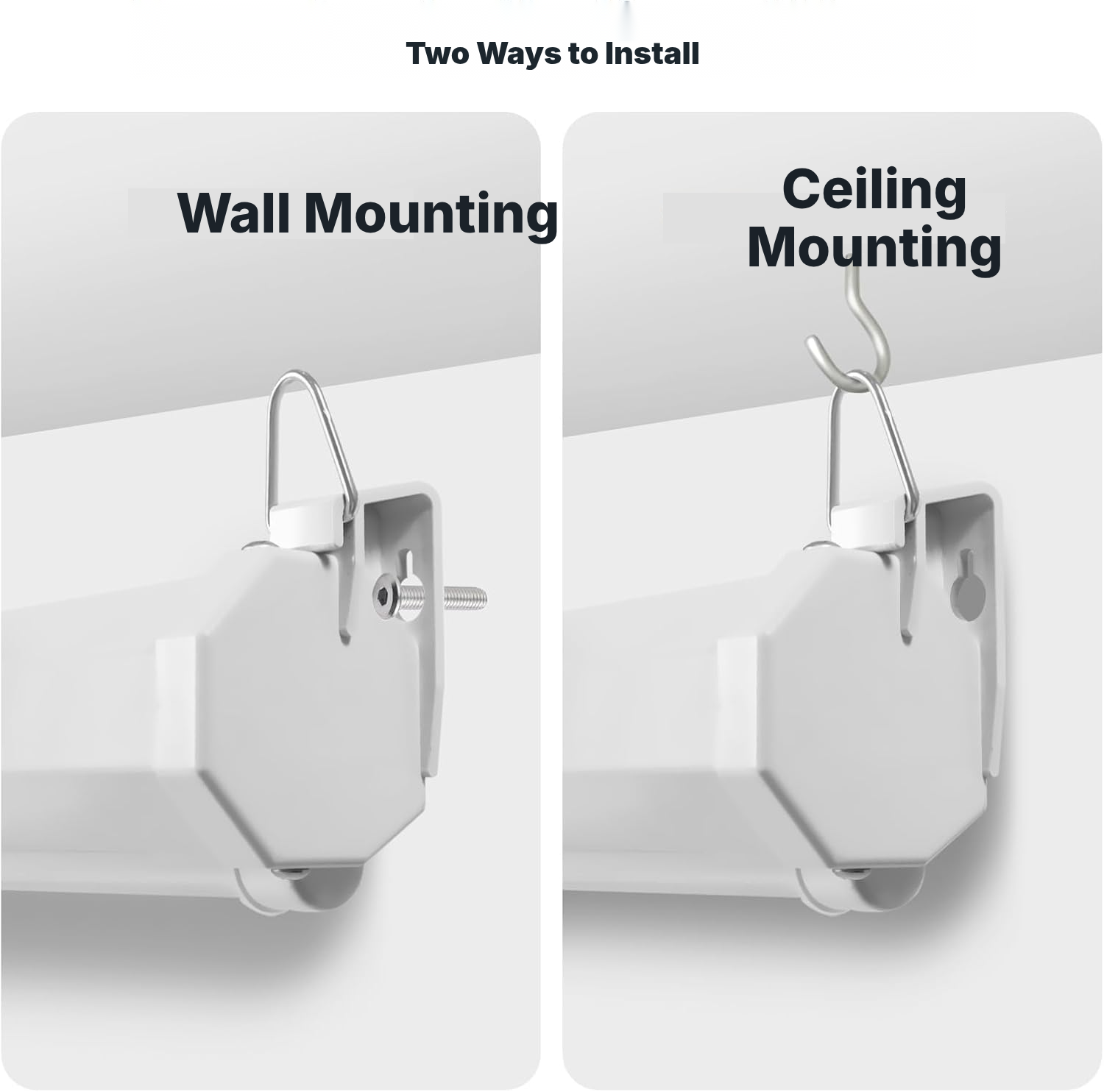
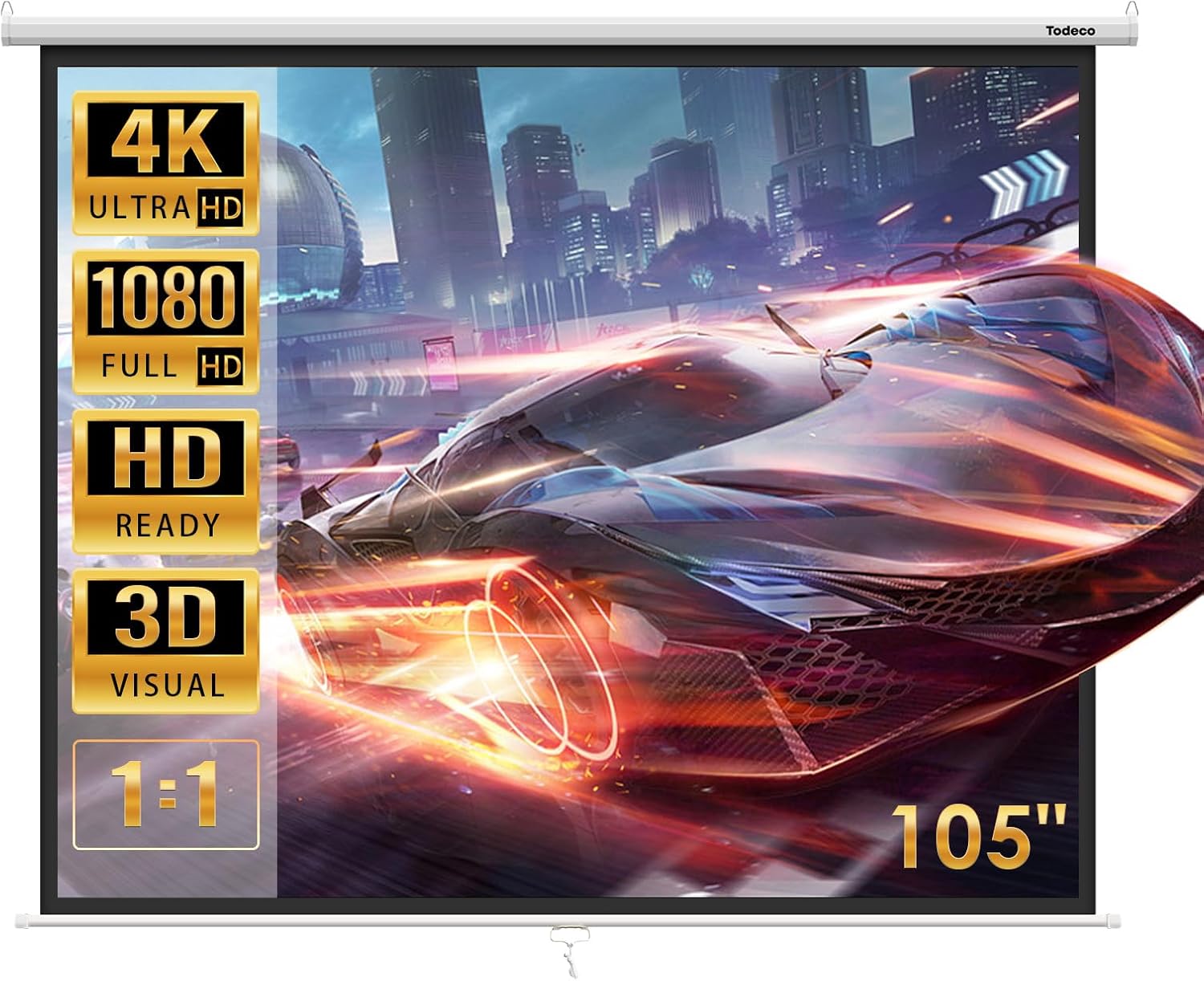
Mount the screen on the wall or ceiling according to the room layout.
Weddings, parties and events
Create a retractable projection surface for occasional events.
This motorised projector screen in detail
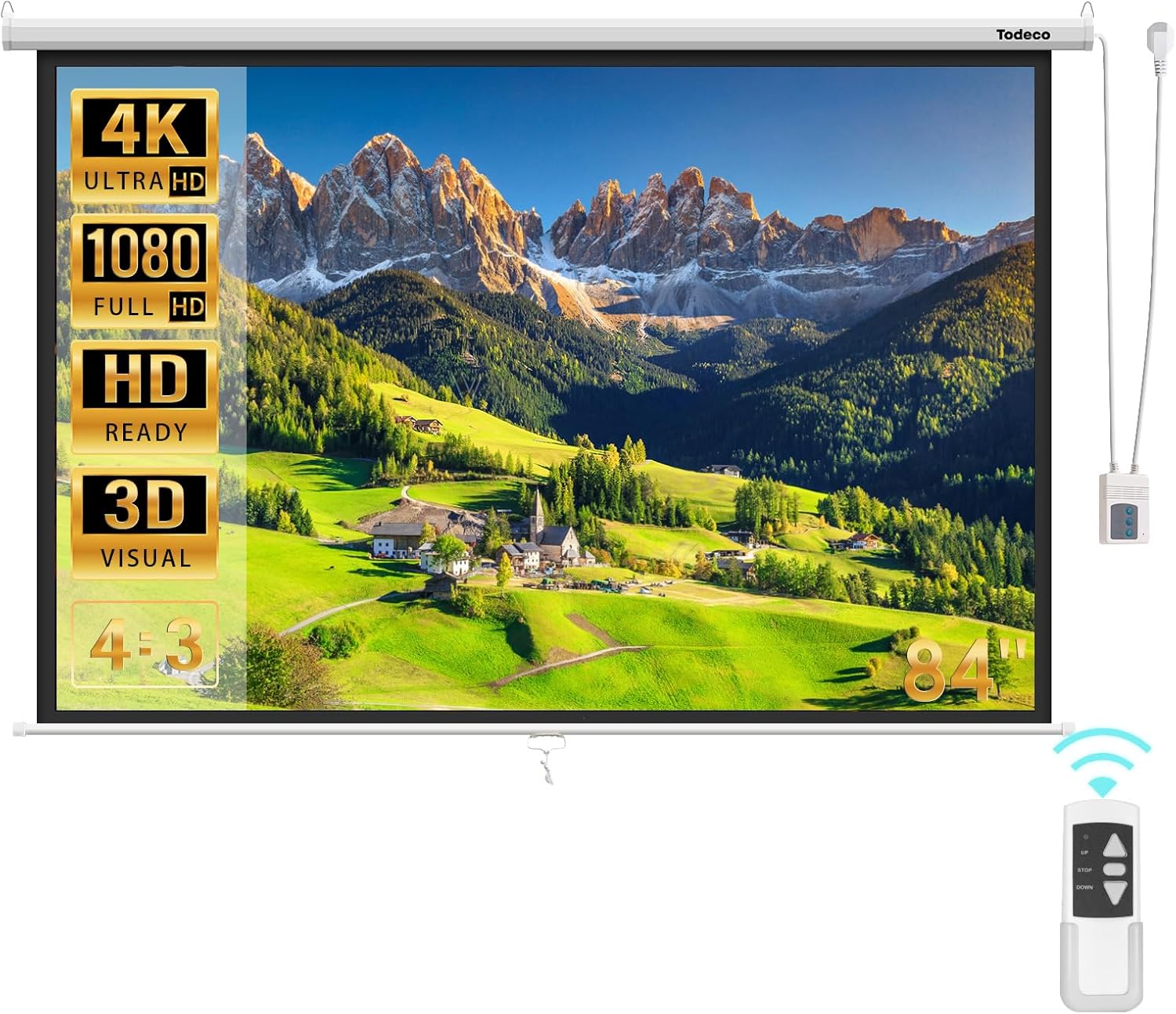
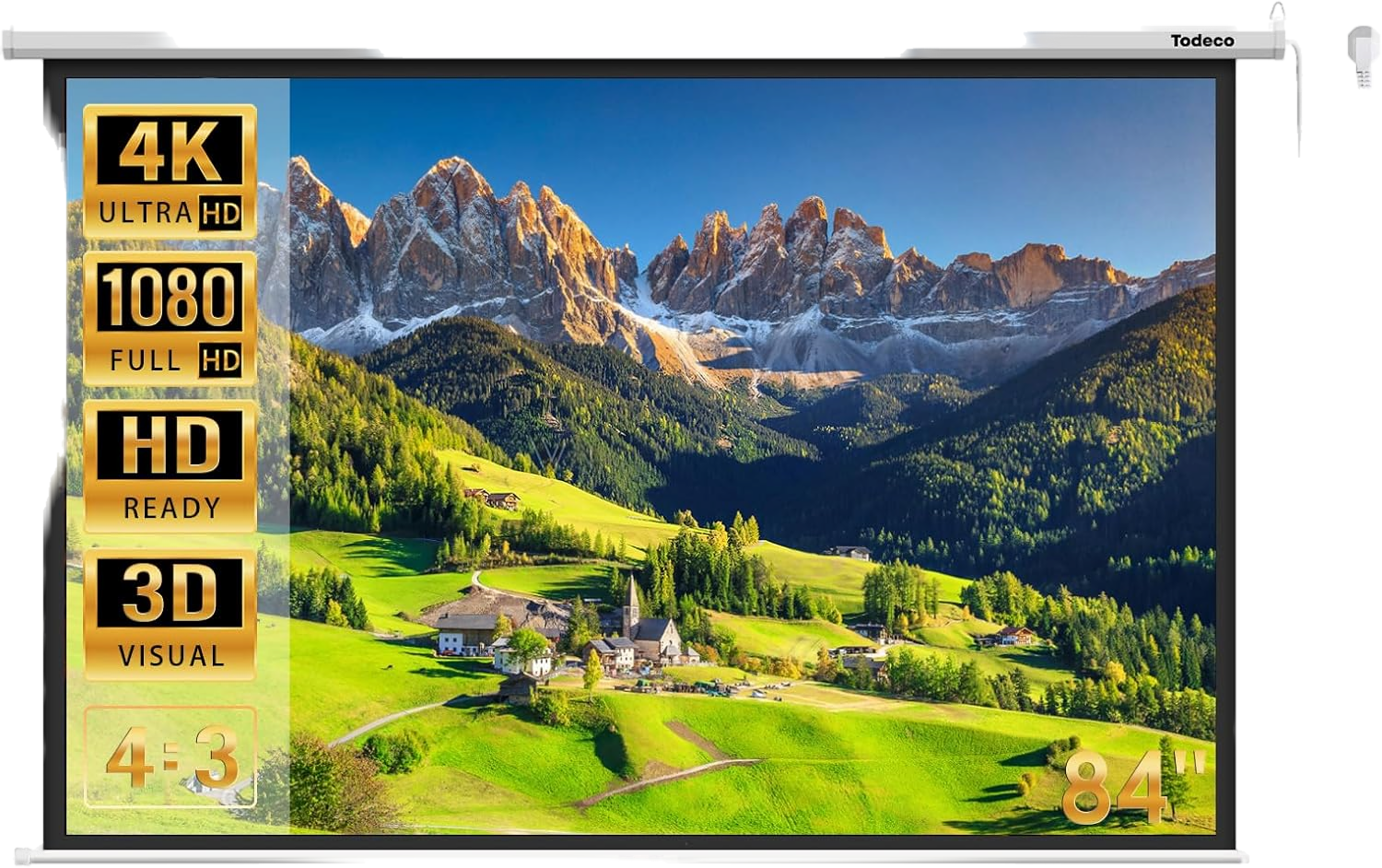
This pull down movie screen offers a 4:3 format that can be adjusted to 16:9 by changing the height of the projection area. Adapt the display to films, video games, lessons or slides.
Its fully black material, with a black PVC backing, limits light penetration. The matte finish helps provide more even reflection, while compatibility with LED, LCD and DLP projectors makes integration with your equipment straightforward.
Control the screen up and down from the switch box or the wired or wireless remote control. The locking system lets you stop the screen at your preferred height, while the green indicator confirms that it is powered on.
Looking for a projector and pull down screen setup? This screen provides the motorised pull-down surface; choose your projector separately to match your room and content.
Wall-mounted projector screen installation
- Unpack the screen carefully.
- Secure the wall brackets or two ceiling hooks with suitable fixings, checking that they are perfectly level.
- For wall mounting, hang the bracket rings on the installed screws or nails.
- For ceiling suspension, lock the end-cap attachments onto the hooks.
- Connect the power and check that the green indicator on the box is lit.
- Use the up/down switches on the box or the remote control to operate the screen.
Choosing a ceiling projector screen
- Choose wall mounting or ceiling suspension according to the space.
- Use perfectly level supports and fixings suitable for your wall or ceiling.
- Check that your LED, LCD or DLP projector supports the desired 4:3 or 16:9 format.
- Provide a dry area away from heat sources, with enough clearance for the screen to move.
- Darken the room properly for the best projection conditions.
Caring for your projector screen
- Regularly check the tightness and condition of the supports, screws and hooks.
- Handle the remote control carefully.
- Unpack and handle the screen without impacts or drops.
Projector screen specifications
- Brand
- Todeco
- Projection surface
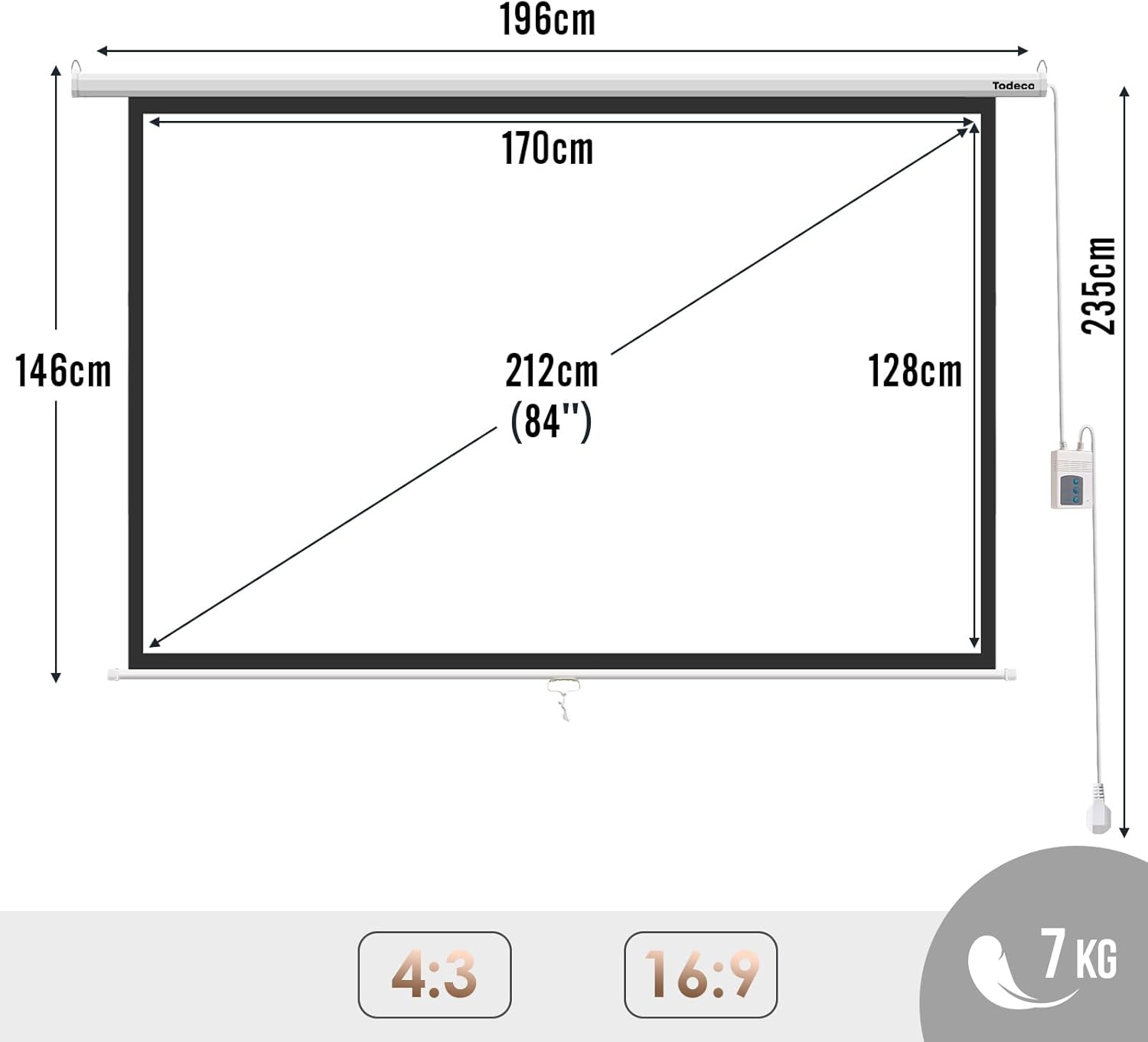
- 128 × 170 cm
- Nominal diagonal
- 84 pouces
- Weight
- 5.7 kg
- Format
- 128 × 170 cm
- Operation
- Motorised
- Control
- Switch box and wired or wireless remote control
- Compatibility
- LED, LCD and DLP projectors; HD, 4K and 3D content
- Mounting type
- Wall mounting or ceiling suspension
- Surface finish
- Matte
- Back material
- Black PVC
- Power indicator
- Green indicator
- Reference
- 0411-T-1
Projector screen questions answered
How do I install a pull down projector screen on a wall or ceiling?
Both supports must be perfectly level.
Will this projector with pull down screen work with my projector?
It is compatible with most LED, LCD and DLP projectors and supports HD, 4K and 3D content. Also check that your projector supports the selected 4:3 or 16:9 format.
Can I change the screen from 4:3 to 16:9?
Set the 16:9 format by adjusting the height of the projection area. This change may reduce the usable surface compared with the 4:3 format.
Does ambient light affect the image on a home movie projector screen?
For the best image, however, use the screen in a properly darkened room.
Is the motor on this automated projector screen noisy?
Operation is designed to be smooth and quiet. Noise may occur if the installation or mechanism is misaligned.
What can I do if the projector screen motor remote stops working?
The switch box lets you control the screen going up and down directly. Handle the remote control carefully to help prevent damage.
Why does my motorised projector screen stop while moving?
Press the release button until the screen is fully separated from its support, then wait for it to realign. Next, check the connection and make sure the green indicator is lit.
Can I use this home theater projector screen outdoors?
It can be used for certain events, but the installation must be protected from moisture, heat and conditions that could affect the mounting or motor.
Is a motorized movie screen resistant to moisture and heat?
Avoid prolonged use in a high-temperature environment to help preserve the motor.
How should I protect the screen surface during installation?
Before use, ensure the path for raising and lowering the screen is clear and unobstructed.
Customer reviews
You may also like
Ready to go?
Shipping included · 30-day returns